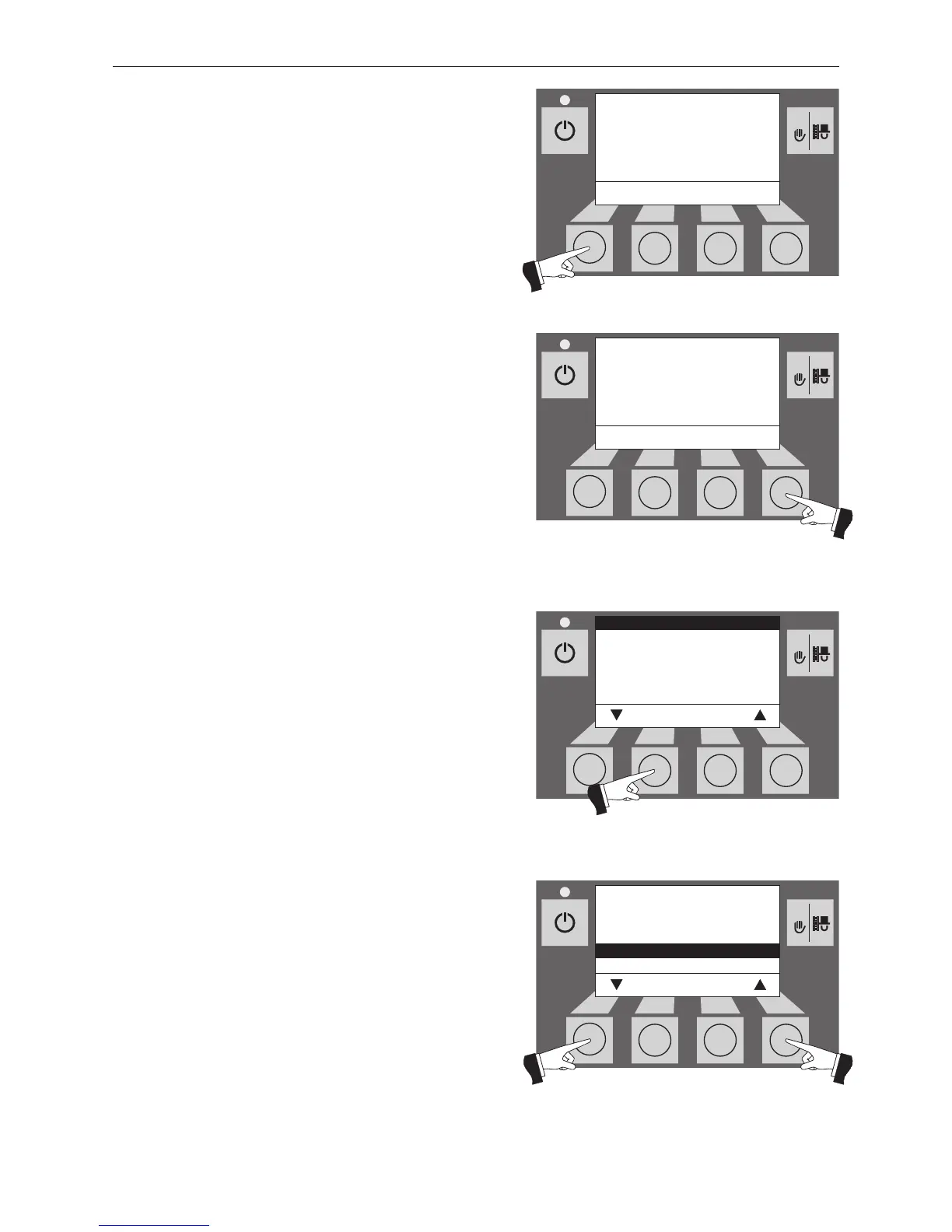
Pressing one of the six buttons switches the lighting and
display on – Fig. 99.
Press the Menu button – Fig. 100.
Confirm the selected menu item “Operator level” by pres-
sing the Choose button – Fig. 101.
The arrow buttons select the “probe switching” sub-menu
– Fig. 102.
1 only displayed when an MESplus control is present and this has been adjusted by a
trained service technician in the basic settings.



 To Next Page