EasyManua.ls Logo

Winmate M101BK - User Manual

Winmate M101BK
64 pages
Print Icon
To Next Page IconTo Next Page
Loading...
Please read this instructions carefully before using this product, and save this manual for future use.
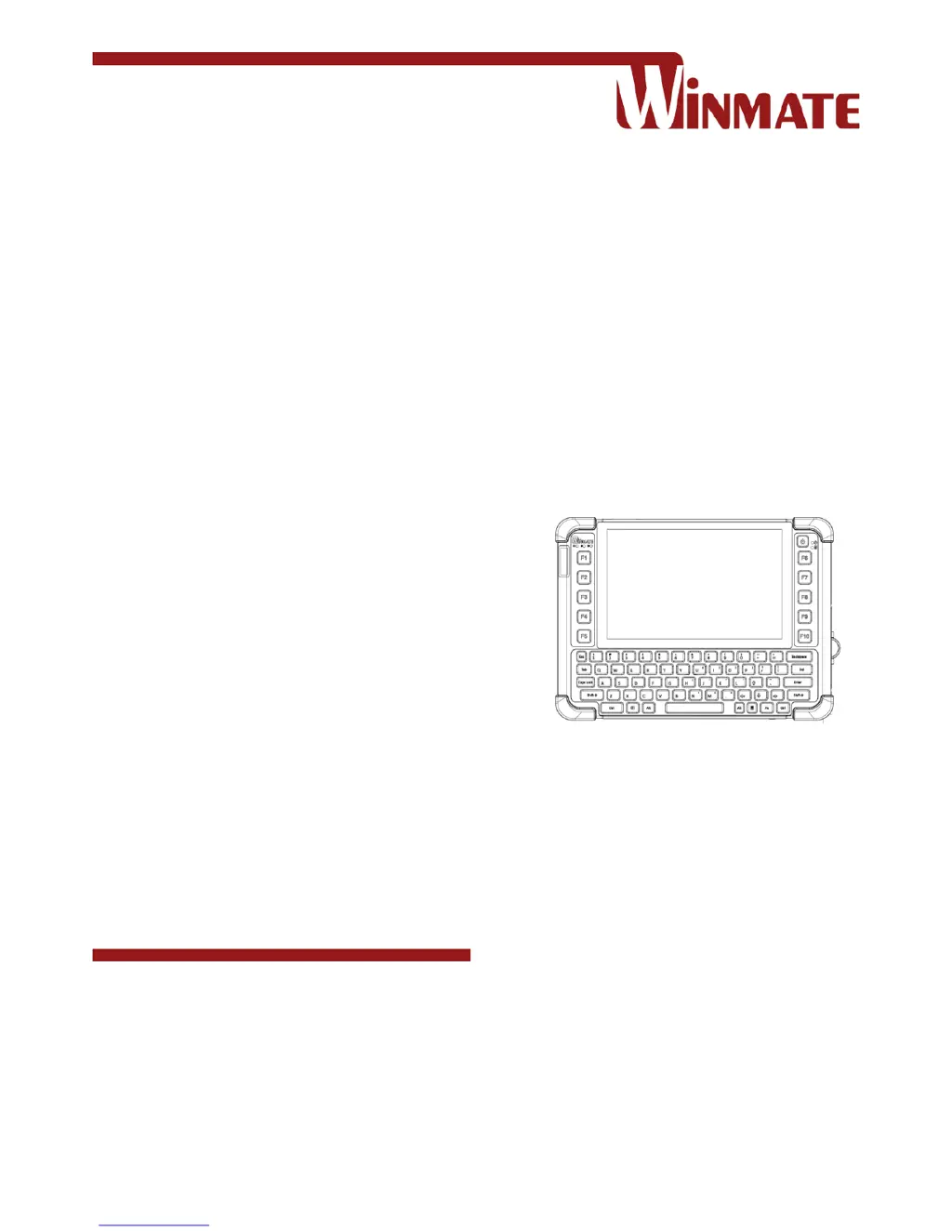
M101BK
Rugged Windows Tablet
Intel® Quad-Core™ N2930 Bay Trail-M
User Guide
Document part number: 9171101K100G
Version 1.0

Other manuals for Winmate M101BK

Questions and Answers

  • J
    Jeff GrayAug 21, 2025
    Why does nothing appear on my Winmate Tablet screen?
    • R
      Robert WangAug 22, 2025
      If nothing appears on the screen of your Winmate Tablet, it might be in sleep mode. Try pressing the power button to wake up the display. Alternatively, the brightness level could be too low, so try increasing the brightness.
  • D
    Doris FoxSep 4, 2025
    What to do if Winmate M101BK Tablet barcode scanner does not emit laser beam?
    • E
      Elaine HendersonSep 4, 2025
      If the barcode scanner on your Winmate Tablet does not emit a laser beam and does not seem to work, ensure that the Barcode scanner device is enabled in Winset.
  • T
    tguzmanSep 2, 2025
    How to fix no sound on Winmate Tablet?
    • A
      Alex MackSep 2, 2025
      If no sound is produced on your Winmate Tablet, adjust the volume using the volume rocker. If you are using an external audio device, ensure that the cable is properly connected.
  • W
    Willie CrawfordSep 1, 2025
    What to do if GPS cannot find location on Winmate Tablet?
    • E
      eyoungSep 1, 2025
      If the GPS on your Winmate Tablet cannot find your location, make sure that GPS is powered on in Winset. Also, ensure that the GPS receiver and the location sensor are enabled in Control Panel. The tablet may be out of the coverage area, so move it outdoors or closer to a window. Finally, move the tablet away from objects that may be causing interference.
  • K
    kevin67Aug 30, 2025
    How to improve GPS accuracy on Winmate M101BK Tablet?
    • R
      roger14Aug 30, 2025
      When using the GPS on your Winmate Tablet, it is recommended to disable the Barcode Reader in Winset to reduce interference and potentially improve accuracy.
  • J
    Jeanette BaldwinAug 29, 2025
    Why can't my Winmate Tablet connect to Bluetooth device?
    • D
      davidsonjacobAug 29, 2025
      If your Winmate Tablet cannot connect to another device with Bluetooth, make sure that both devices have Bluetooth powered on in Winset. Ensure that the distance between the two devices is within 10 meters and there are no obstructions like walls between them. Also, verify that both devices are powered on, configured to be discoverable, and are compatible with each other.
  • J
    Jason BurnettAug 27, 2025
    Why is my Winmate M101BK Tablet removable battery not charging?
    • A
      Annette JacksonAug 28, 2025
      If the removable battery of your Winmate Tablet is not charging, ensure that the AC adapter is properly connected and that the removable battery is properly inserted.
  • C
    cantrellaustinAug 27, 2025
    How to fix Winmate Tablet not connecting to wireless LAN?
    • S
      Sean GallegosAug 27, 2025
      If your Winmate Tablet cannot connect to another wireless LAN device, ensure that the wireless LAN feature is powered on. Verify that the SSID setting is the same for every wireless LAN device in the network. You can also try restarting the tablet. Finally, check that the IP address or subnet mask setting is correct.
  • A
    Aaron BooneAug 25, 2025
    What to do if my Winmate M101BK Tablet screen turns blank?
    • T
      tuckerallisonAug 25, 2025
      If the screen of your Winmate Tablet suddenly turns blank and the power indicator goes off, ensure that the LED indicator is not powered off in Win-Set. Also, check that the AC adapter is properly connected. If you're running on battery power, the battery may be depleted, so try charging it.
  • K
    Kathleen BoyleAug 23, 2025
    What to do if wireless LAN signal quality is poor on Winmate M101BK Tablet?
    • J
      Joshua McdonaldAug 23, 2025
      If you are experiencing poor wireless LAN signal quality on your Winmate Tablet, the device may be out of range. Try moving the tablet closer to the access point or another wireless LAN device associated with it. Also, check for potential interference from devices like microwave ovens or cordless phones, and move the tablet away from these sources.

Winmate M101BK Specifications

General IconGeneral
BrandWinmate
ModelM101BK
CategoryTablet
LanguageEnglish

Related product manuals