public 9
om_yxm_installation.fm document release 1.1 last updated 30/9/15
YOXIMO owner manual
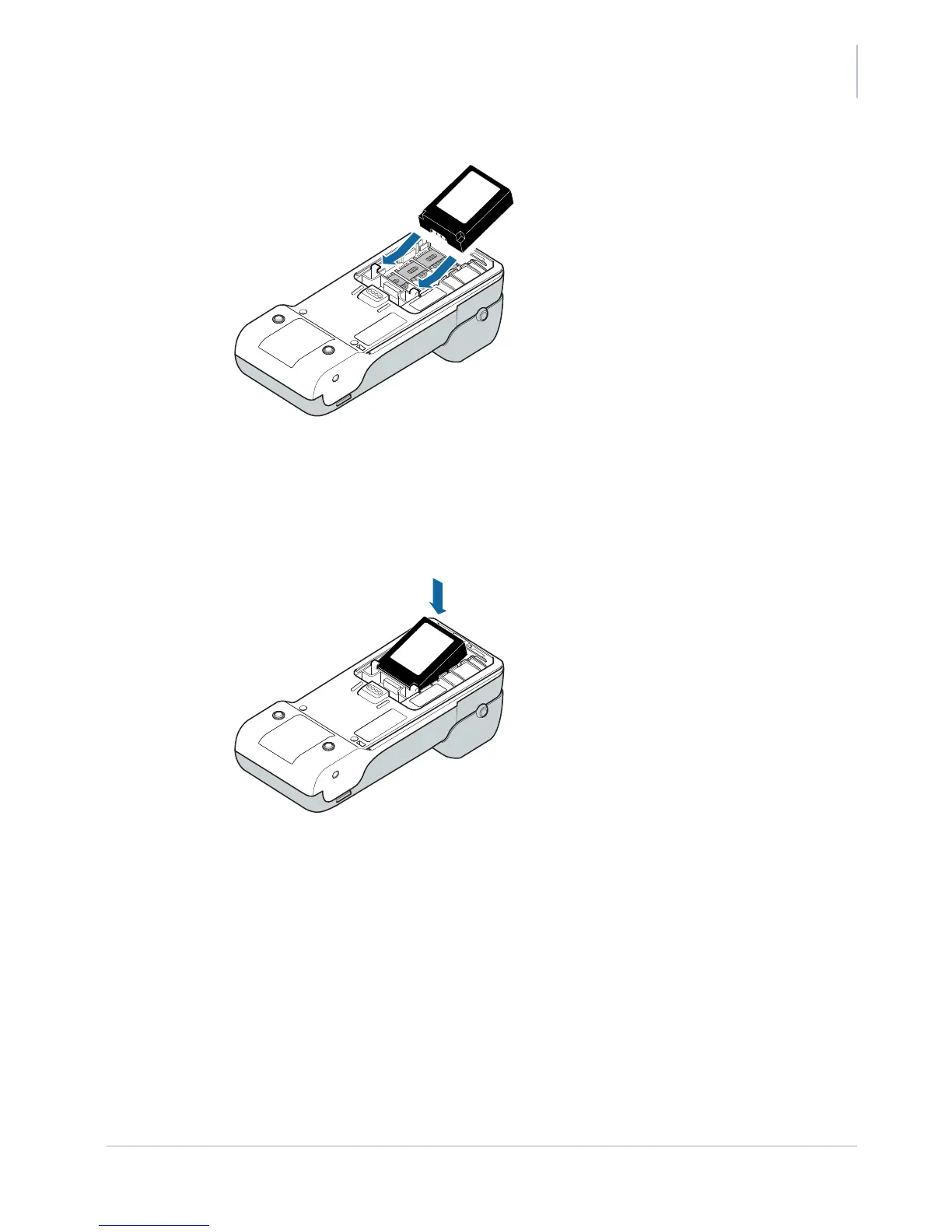
Figure 8. Positioning the battery
Position the battery with the label facing upwards and the battery contacts facing
forwards.
4. Make sure that the battery contacts touch the ones in the terminal, then press the battery
down until you hear a click.
Figure 9. Clicking the battery into place
5. Position the battery cover on the terminal, then slide it forwards until you hear a click.



 To Next Page