public 11
om_yxm_installation.fm document release 1.1 last updated 30/9/15
YOXIMO owner manual
Loading printer paper
•
only use Worldline-approved paper, which you can recognise by the Worldline approval seal
printed on the back of the paper.
To order paper from your local paper supplier, contact your vendor.
• do not remove the roller on the inside of the printer cover.
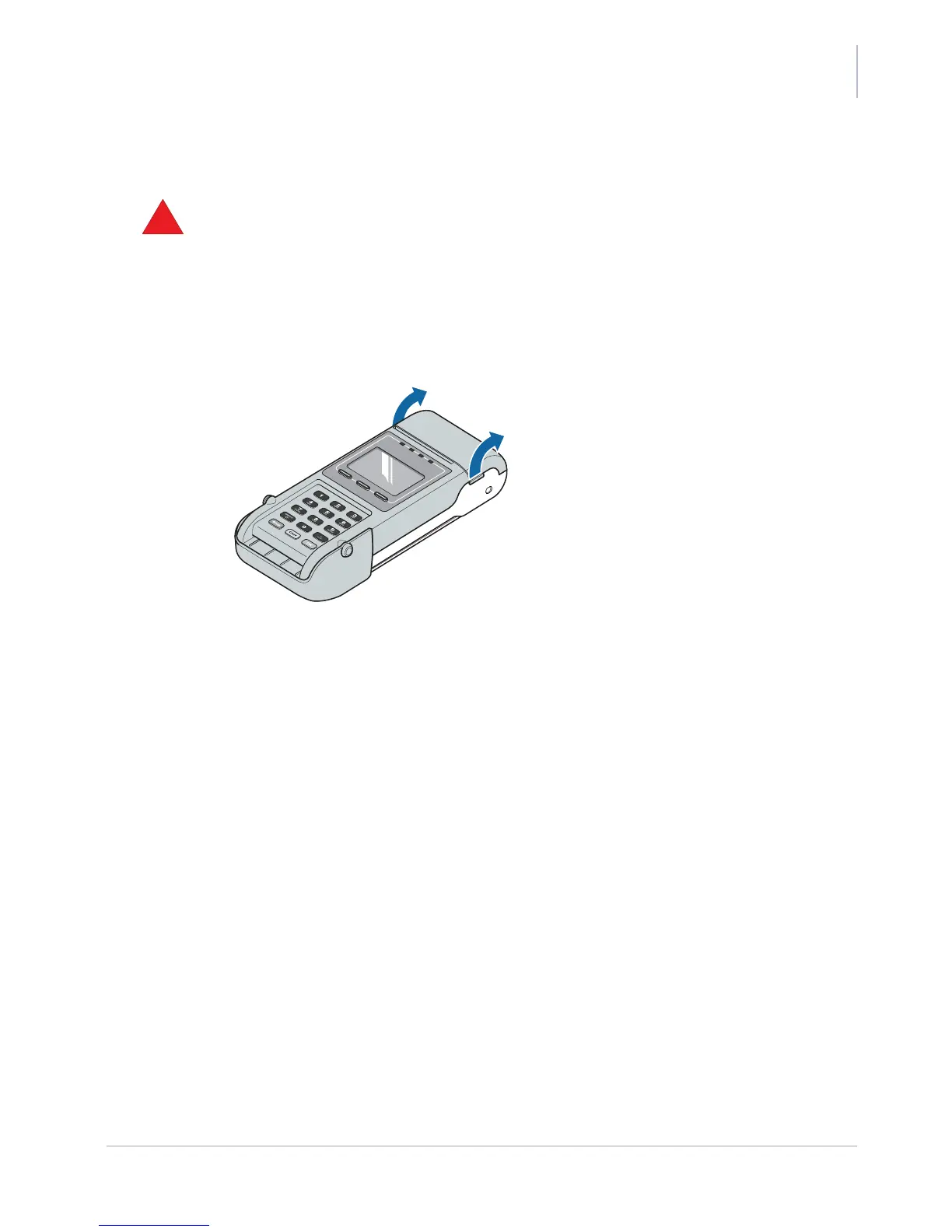
1. Open the printer cover.
Put your fingers on the notches at the left- and right-hand side of the printer cover, then
pull the cover open.
Figure 12. Opening the printer cover
2. Take a paper roll and unroll about 5 centimetres of it.
3. Insert the paper as shown on the sticker inside the printer compartment.
When inserting a paper roll, make sure that:
– the paper-holder is empty
– the paper is not cracked, wrinkled or sealed
– the paper comes out straight



 To Next Page