YOXIMO owner manual
18 public
last updated 30/9/15 document release 1.1 om_yxm_usage.fm
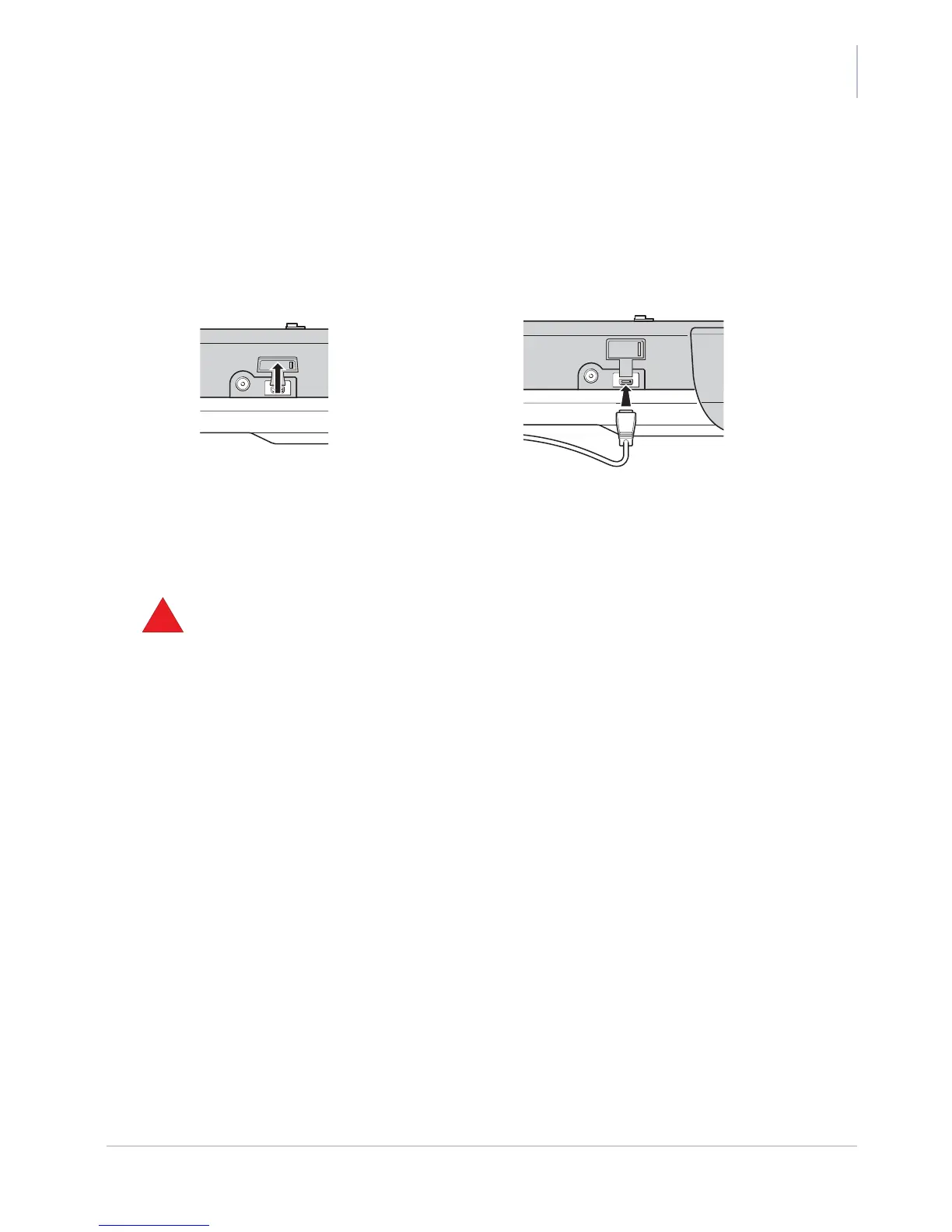
Connecting a USB peripheral
The YOXIMO terminal is equipped with a USB socket, for communication with external equipment
such as an ePOS terminal or a PC. The appropriate cable is available as an option. To find out
what equipment is supported, contact your vendor.
Figure 20. Connecting a USB peripheral to the YOXIMO terminal
To access the socket, open the small rubber cap with your fingers. Leave the cap connected to the
terminal so that the connector can be protected when not used.
• do not use a sharp object to remove the rubber cap



 To Next Page