public 16
om_yxm_usage.fm document release 1.1 last updated 30/9/15
YOXIMO owner manual
housing. You can slide the card in either direction. For reliable card reading, swipe the
card in one smooth movement.
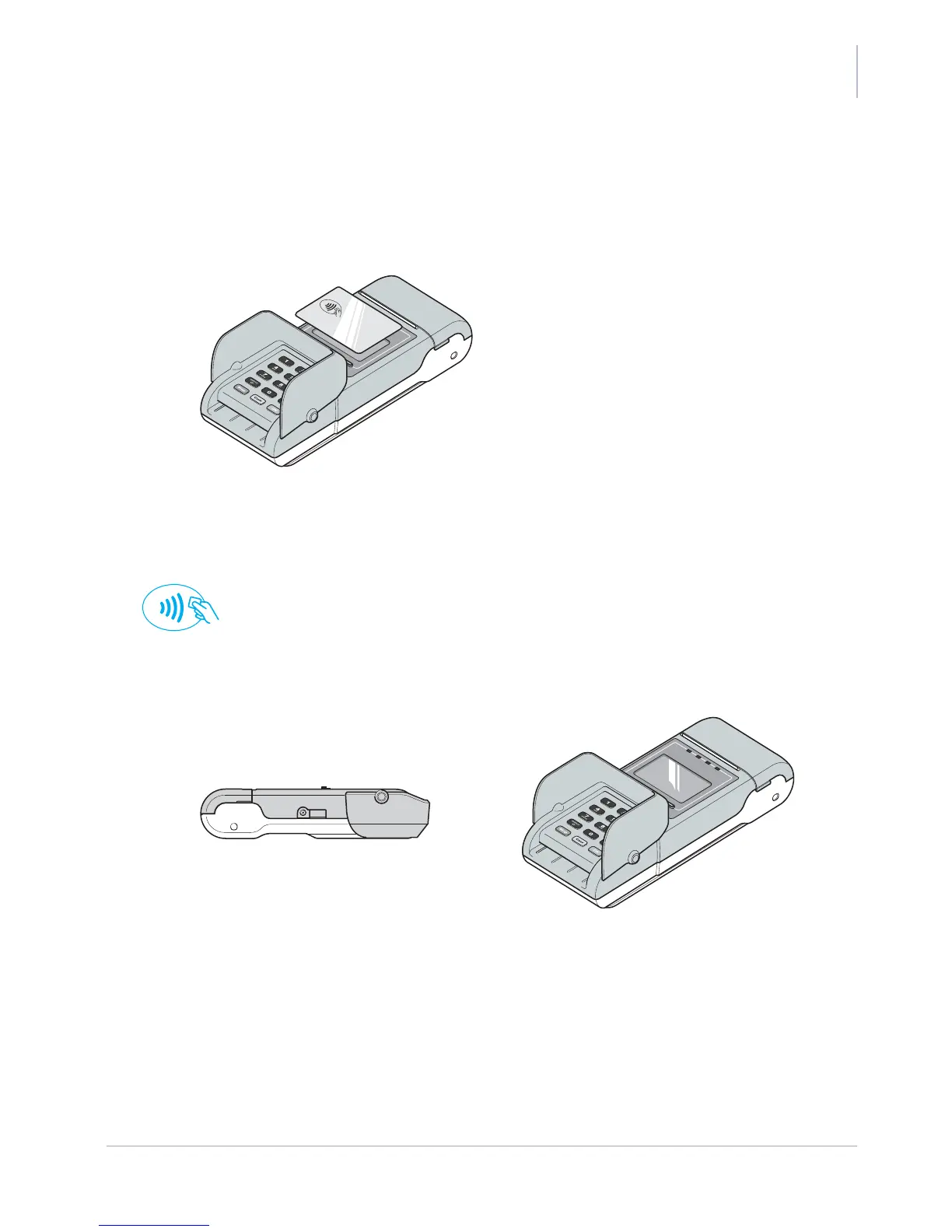
Reading a contactless card/device
Figure 17. Reading a contactless card/device
To reading a contactless card/device:
1. Hold the card above the display, centred on the landing point.
When the payment application supports contactless cards/devices, the landing-point
symbol appears on the display.
PIN privacy shield
Figure 18. PIN privacy shield – closed (left) and open (right)
The integrated YOXIMO privacy shield is to prevent shoulder surfing when entering a PIN. Raising
the privacy shield uncovers both the chip-card interface and the magnetic stripe reader so you can
operate the terminal.
When you are not using the terminal, fold in the privacy shield in. This makes the terminal flat and
easy to carry.



 To Next Page