public 13
om_yxm_installation.fm document release 1.1 last updated 30/9/15
YOXIMO owner manual
Powering up the YOXIMO for the first time
•
the first time you power up your YOXIMO, make sure it is connected to the power adaptor
• make sure the battery has been fitted, and that there is a roll of paper in the printer
To power up your YOXIMO for the first time:
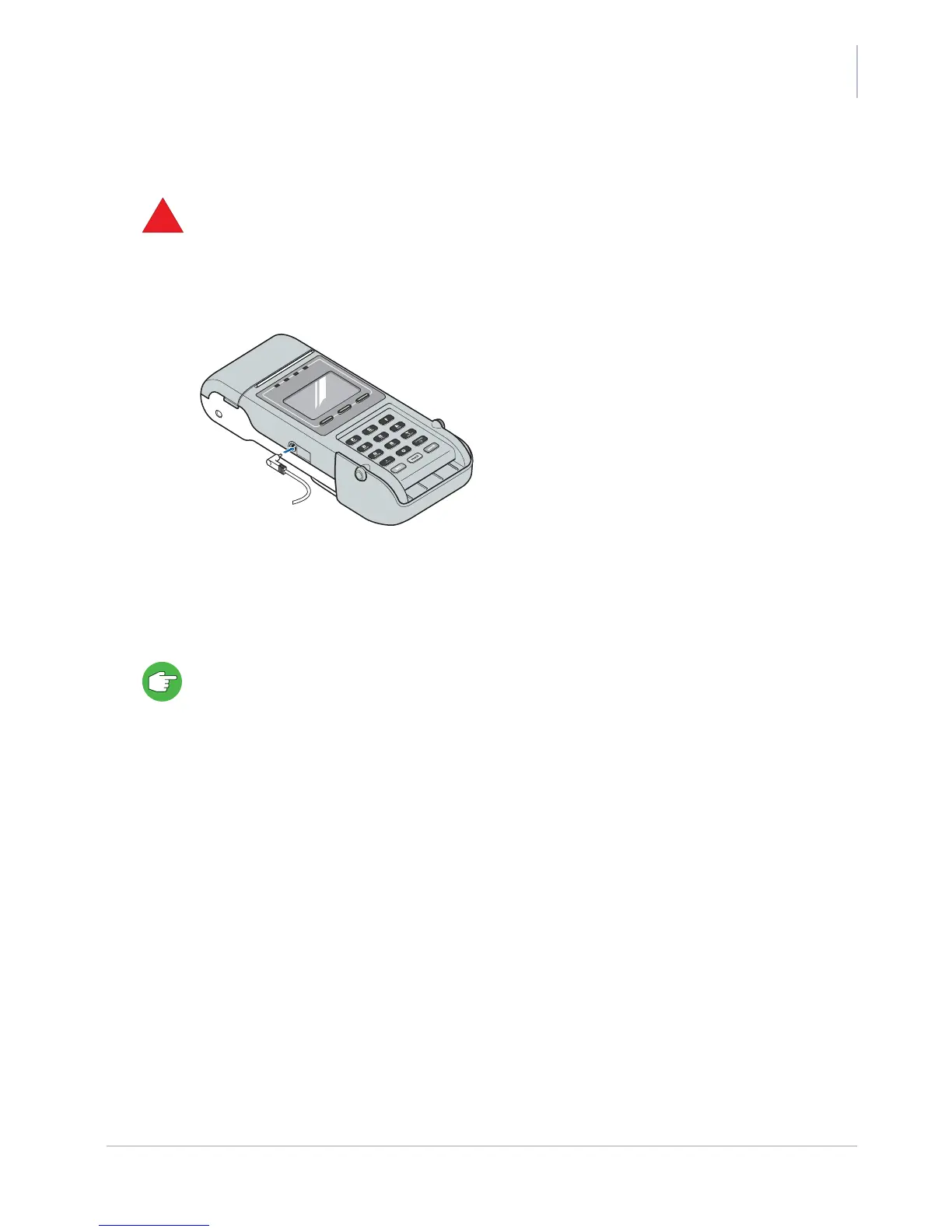
1. Plug the power cable from the mains adaptor into the socket on the left-hand side of the
YOXIMO terminal.
Figure 14. Plugging the power cable into the terminal
2. Connect the mains adaptor to a wall socket and wait for the YOXIMO keypad backlight and
display to light up.
This takes five minutes at most, depending on the state of the battery.
The battery that is delivered with your terminal is not fully charged. Charge the battery completely
before switching to battery-only operation. A complete charging cycle takes approximately 2.5
hours. The display indicates when the battery is fully charged.



 To Next Page