public 17
om_yxm_usage.fm document release 1.1 last updated 30/9/15
YOXIMO owner manual
Printer
How to insert a paper roll is described in Loading printer paper, on page 11.
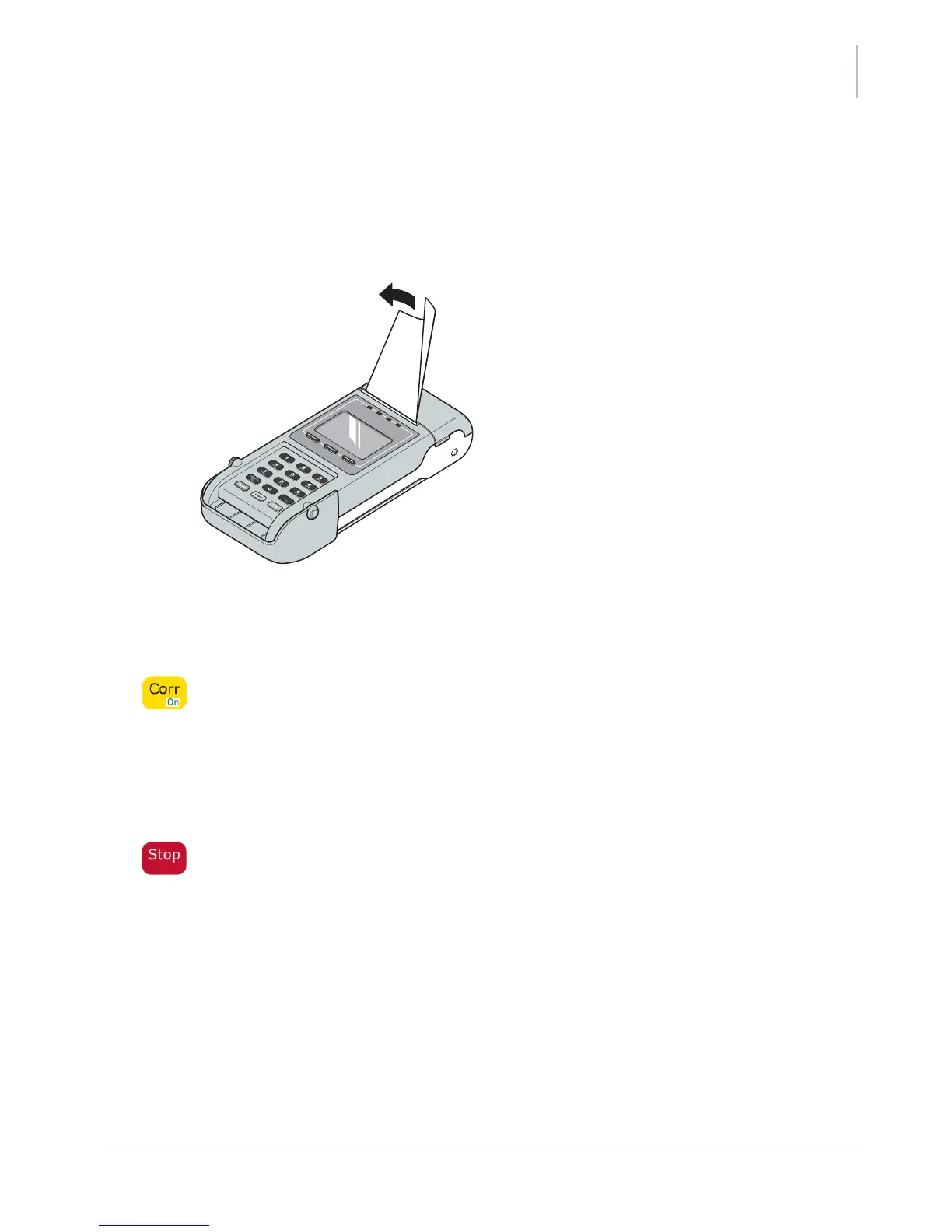
To tear off a ticket, hold the top of the ticket and tear the ticket off along the cutting edge. To avoid
damage, do not pull paper out of the printer.
Figure 19. Tearing off a ticket
Resetting the YOXIMO
To reset the YOXIMO, press the yellow Corr button for at least 5 seconds and wait for the terminal
to reboot.
If the Power down function is not supported by your application, you have to remove the battery,
wait for 10 seconds and insert the battery again.
Powering down the YOXIMO
To power down the YOXIMO, press the red Stop button for at least 5 seconds. In this mode the
battery consumes almost no energy. This function is useful when, for example, entering health
care facilities or when boarding an aircraft.
To power up the terminal, press the yellow On button again. It takes longer to power up a terminal
than it does to wake the terminal from sleep mode.
If the Power down function is not supported by your application, you have to remove the battery.



 To Next Page