YOXIMO owner manual
24 public
last updated 30/9/15 document release 1.1 om_yxm_accessories.fm
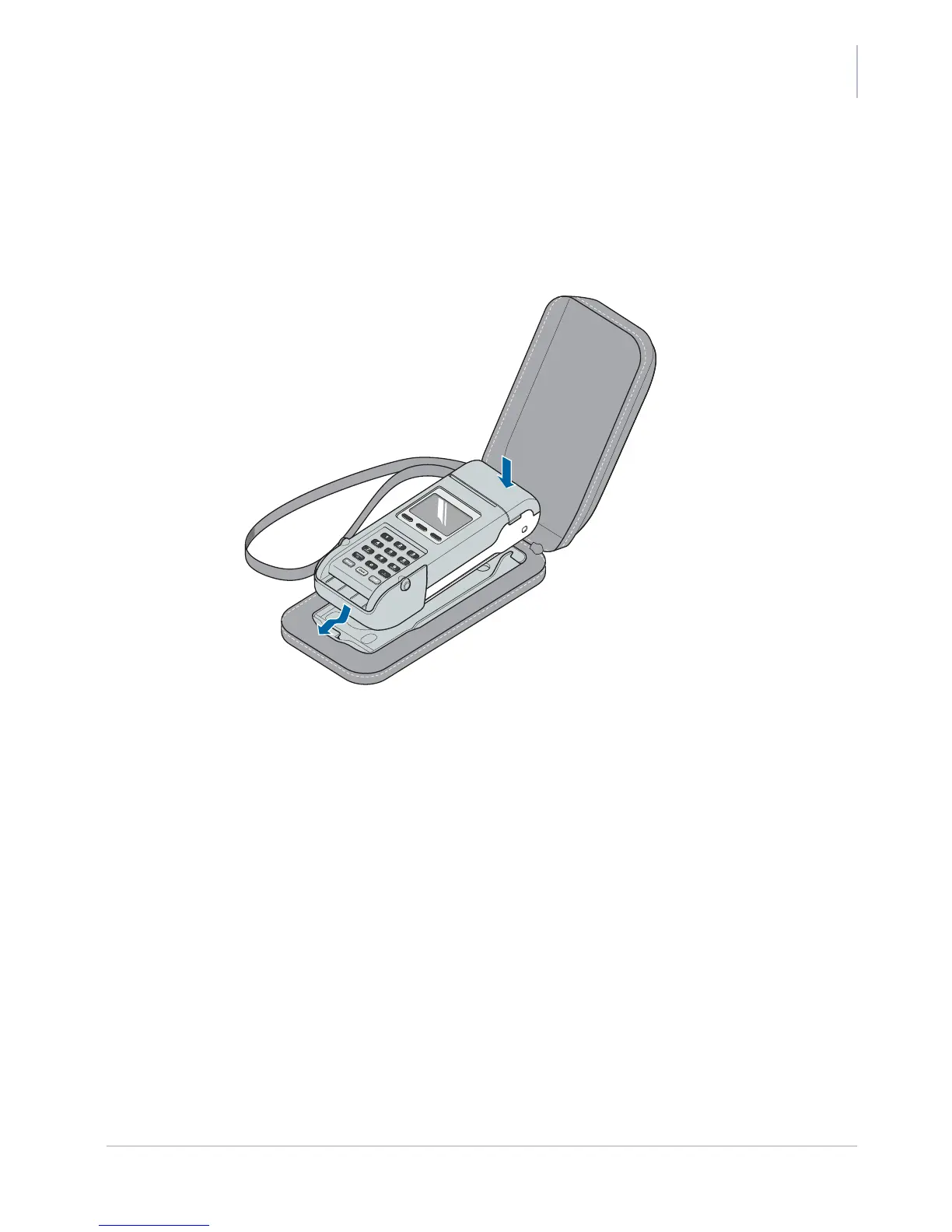
Clipping the terminal into the case
1. slip the recess at the front of the terminal over the tab at the front of the clip
2. line up the terminal between the two tabs (one either side of the terminal) at the back of the
clip
3. press the terminal down until it clicks into place
Figure 24. Clipping the terminal into carrying case



 To Next Page