YOXIMO owner manual
10 public
last updated 30/9/15 document release 1.1 om_yxm_installation.fm
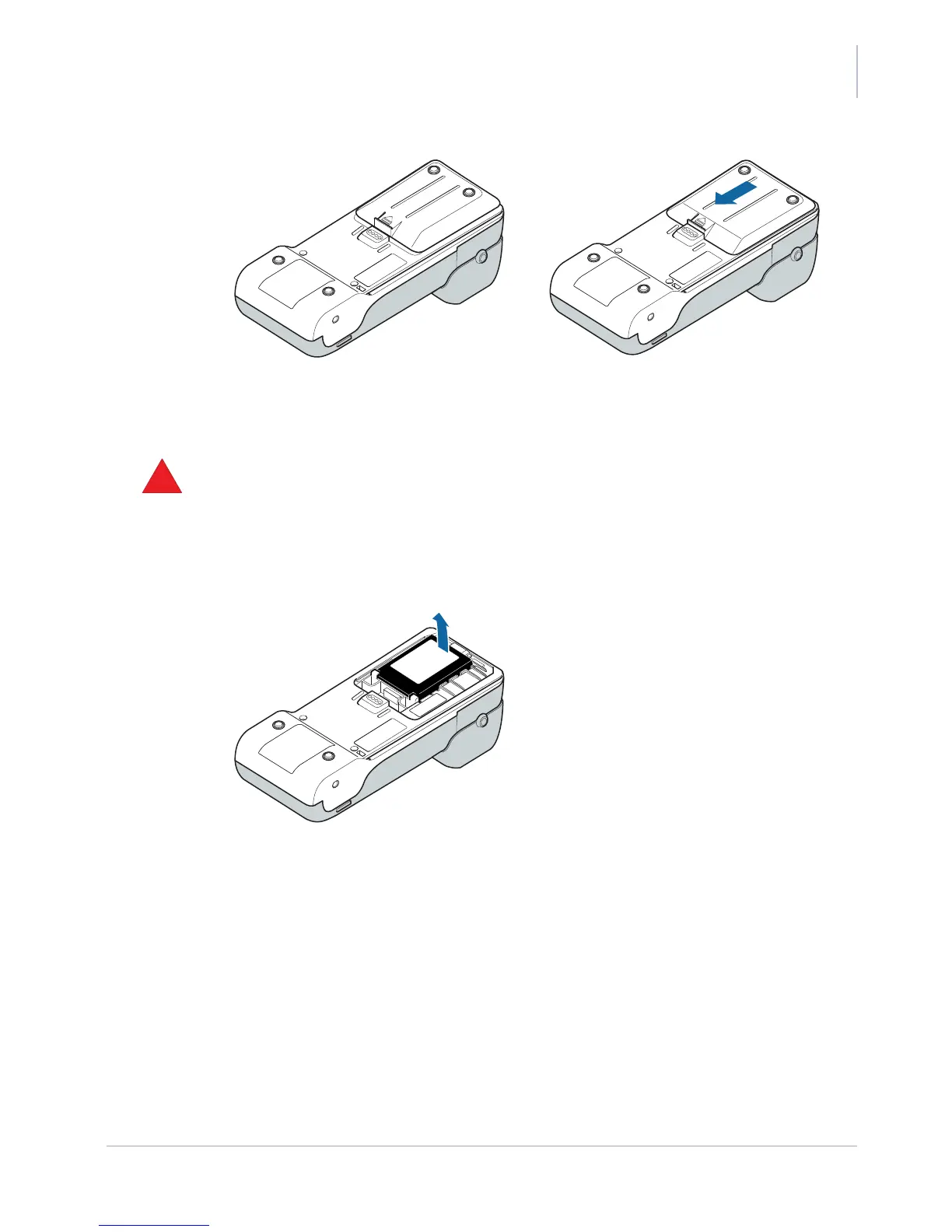
Figure 10. Closing the battery cover
Removing the battery
1. Always unplug the power adaptor before removing the battery
2. Put the PIN privacy shield in the upright position.
3. Remove the YOXIMO battery cover at the rear side of the terminal.
4. Lift the battery out of the terminal.
Never use a sharp or pointed object when removing the battery, because this may
damage the terminal
Figure 11. Removing the battery
5. Close the battery cover again.



 To Next Page