Multi 9310 Data storage
ba75937e03 12/2011 75
10 Data storage
You can transmit measured values (datasets) to the data storage:
z Manual data storage (see section 10.1 M
ANUAL DATA STORAGE, page 75)
z Automatic data storage at intervals (see section 10.2 A
UTOMATIC DATA STOR-
AGE AT INTERVALS, page 76)
Each data storage process transmits the current dataset to the interface at the
same time.
10.1 Manual data storage
You can transmit a measurement dataset to the data storage as follows. The
dataset is at the same time output to the interface:
If the data storage is
full
When all data storage locations are occupied, it is not possible to continue stor-
ing. Then you can e.g. transmit the stored data to a PC (see section 10.3.1
E
DITING THE MEASURED VALUE DATA STORAGE, page 78) and subsequently erase
the data storage (see section 10.3.2 E
RASING THE MEASUREMENT DATA STOR-
AGE, page 79).
1. Press the <STO> key shortly
.
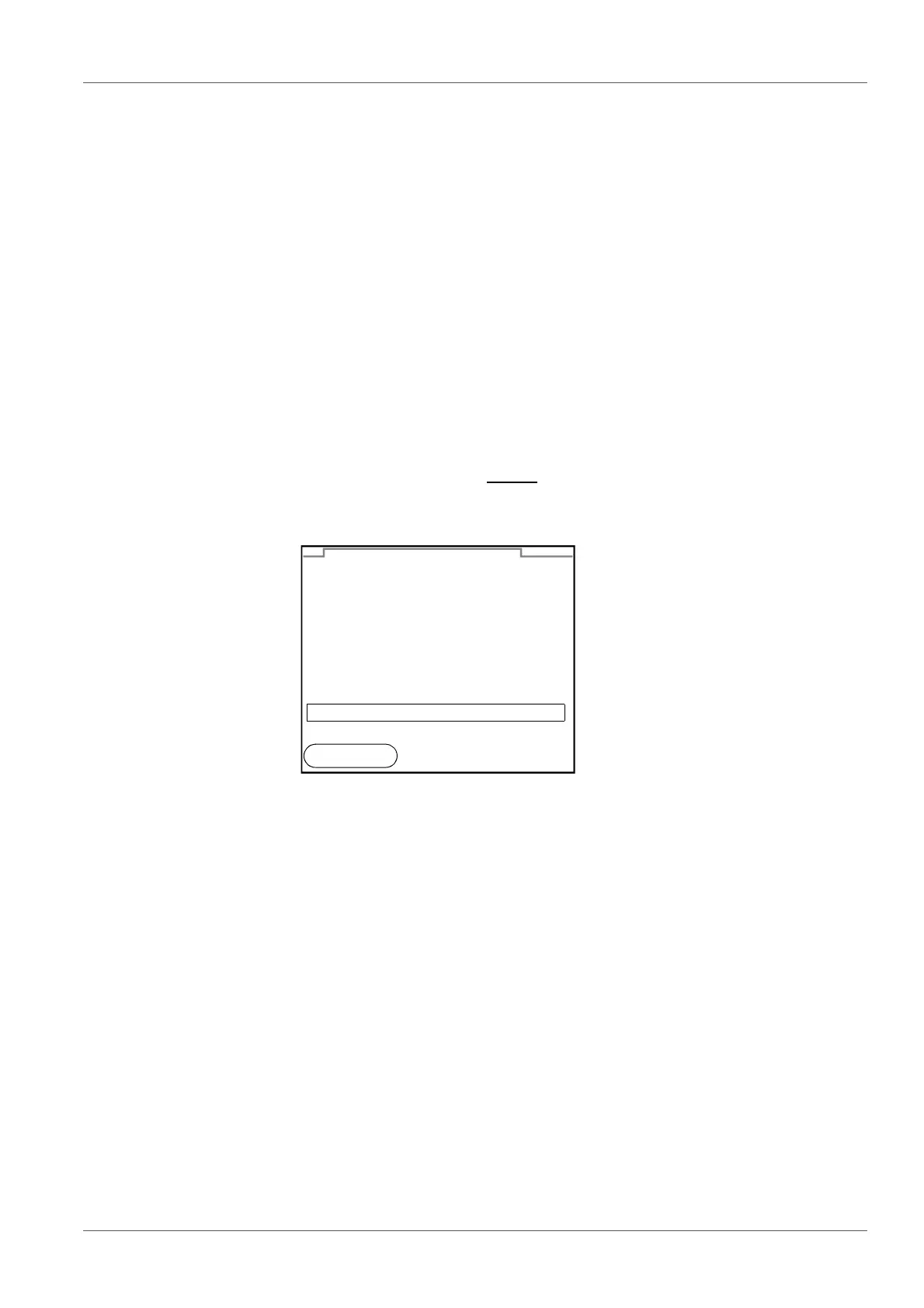
The menu for manual data storage appears.
2. If necessary, change and confirm the ID number (1 ... 10000) with
<S
SS
S><T
TT
T> and <ENTER>.
The dataset is stored. The meter switches to the measured value dis-
play.
01.07.2011 07:43:33
pH 7.000 24.8 °C AR +++
ID number: 1
continue
Manual data storage 4 von 500
01.07.2011
08:00
Back



 To Next Page