Page | 35
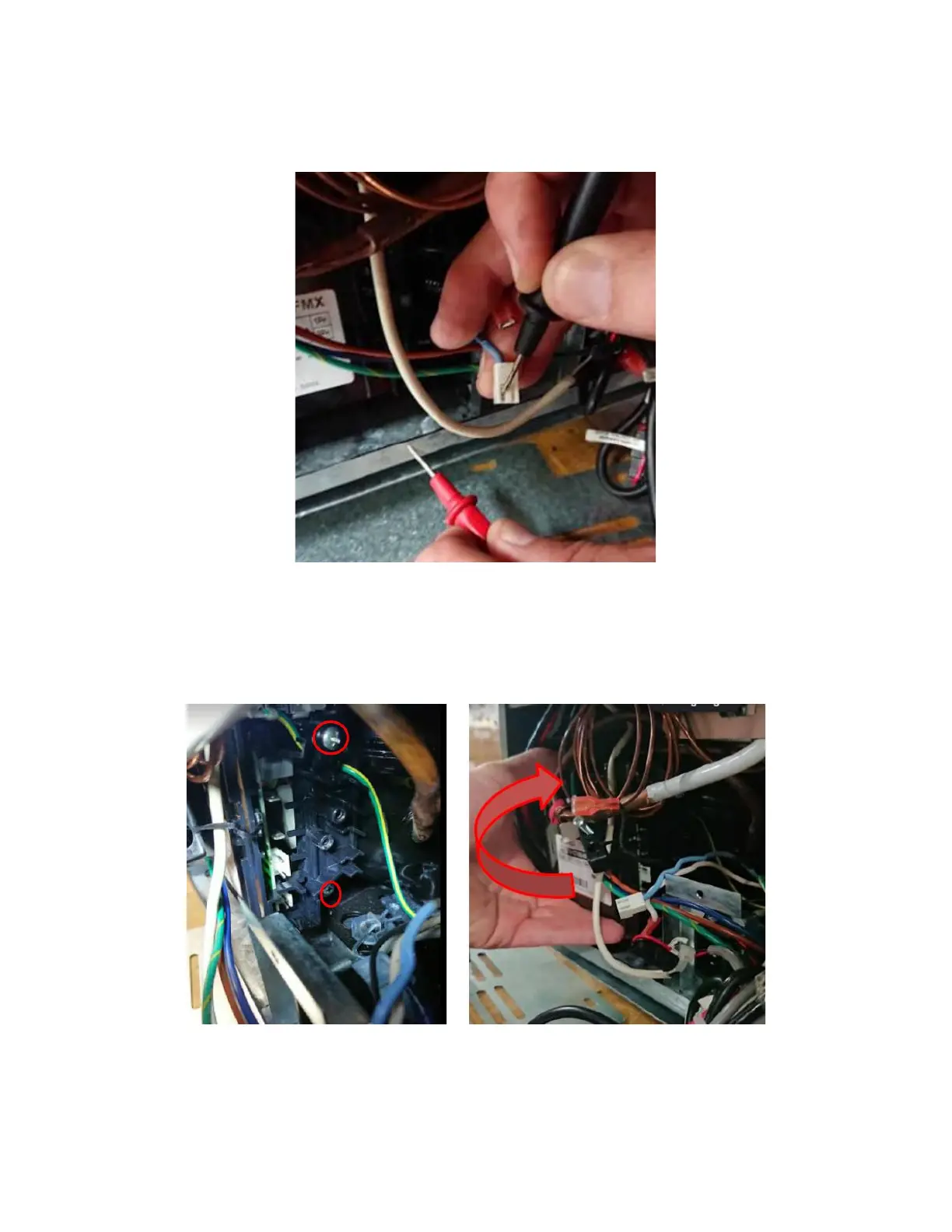
• Check voltage against chassis (Ensure the blue dot is on the display, meaning a signal is sent). The
signal should read 120V on the DVOM. See Figure 75. If no voltage, issue with main board, replace
the board.
xi. Remove Inverter if it is the problem:
• Locate screw for ground strain relief and final mounting screw. Remove with longest length tool. See
Figure 76.
• Lift and rotate inverter off the compressor. See Figure 77.
• Remove ground wire to get better access to inverter connection to the compressor. See Figure 78a
and 78b.



 To Next Page