Page | 47
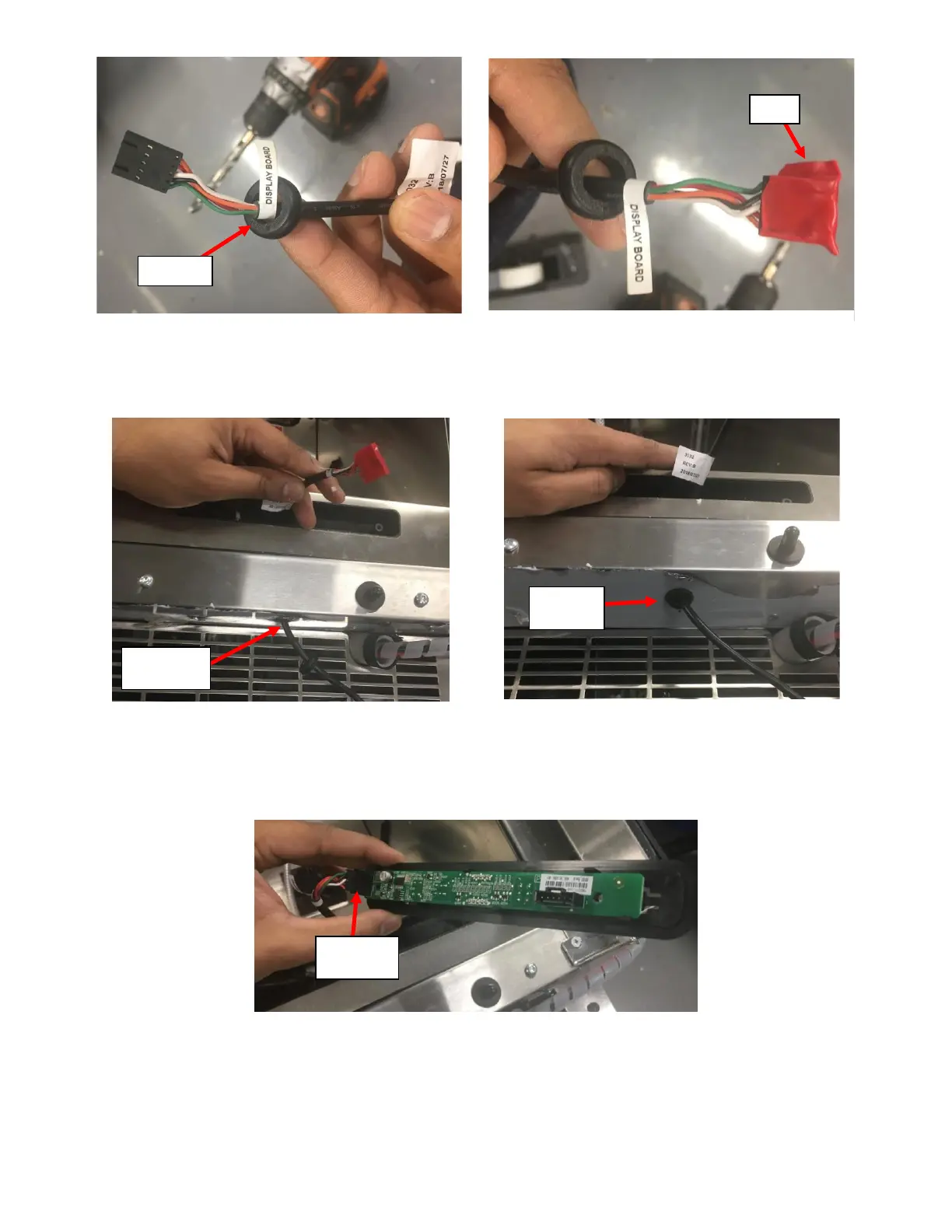
iii. Insert the Connector on the UI Harness through the bottom side of the Access Hole drilled in previous
step. See Figure 105a.
iv. Push the Grommet into the bottom side of the Access Hole to insert it. See Figure 105b.
f. Connect the UI Harness to the UI Board:
i. Remove the Electrical Tape over the Connector on the UI Harness and connect it to the UI Board. See
Figure 106.
ii. Pull the UI Harness into the UI Board Housing so that there is sufficient length in the housing. See
Figure 107.



 To Next Page