Page | 90
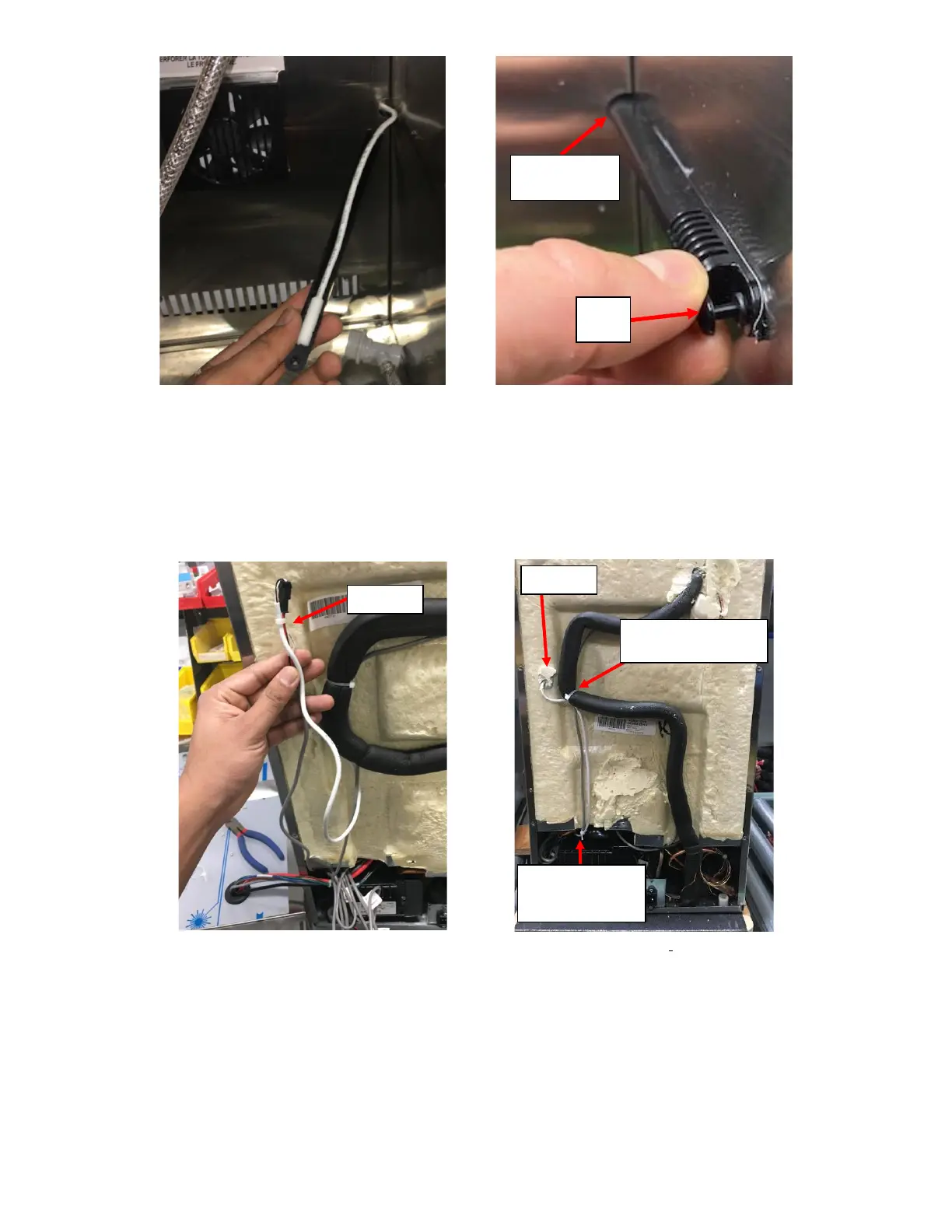
19. Connect the new Thermistor onto the existing harness and use cable tie to tie it together. See Figure L20.
20. Apply the putty removed to seal the penetration hole. If Putty is lost, use RTV Silicone. See Figure L21.
21. Use a Cable Tie to secure both the harnesses to the Insulated Copper Tubing and cut the Cable Tie to length using a
Cable Tie Cutter. Use another Cable Tie to secure the two harnesses together at the beginning of the foam cutout.
See Figure L21.
22. Roll the replacement UI Harness in a bundle with all the other loose wires and secure it in a bundle with the Cable
Tie supplied. See Figure L22.



 To Next Page