24 2 Printing
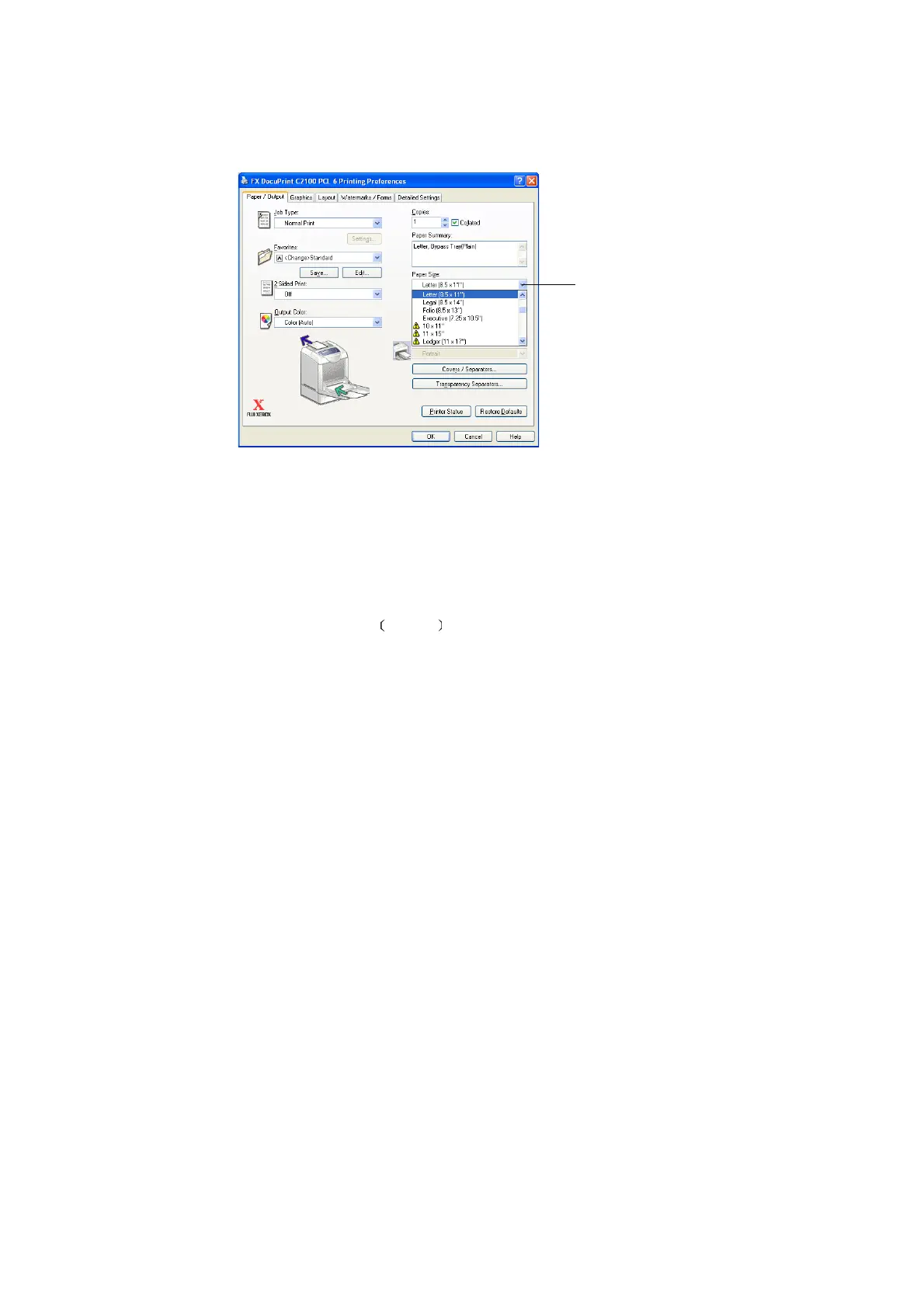
5. Select the appropriate paper type from [Paper Type for Bypass Tray] and click [OK].
6. From [Paper Size], select the size of the original document.
7. Click the [Layout] tab.
8. From [Output Size], select the size of the transparency, and then click [OK].
9. If the envelopes are loaded in the bypass tray, click [Booklet/Poster/Mixed Document/
Rotation] to display the [Booklet/Poster/Mixed Document/Rotation] dialog box
according to what you need.
10. Set [Image Rotation 180deg ] if necessary, and then click [OK].
11. Click [OK].
12. Click [Print] in the [Print] dialog box to start printing.
6


 To Next Page
 Loading...