101
Enhancing security
5
Registering users logging in
the product
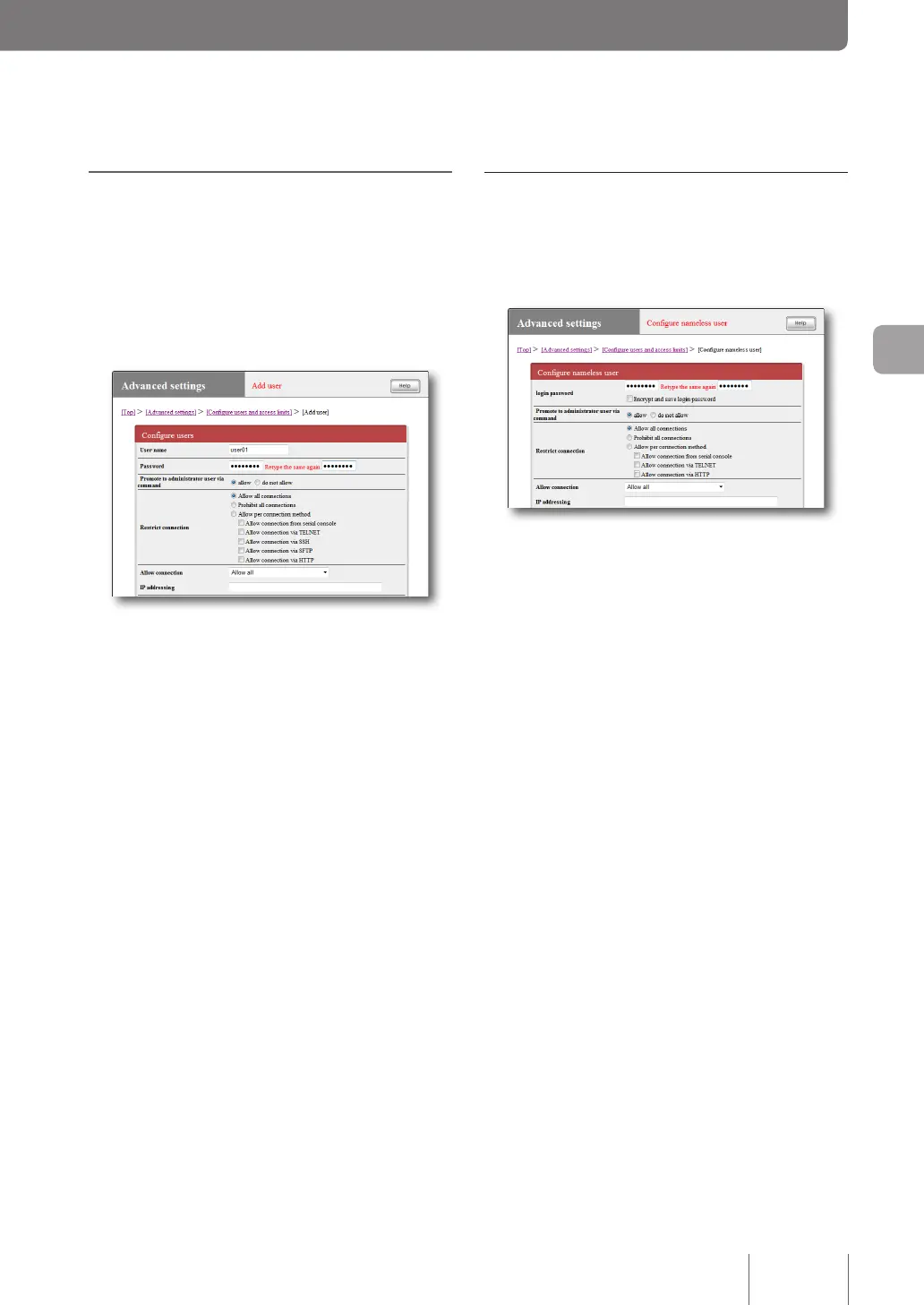
You can register users on the “Add user” screen, and restrict
users who can log in the product. This function enables you
to specify available services and other detailed rights for
each user, and therefore is convenient when you want to
set detailed access restrictions.
For more details on the settings, click “Help” on the setup
screen and refer to the description displayed.
To open the “Add user” screen
From “Basic conguration page”, click the buttons on the
setup screen in the following order:
▶ “Advanced settings” in the top page
▶ “Congure” of “Congure users and access limits(HTTP,
TELNET, SSH, SFTP)”
▶ “Congure” of the “Number of registered users” eld
You can also restrict access from
anonymous users
Access restriction for using anonymous users can be dened
by conguring the settings on the “Congure nameless
user” screen.
For more details on the settings, click “Help” on the setup
screen and refer to the description displayed.
To open the “Configure nameless user” screen
From “Basic conguration page”, click the buttons on the
setup screen in the following order:
▶ “Advanced settings” in the top page
▶ “Congure” of “Congure users and access limits(HTTP,
TELNET, SSH, SFTP)”
▶ “Congure” of the “Nameless user” eld



 To Next Page