Changing settings to permit
access
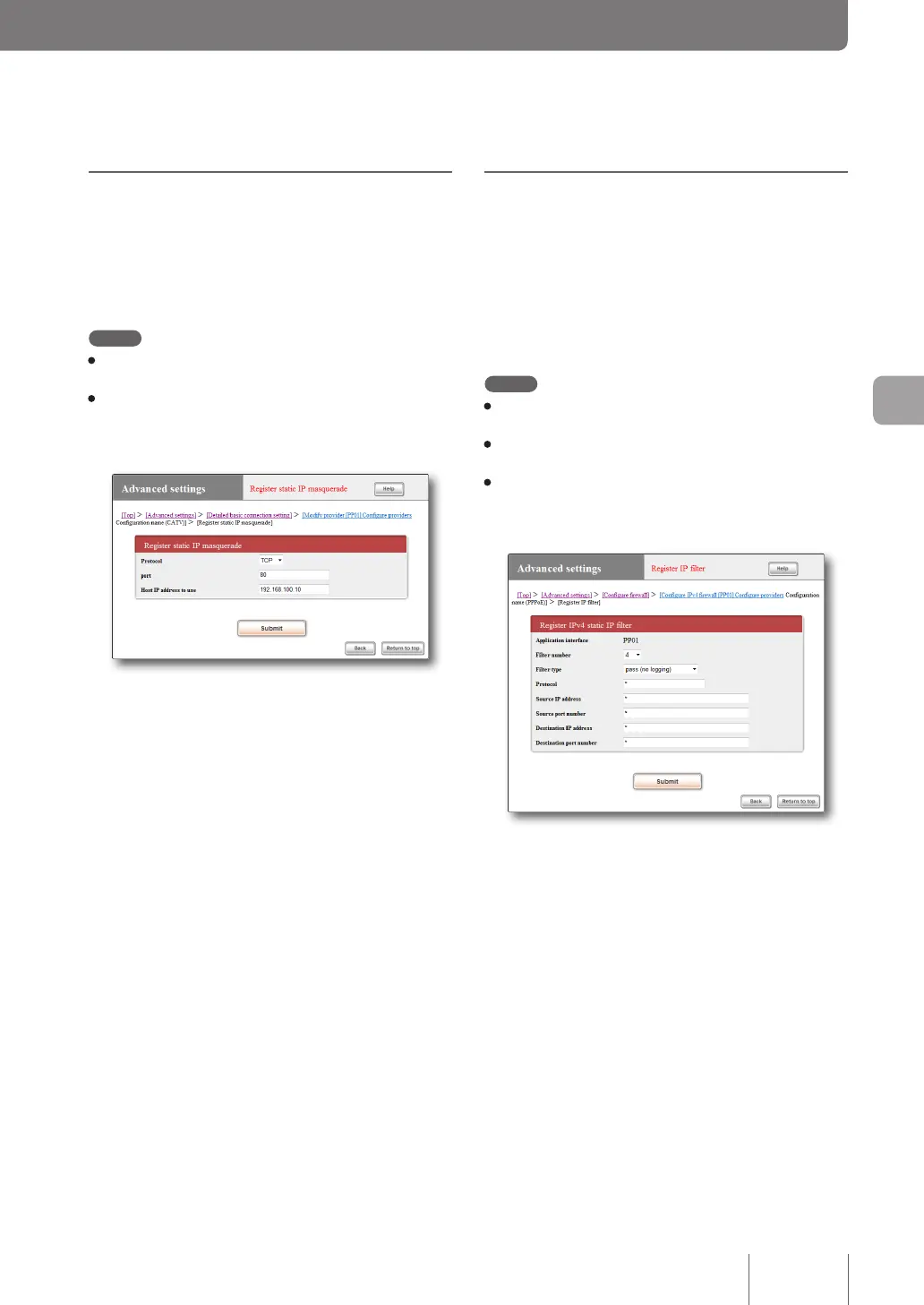
To permit access to the server, congure a lter intended
for the server IP address and communication protocol. The
settings do not allow external access to other PCs in the LAN.
To congure lter settings, use the “Congure rewall”
screen.
Note
• If you want to restrict users that can access the server, specify
the user's IP address in the “Source IP address” eld.
• Set “Destination port number” to the protocol of the server
application to be used.
•
Up to 100 lter numbers, 0 to 99, are available for each
connection destination. For more details on lter and protocol,
please refer to “Command reference” (included in the attached
CD-ROM).
(Examples of what to enter to publish the web
server)
For more details on the settings, click “Help” on the setup
screen and refer to the description displayed.
To open the “Register IP filter” screen
From “Basic conguration page”, click the buttons on the
setup screen in the following order:
▶ “Advanced settings” in the top page
▶ “Congure” of “Congure rewall”
▶ “Congure” of the interface for which you want to
congure the rewall (“Congure” of “IPv4 lter”
unless IPv6 is used for connection).
▶ “Add” on the “IPv4 static IP lter list” screen
Registering the IP address
conversion table
On the “Register static IP masquerade” screen, register the
conversion table of protocol, port number and the server
IP address (Static IP masquerade settings).
Note
• For information about the protocol and port number, please
refer to the manual of the software or service to be used.
• So far as representative software programs are concerned,
you can click “Help” in the “Register static IP masquerade”
screen to conrm the port number to be used and other setting
examples.
For more details on the settings, click “Help” on the setup
screen and refer to the description displayed.
To open the “Register static IP masquerade”
screen
From “Basic conguration page”, click the buttons on the
setup screen in the following order:
▶ “Advanced settings” in the top page
▶ “Congure” of “Detailed basic connection setting”
▶ “Congure” of the destination of which settings you
want to change
▶ “Add” in the “Static IP masquerade” eld
107
Maximizing use of the product
6



 To Next Page