Steps required for configurations
depend on the connection mode. For
details, refer to “Selecting your Internet
connection mode”.
▶ Page 32
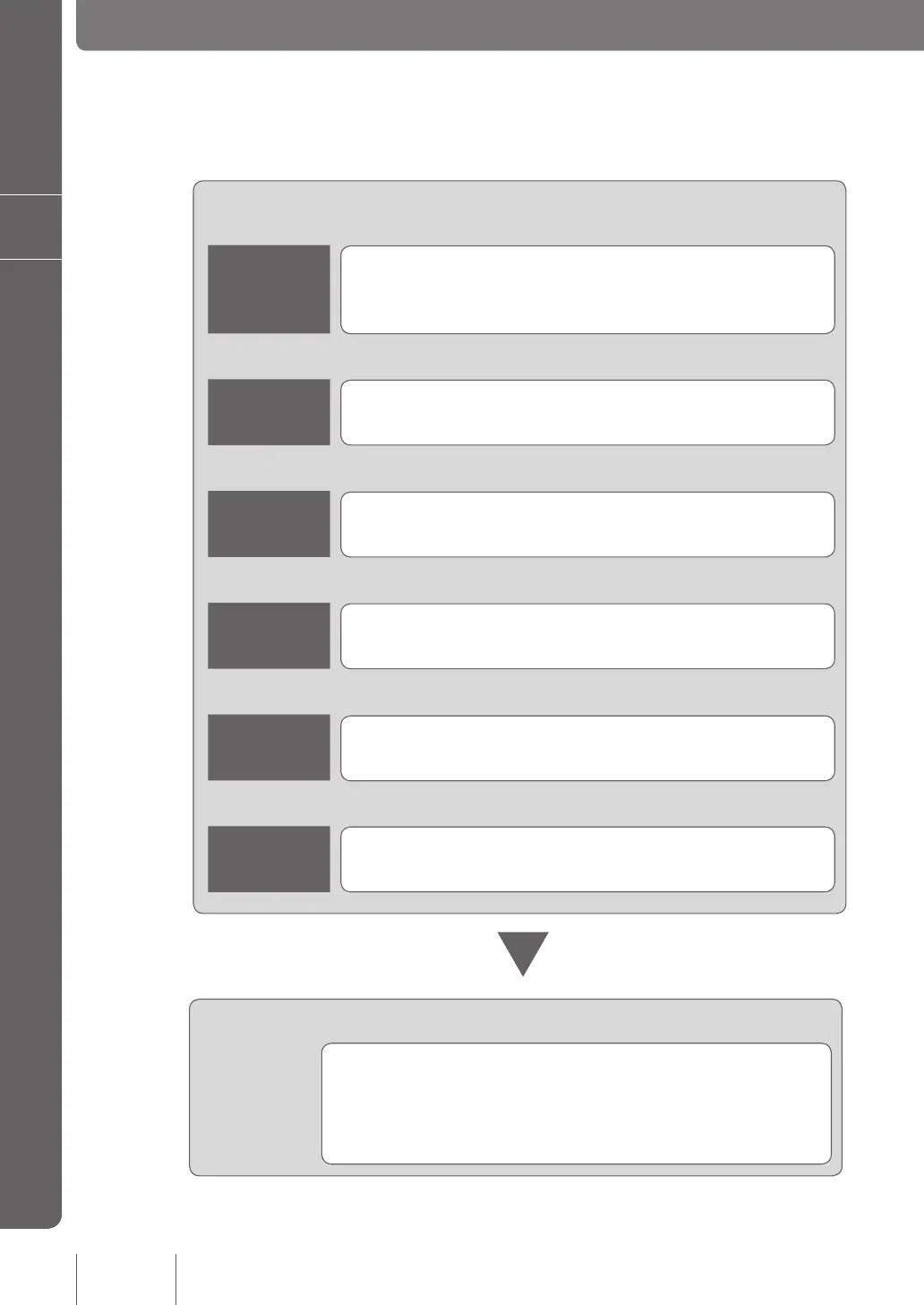
Flow of preparation steps
You must make preparations for using the product in this order:
Make the necessary preparations for configuring network
connections.
Configuring network connections
Preparation 1
Connecting a PC (or PCs) and your
broadband line to the product and
powering it on
▶ Page 18
▼
Preparation 2
Opening the “Basic configuration
page”
▶ Page 20
▼
Preparation 3
Setting the password of the product
▶ Page 22
▼
Preparation 4
Setting date and time
▶ Page 27
▼
Preparation 5
Configuring the IP address on the LAN
side of the product
▶ Page 29
▼
Preparation 6
Changing the IP addresses of PCs in
LAN
▶ Page 31
16
Making preparations
2



 To Next Page