Operating the product using
a configuration file in an
external memory device
You can operate the product using a conguration le stored
in a commercially-available external memory device (USB
memory stick or microSD card). This is convenient when
you want to store a conguration le for emergency in
an external device and use it only on an as-needed basis,
without changing the conguration le in the product.
Change settings so that the product
can be started by using a configuration
file in an external device
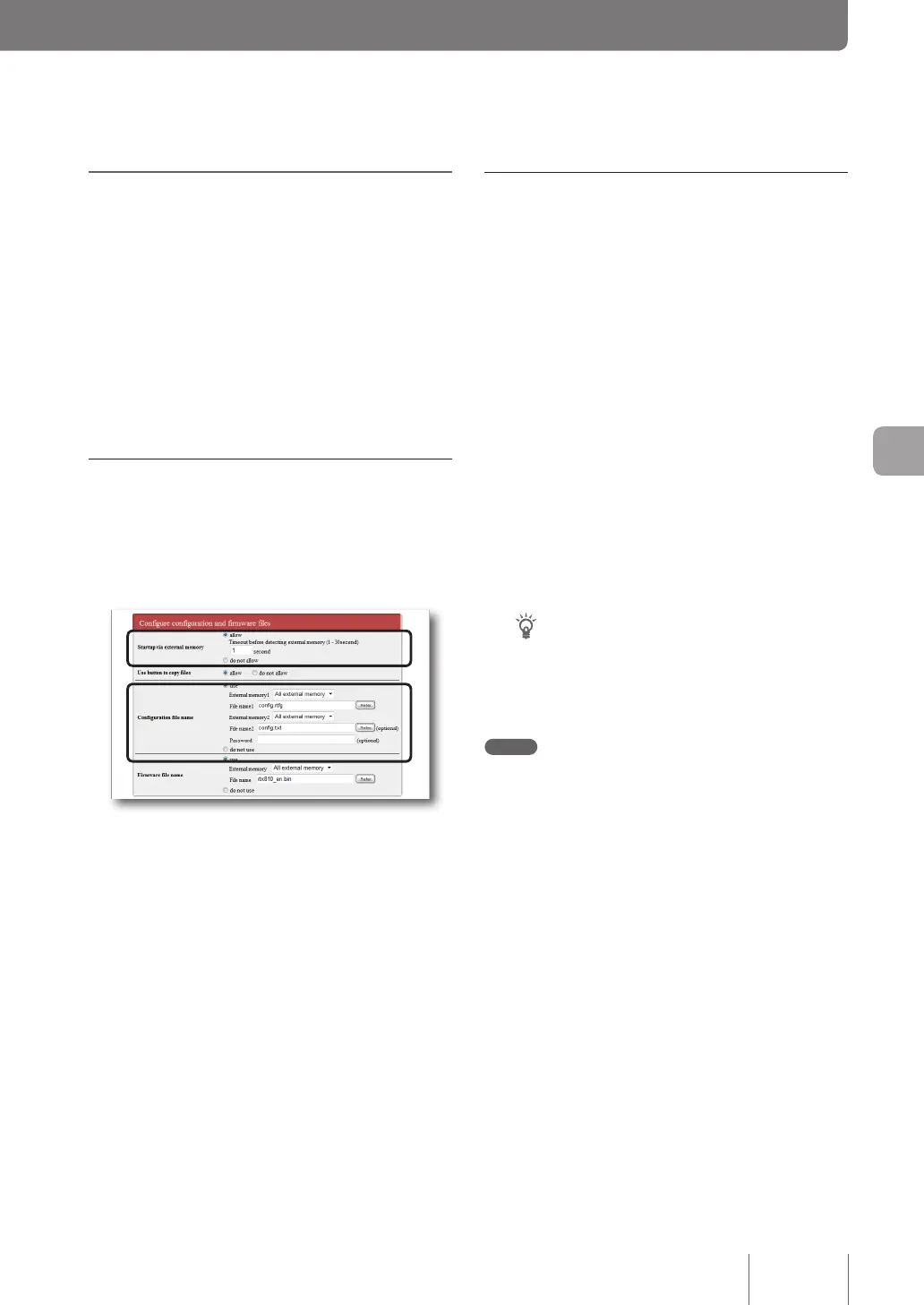
In the “Startup via external memory” eld on the “Congure
external device” screen, select “allow”.
To open the “Configure external device” screen
From “Basic conguration page”, click the buttons on the
setup screen in the following order:
▶ “Advanced settings” in the top page
▶ “Congure” of “Congure external device”
Start the product using a configuration
file in an external device
1
Prepare an external memory device storing
a configuration file.
Specify the same le name as that specied in the
“Conguration le name” eld on the “Congure
external device” screen.
2
Insert the external device into the USB port
or microSD slot of the product.
The USB lamp or microSD lamp of the product lights
up or ashes.
3
Restart the product.
After the restart, the product automatically loads the
conguration le specied in step 1.
Tip
The content of the conguration le stored in the product
is not overwritten. However, if you change a setting
after the restart, the changed setting is overwritten to the
conguration le stored in the product.
Note
If loading the conguration le from the external device fails,
see “Unable to use USB device” (page 152).
125
Operating and managing the product
7



 To Next Page