Preparation 2
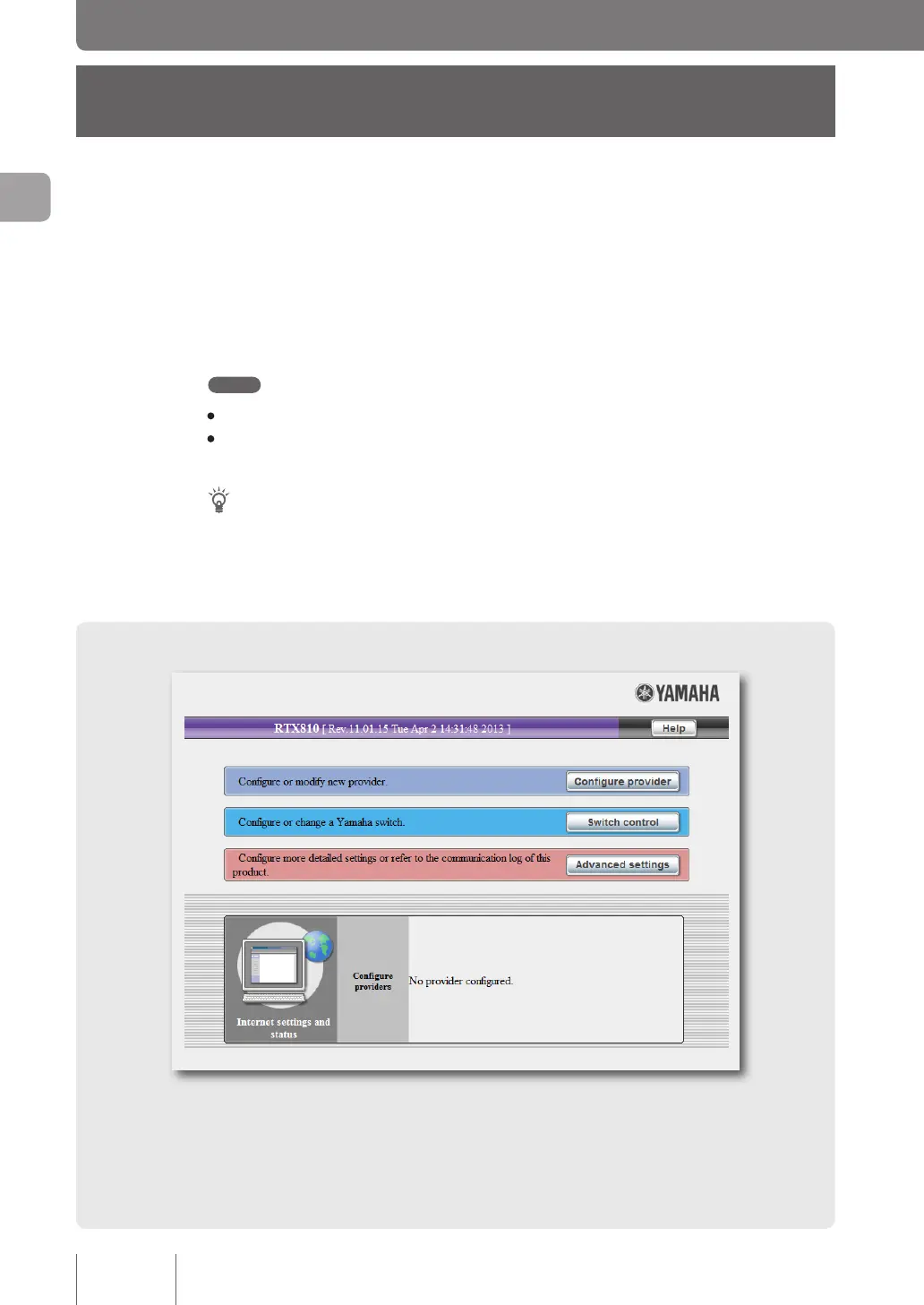
Opening the “Basic
configuration page”
To change the congurations of the product, open the “Basic conguration page” using a Web browser
on a PC connected to the product.
Follow the steps below to open the “Basic conguration page”.
Note
• To use the “Basic conguration page”, you need Windows Internet Explorer 8 or later.
• The descriptions in this manual use Windows 7 and Internet Explorer 9 screens as examples. For other
environments, you have slightly different screen displays, though operations stay the same.
Tip
If you enter commands in a console window using Telnet software, you can congure settings in more detail
compared to doing them in the “Basic conguration page” (console commands). For details on connecting to
the product using Telnet software, please refer to page 118. For information on the commands available to the
product, please refer to “Command reference” (included in the attached CD-ROM).
20
Making preparations
2



 To Next Page