Configuring setting with
console commands
The product functions can be congured by sending
commands (console commands) directly. You can change
settings via TELNET or SSH, and also enter console
commands from “Basic conguration page” to congure
settings. If you change settings via TELNET or SSH,
prepare an appropriate software program supporting your
TELNET or SSH environment.
What is console command?
The console command is a method to congure functions
by directly sending instructions to the router. Using console
commands enables you to congure more detailed settings
than using other methods. Please refer to “Command
reference” (included in the attached CD-ROM) for more
details on console commands.
Note
You should fully understand the behavior of a console command
before using it. After conguring a setting in “Basic conguration
page”, if you change the setting with a console command, an
unintended operation may be resulted. Be sure to check whether
the command behaves as you intended after changing the setting.
Tip
The product can be congured with console commands from a
PC that is connected to the console port of the product using a
serial cable (page 121).
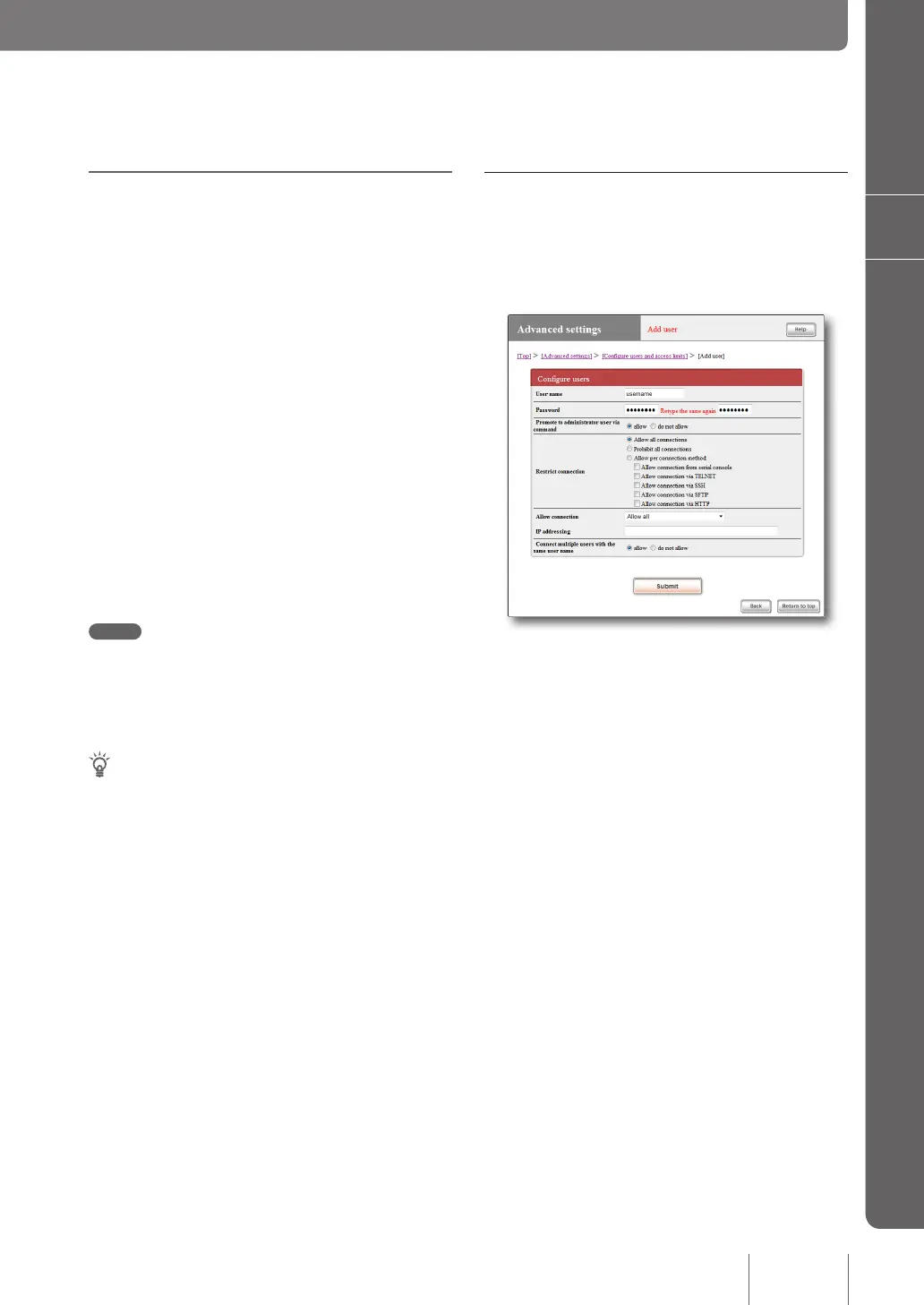
Register TELNET, SSH, or SFTP users
In the “Add user” screen, register users to be permitted to
log in using TELNET or SSH. TELNET allows a user to
log in as an anonymous user even if s/he is not registered,
but SSH allows only registered users to log in.
For more details on the settings, click “Help” on the setup
screen and refer to the description displayed.
To open the “Add user” screen
From “Basic conguration page”, click the buttons on the
setup screen in the following order:
▶ “Advanced settings” in the top page
▶ “Congure” of “Congure users and access limits(HTTP,
TELNET, SSH, SFTP)”
▶ “Congure” of “Number of registered users” in the
“Congure user and password” eld
117
Operating and managing the product
7



 To Next Page