114
Maximizing use of the product
6
For Windows XP
1
Click the “Start” button, then click “Control
Panel”.
2
Click “Add or Remove Programs”.
3
Click “Add/Remove Windows Components”
on the left of the screen.
4
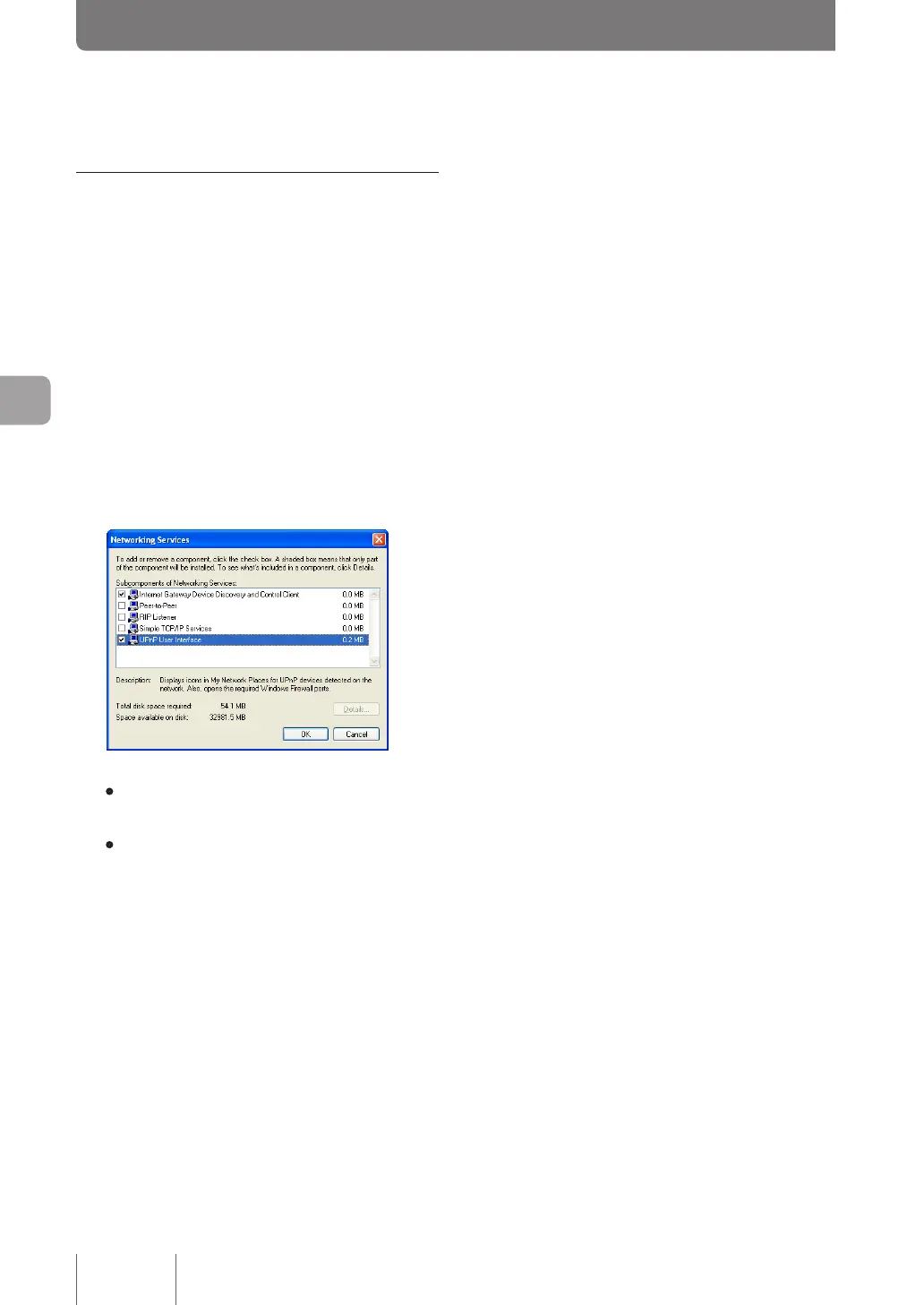
Click “Networking Services”, then click
“Details”.
5
Confirm whether the “UPnP User Interface”
box is selected.
• If this checkbox is selected, the UPnP function is
available in the PC.
• If the checkbox is not selected, continue step 6 and
subsequent operation.
6
Select the “UPnP User Interface” checkbox,
and click “OK”.
7
Click “Next”.
Then, follow the on-screen instruction to continue
installation.
Changing the operation settings of UPnP function
(Continued from the previous page)



 To Next Page