Use console commands in “Basic
configuration page”
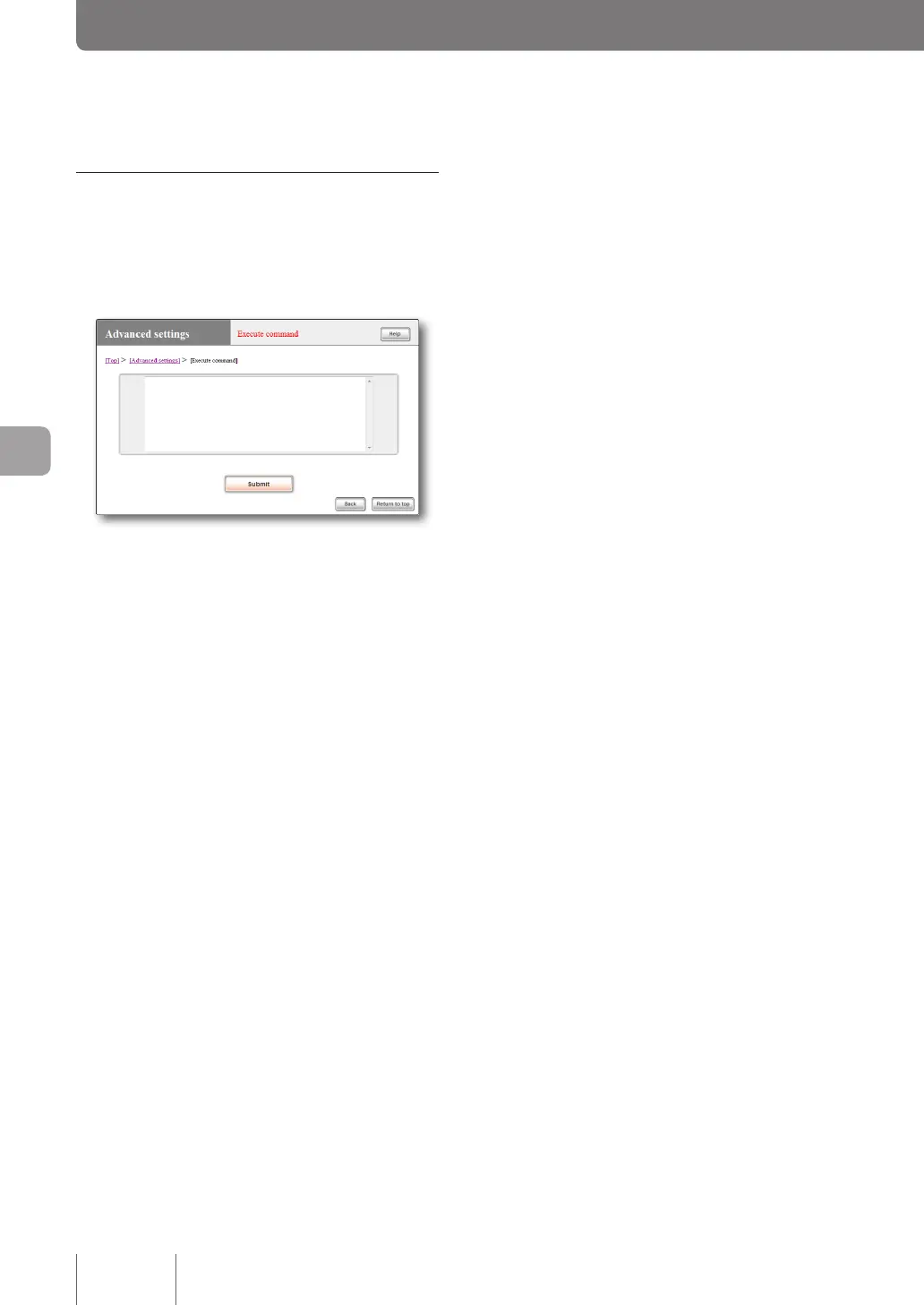
Use commands on the “Execute command” screen.
When you type in a console command and click “Execute”,
the result of command execution is displayed.
For more details on the settings, click “Help” on the setup
screen and refer to the description displayed.
To open the “Execute command” screen
From “Basic conguration page”, click the buttons on the
setup screen in the following order:
▶ “Advanced settings” in the top page
▶ “Execute” of “Execute command”
120
Operating and managing the product
7
Changing the product settings (Continued from the previous page)



 To Next Page