Permit upgrading the firmware using
the DOWNLOAD button
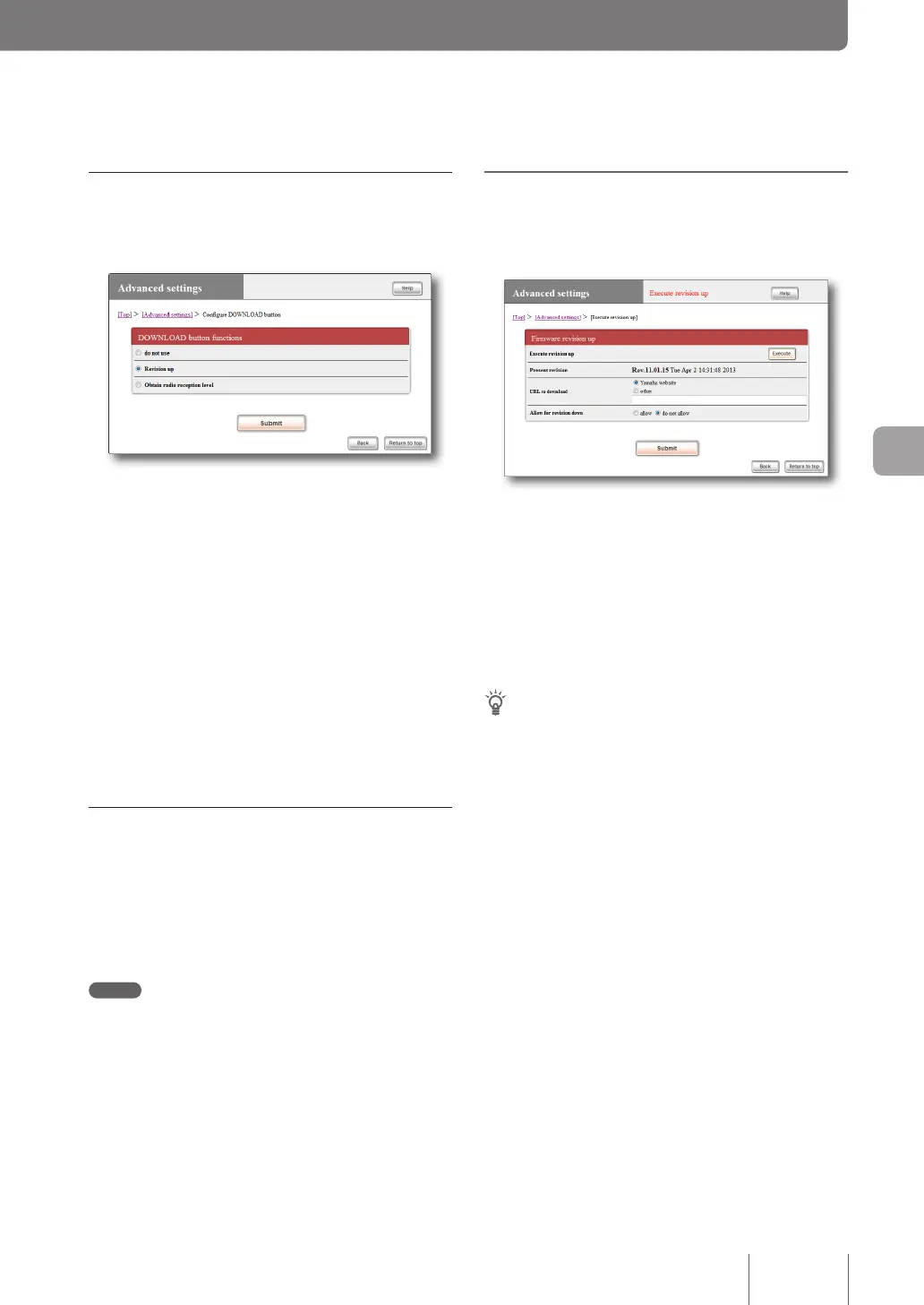
Use the “Congure DOWNLOAD button” screen.
If you want to upgrade the rmware using the DOWNLOAD
button, select “Revision up”.
For more details on the settings, click “Help” on the setup
screen and refer to the description displayed.
To open the “Configure DOWNLOAD button”
screen
From “Basic conguration page”, click the buttons on the
setup screen in the following order:
▶ “Advanced settings” in the top page
▶ “Congure” of “Congure DOWNLOAD button”
Upgrade the firmware by pressing the
DOWNLOAD button
You can hold down the DOWNLOAD button for three
seconds to nd a new revision of rmware. If a new revision
of rmware is found, it is automatically download to
upgrade the existing rmware.
Note
If downloading the rmware or upgrading the existing rmware
fails, see “The DOWNLOAD button does not function” (page 151).
When the firmware has been upgraded
The product restarts.
Upgrading the firmware in
“Basic configuration page”
Use the “Execute revision up” screen.
You can click “Execute” to nd a new revision of rmware.
If a new revision of rmware is found, the revision number
is displayed on the screen together with the revision number
of the existing rmware. In this state, click “Execute” again
to download the new rmware and automatically upgrade
the existing rmware.
For more details on the settings, click “Help” on the setup
screen and refer to the description displayed.
Tip
If you change the “Allow for revision down” setting to “allow”
on the “Execute revision up” screen, you can downgrade the
rmware to an older version (Revision down).
To open the “Execute revision up” screen
From “Basic conguration page”, click the buttons on the
setup screen in the following order:
▶ “Advanced settings” in the top page
▶ “Execute” of “Execute revision up” screen
When the firmware has been upgraded
The product restarts.
129
Operating and managing the product
7



 To Next Page