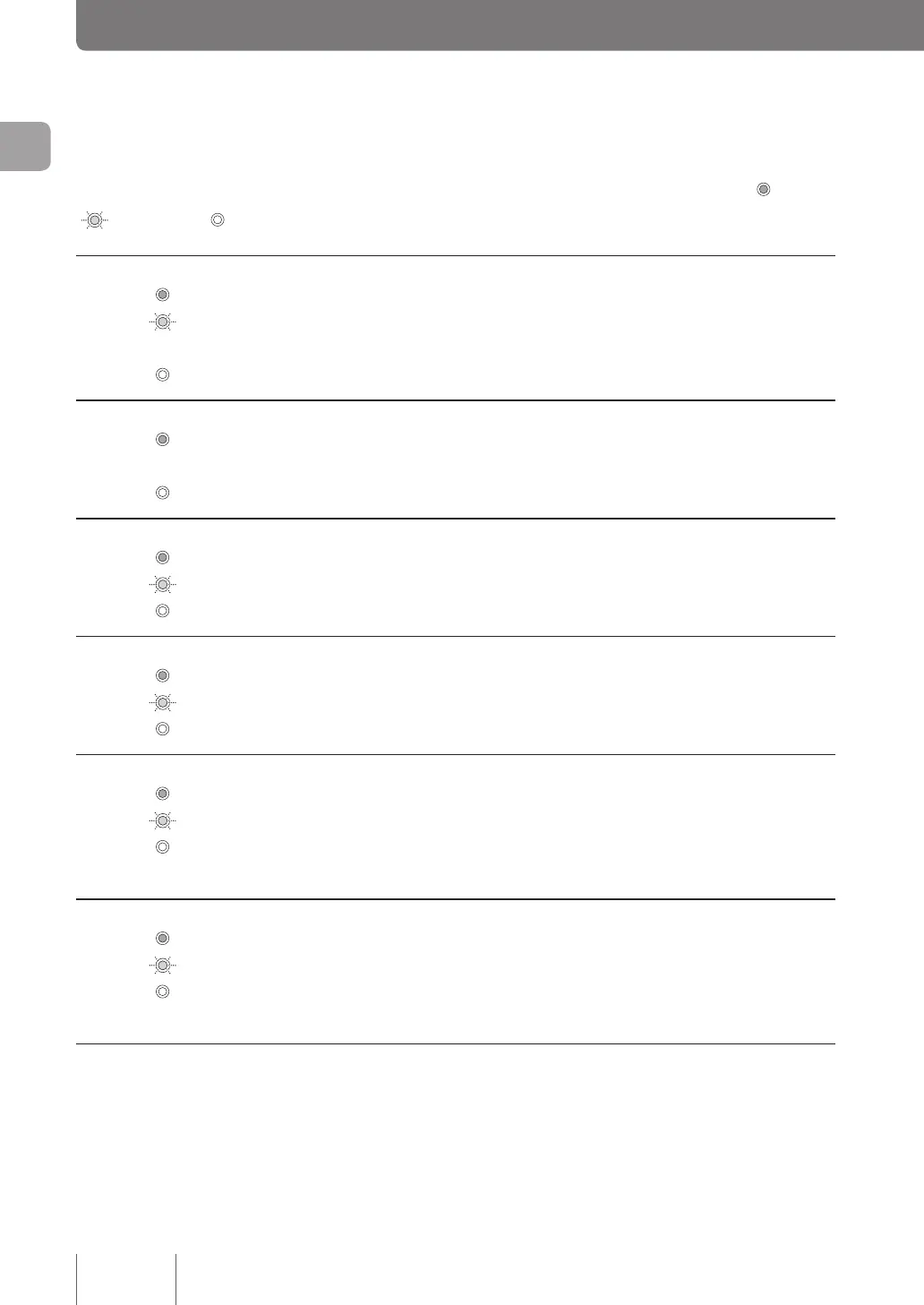
Each lamp on the front panel indicates one of the three statuses ( Lit
Flashing Off)
POWER lamp
The product is powered on.
The product is starting up immediately after the power switch is turned on or shutting down
immediately after the power switch is placed in STANDBY position.
The product is powered off or the power went out.
STATUS lamp
Communication is disabled.
Refer to “When the STATUS lamp lights up” (page 127).
Communication is enabled.
LAN lamp
LAN is enabled.
Data is owing through the LAN.
LAN is disabled.
WAN lamp
WAN is enabled.
Data is owing through the WAN.
WAN is disabled.
microSD lamp
A microSD card is inserted into the microSD slot but the product is not accessing it.
The product is accessing the microSD card.
No microSD card has been inserted into the microSD slot, or the microSD card inserted into the
slot can be taken out.
USB lamp
A USB memory stick is inserted into the USB port but the product is not accessing it.
The product is accessing the USB memory stick.
A USB memory stick is not inserted into the USB port, or the USB memory stick inserted into the
port can be taken out.
Name and function of individual parts
(Continued from the previous page)
14
Introduction
1



 To Next Page