156
Troubleshooting
8
Communication charges of the USB data communication
terminal is abnormal
(Continued from the previous page)
Checking with the “Generate traffic
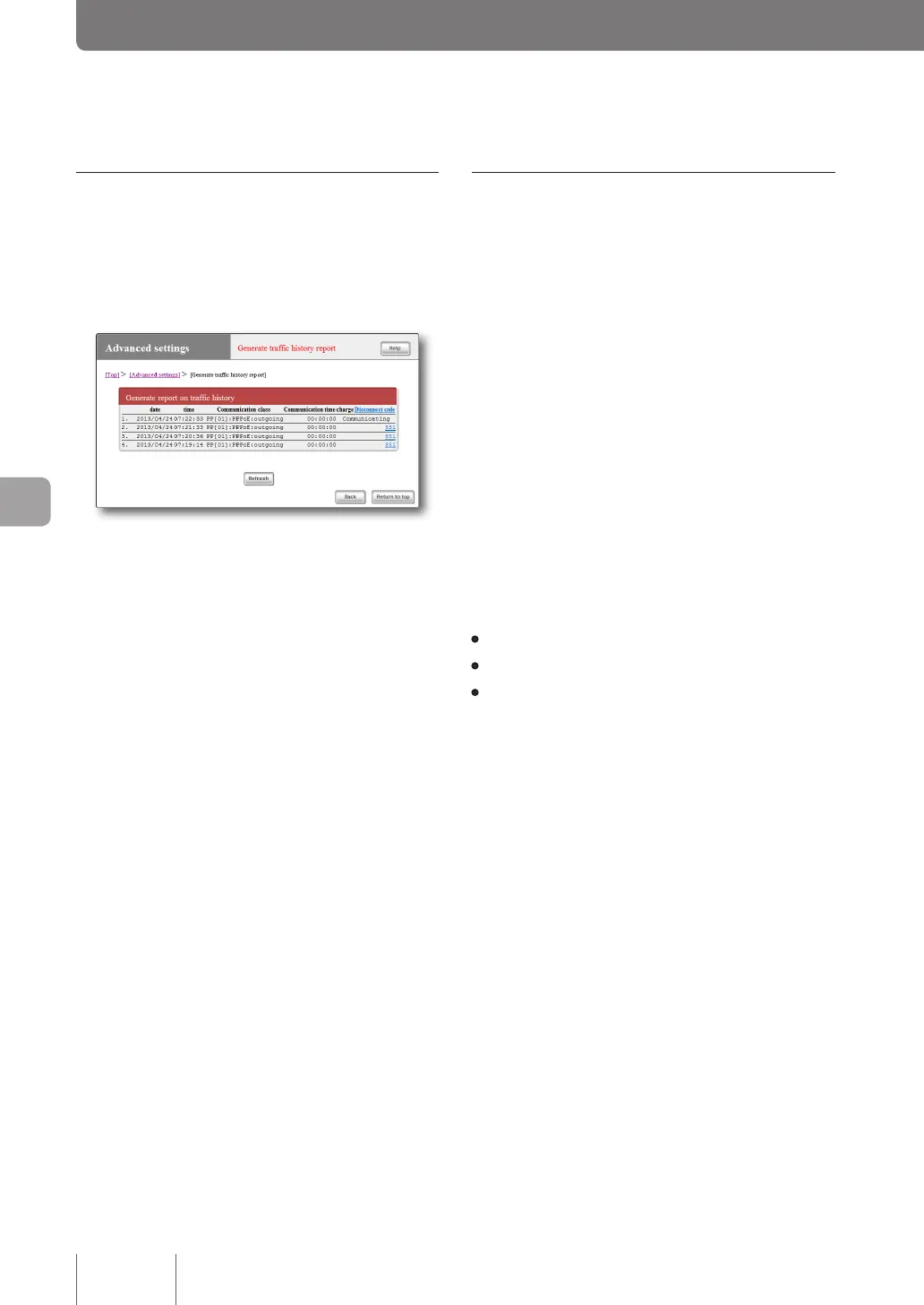
history report” screen
In the “Basic configuration page”, click “Advanced
settings”. In the “Generate trafc history report” screen,
you can check the communication history for each port.
Date, time, communication class, communication time, and
disconnect code are displayed for a maximum of 100 records
in the reverse chronological order. If the communication
class appears as PPxx, it is connected to the provider (or
LAN-to-LAN connection pair).
Checking with log information
In the “Basic configuration page”, click “Advanced
settings”. In the “Generate report on syslog of product”
screen, you can check the access log that triggered auto
connection.
If there is a number of unintended accesses, look for the row
“IP Commencing” from the bottom in the syslog. Use the
IP address of the PC or IP address of the access destination
host, access time (or interval) in the “IP Commencing” row
as a clue, locate the software (or device) that issued the
access request, and identify the cause.
Access example 1
PP[01]IPCommencing :UDP192.168.
100.1 :53>xxx.xxx.xxx.xxx :53
(DNSQuery[windowsmedia.com] from
192.168.100.2)
• PP [01]: Provider No.
• 192.168.100.2: IP address of PC
• xxx.xxx.xxx.xxx: Access destination IP address
In this example, when a PC (192.168.100.2) in the LAN
issues an inquiry for the host (windowsmedia.com) IP
address of the Internet to the DNS server, auto connection
to the provider is triggered.
Access example 2
PP[01]IPCommencing:TCP192.168.
100.2:1311>xxx.xxx.xxx.xxx:80
In this example, when a PC (192.168.100.2) in the LAN
issues an access request for the Internet host (xxx.xxx.xxx.
xxx), auto connection to the provider is triggered.



 To Next Page