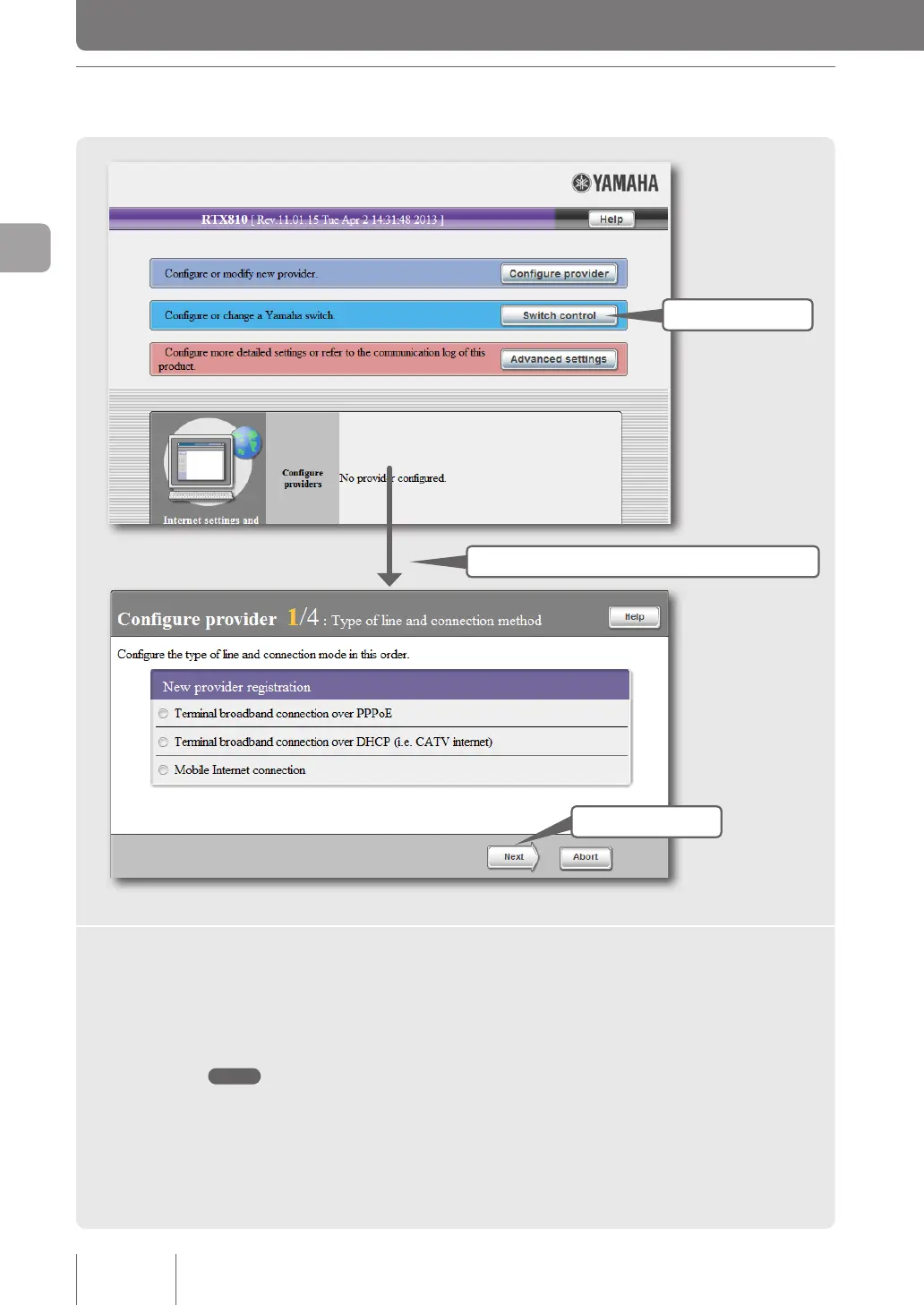
1 Checking the connection mode
1 Click
3 Click
The line type is automatically detected.
1
Click “Configure provider” on the top page of “Basic configuration
page”.
The broadband line auto-distinction function works to show the window for the connection mode
selected for the connected line.
Note
Note that the broadband line auto-distinction process takes place only once. Be sure to check that the broadband
line is connected to the WAN port of the product before performing this function.
34
Connecting to the Internet
3



 To Next Page