Registering connection
destinations
Register connection destinations.
Note
• Up to ten users can be registered for PP connection. There are
up to 50 L2TP/IPsec tunnel connections at a time, including
the ones used in anonymous connections.
• Although any number of users can be registered with
anonymous connections, there are up to 50 L2TP/IPsec
tunnel connections at a time, including the ones used in PP
connections.
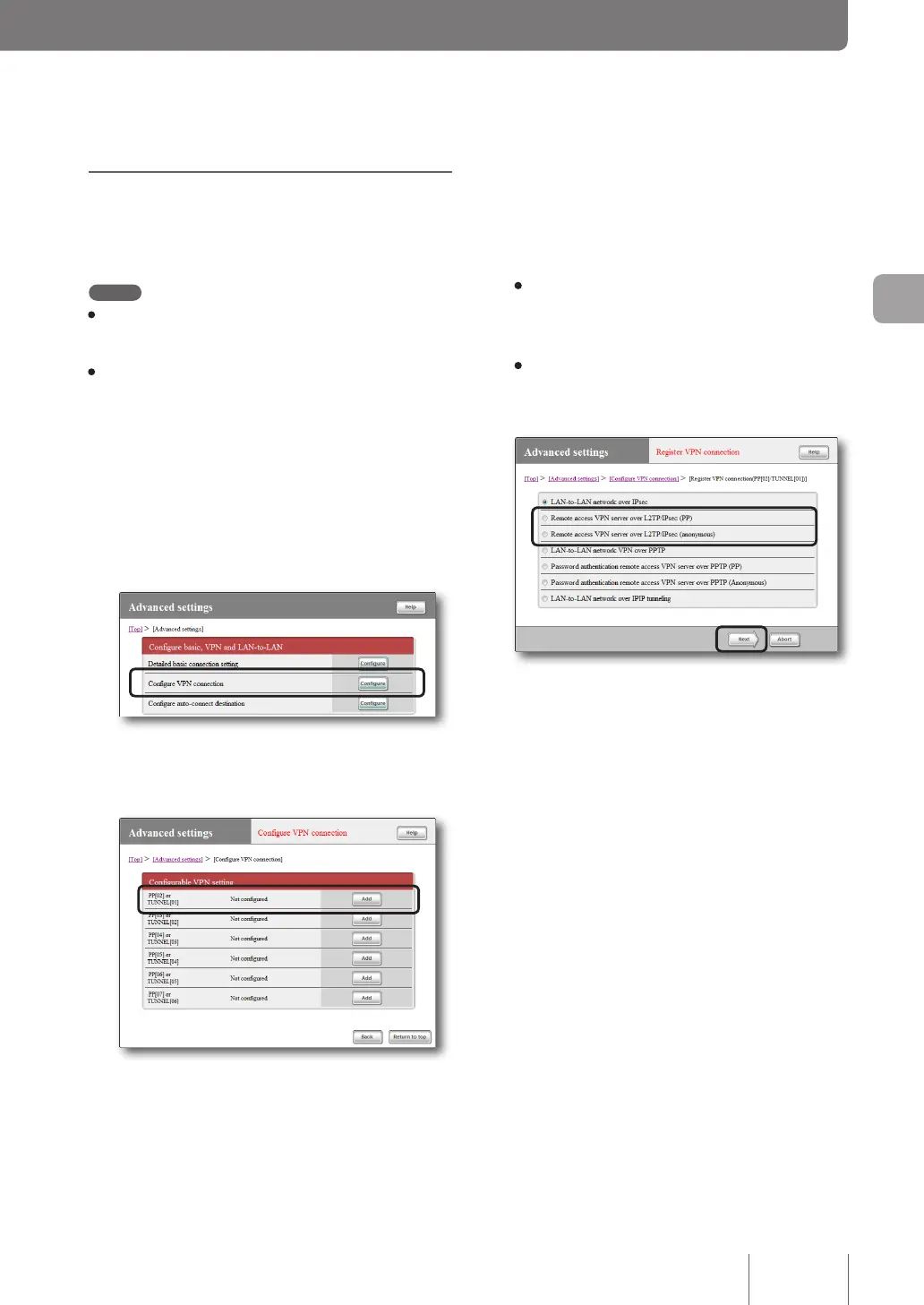
1
On the top page of “Basic configuration
page”, click “Advanced settings”, then click
“Configure” to the right of “Configure VPN
connection”.
2
Click “Add ” to the right of the destination you
want to register.
3
Select your desired authentication method
and then click “Next”.
The “Register VPN connection setting” screen appears.
• PP: Only the specied host name or IP address
is allowed as the destination, and the user ID and
password are used for authentication.
• Anonymous: The destination does not get
restricted, and the user ID and password are used
for authentication.
63
Implementing site-to-site VPN connections
4



 To Next Page