Connecting with PPTP
Connect to a PPTP server.
Note
• To connect to a PPTP server, the product for which you
perform the following operation must be congured as a PPTP
client.
• The “Connect” and “Disconnect” buttons appear when the
product is congured as a PPTP client.
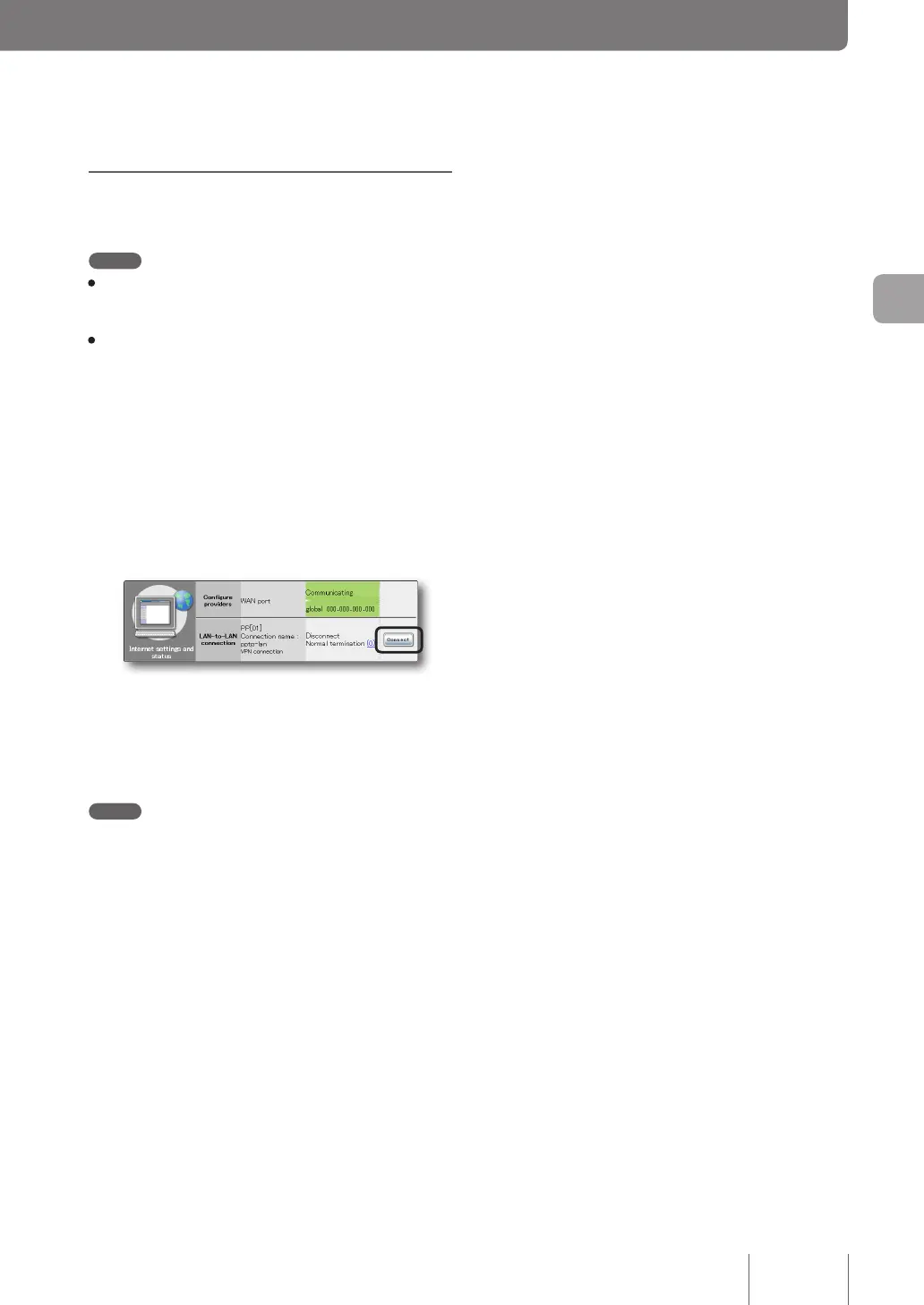
On the top page of “Basic configuration
page”, click “Connect” to the right of the PPTP
settings you want connect to under “LAN-to-
LAN connection”.
Connect to the registered PPTP server to create a
PPTP-LAN-to-LAN connection.
To disconnect a PPTP-LAN-to-LAN connection:
Click “Disconnect” under “LAN-to-LAN connection” on
the top page of “Basic conguration page”.
Note
Clicking “Disconnect” only ends a PPTP session and the
connection with your provider is not terminated.
87
Implementing site-to-site VPN connections
4



 To Next Page