97
Enhancing security
5
Create a filter by entering a filter
command directly
You can also enter a lter command directly to create a
lter. Creating a ler command previously by using a text
editor program is convenient when you want to apply a
lter to multiple routers.
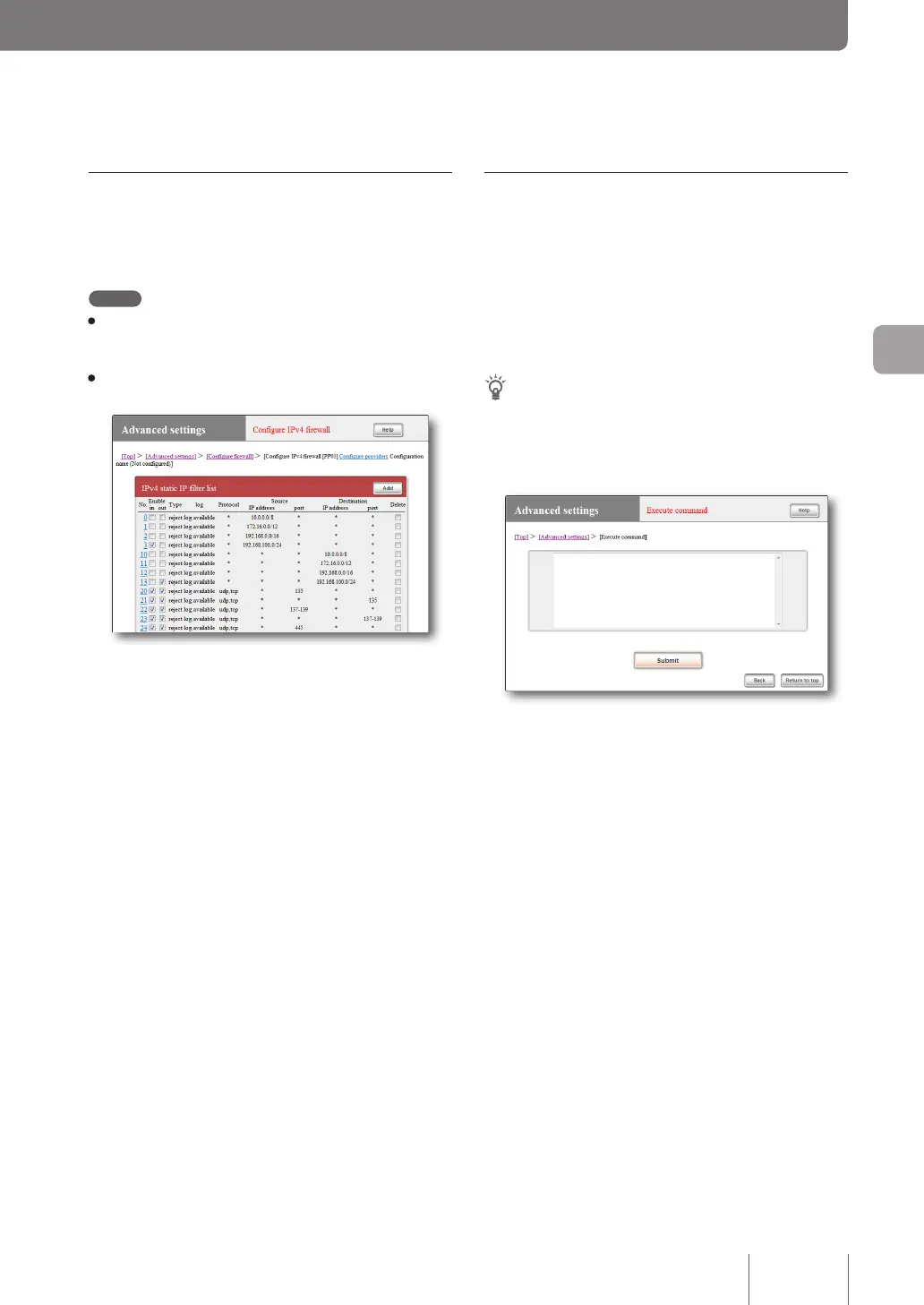
To enter a lter command directly, use the “Execute
command” screen in the “Basic conguration page”.
Tip
For examples of more professional lter settings and the grammar,
please refer to “Command reference” (included in the attached
CD-ROM) or the Yamaha network peripheral equipment website
(http://www.yamaha.com/products/en/network/).
To open the “Execute command” screen
From “Basic conguration page”, click the buttons on the
setup screen in the following order:
▶ “Advanced settings” in the top page
▶ “Execute” of “Execute command”
Create a filter manually in “Basic
configuration page”
To congure lter settings, use the “Congure rewall”
screen.
Note
• When you select LAN, PCs connected to the LAN ports and
all PCs connected to the hubs that are connected to the LAN
ports are the targets.
• Please refer to “Command reference” (included in the attached
CD-ROM) for examples of actual lter settings.
For more details on the settings, click “Help” on the setup
screen and refer to the description displayed.
To open the “Configure firewall” screen
From “Basic conguration page”, click the buttons on the
setup screen in the following order:
▶ “Advanced settings” in the top page
▶ “Congure” of “Congure rewall”
▶ “Congure” of the interface for which you want to
congure the rewall (“Congure” of “IPv4 lter” for
setting with IPv4, or “Congure” of “IPv6 lter” for
setting with IPv6).



 To Next Page