4 - 29
Relations for Setting Function FXXXX Continued
Introduction
(continued)
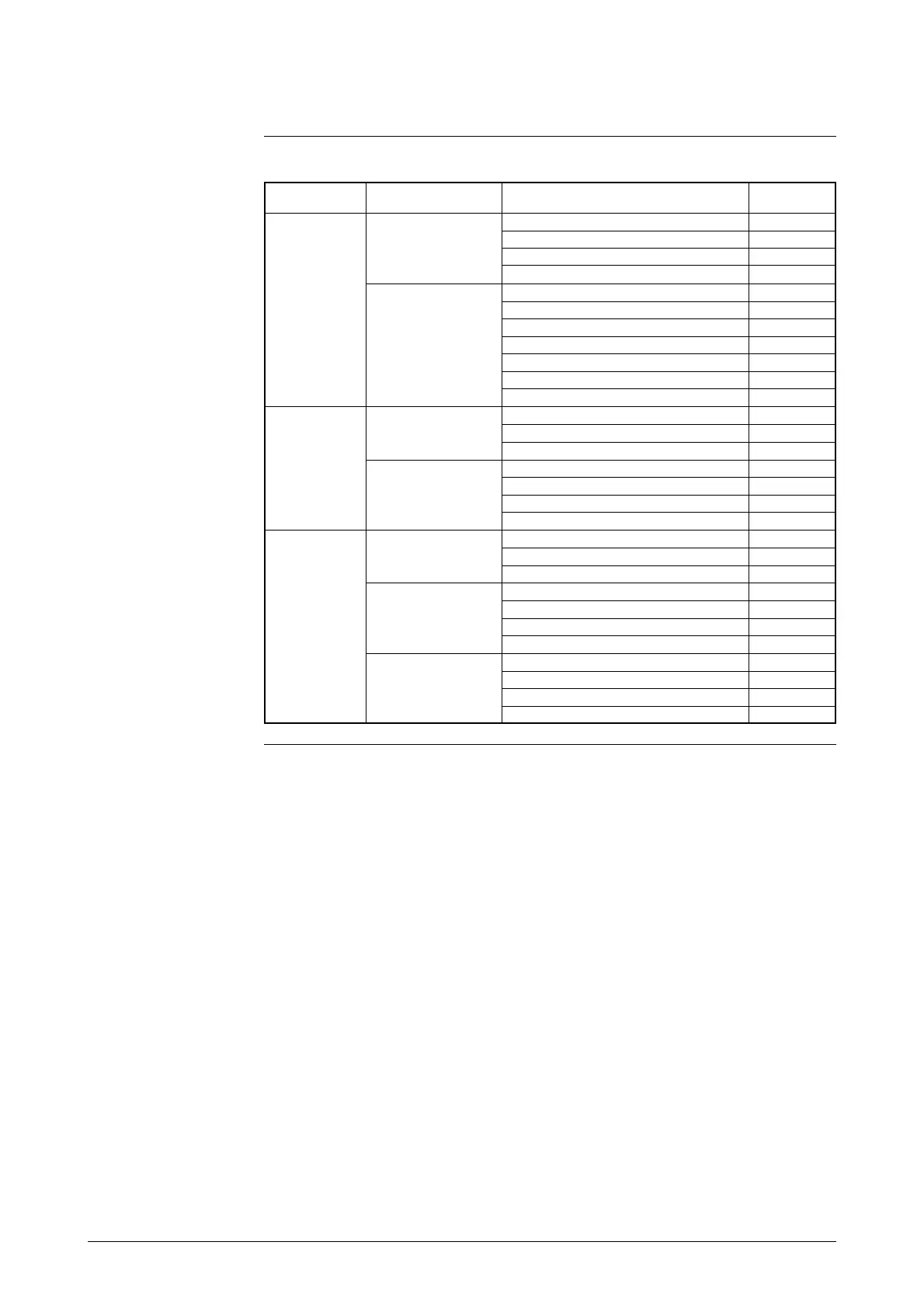
2-contact input (DI/DI)
0: Single range X: Not activated X: Not activated X:
Not activated
1: External 0% lock X:
Not activated
2: External auto zero function X:
Not activated
5: External 0% lock+Auto zero adjustment X:
Not activated
A: Addition X: Not activated X:
Not activated
1: External 0% lock X:
Not activated
2: External auto zero function X:
Not activated
4: Counter reset X:
Not activated
5: External 0% lock+Auto zero adjustment X:
Not activated
7: External 0% lock+Counter reset X:
Not activated
9: External auto zero+Counter reset X:
Not activated
2: External X: Not activated 3: External range switching X:
Not activated
switching 6: External 0% lock+Range switching X:
Not activated
double range 8:
External auto zero adjustment+Range switching
X:
Not activated
A: Addition 3: External range switching X:
Not activated
6: External 0% lock+Range switching X:
Not activated
8:
External auto zero adjustment+Range switching
X:
Not activated
A: External range switching+Counter reset X:
Not activated
4: Normal/ X: Not activated 3: External range switching X:
Not activated
reverse 6: External 0% lock+Range switching X:
Not activated
external 8:
External auto zero adjustment+Range switching
X:
Not activated
switching A: Addition 3: External range switching X:
Not activated
range 6: External 0% lock+Range switching X:
Not activated
8:
External auto zero adjustment+Range switching
X:
Not activated
A: External range switching+Counter reset X:
Not activated
C: Normal/reverse 3: External range switching X:
Not activated
flow integration 6: External 0% lock+Range switching X:
Not activated
8:
External auto zero adjustment+Range switching
X:
Not activated
A: External range switching+Counter reset X:
Not activated
Range function
Built-in counter function
Contact input function
Contact output
function
(Continued on next page)



 To Next Page