Decoder “No Source Found” Background
The ZyPerUHD60 decoder will output a default screen when no active video source is routed
from an encoder to the decoder. This default background can be changed to any custom
background desired.
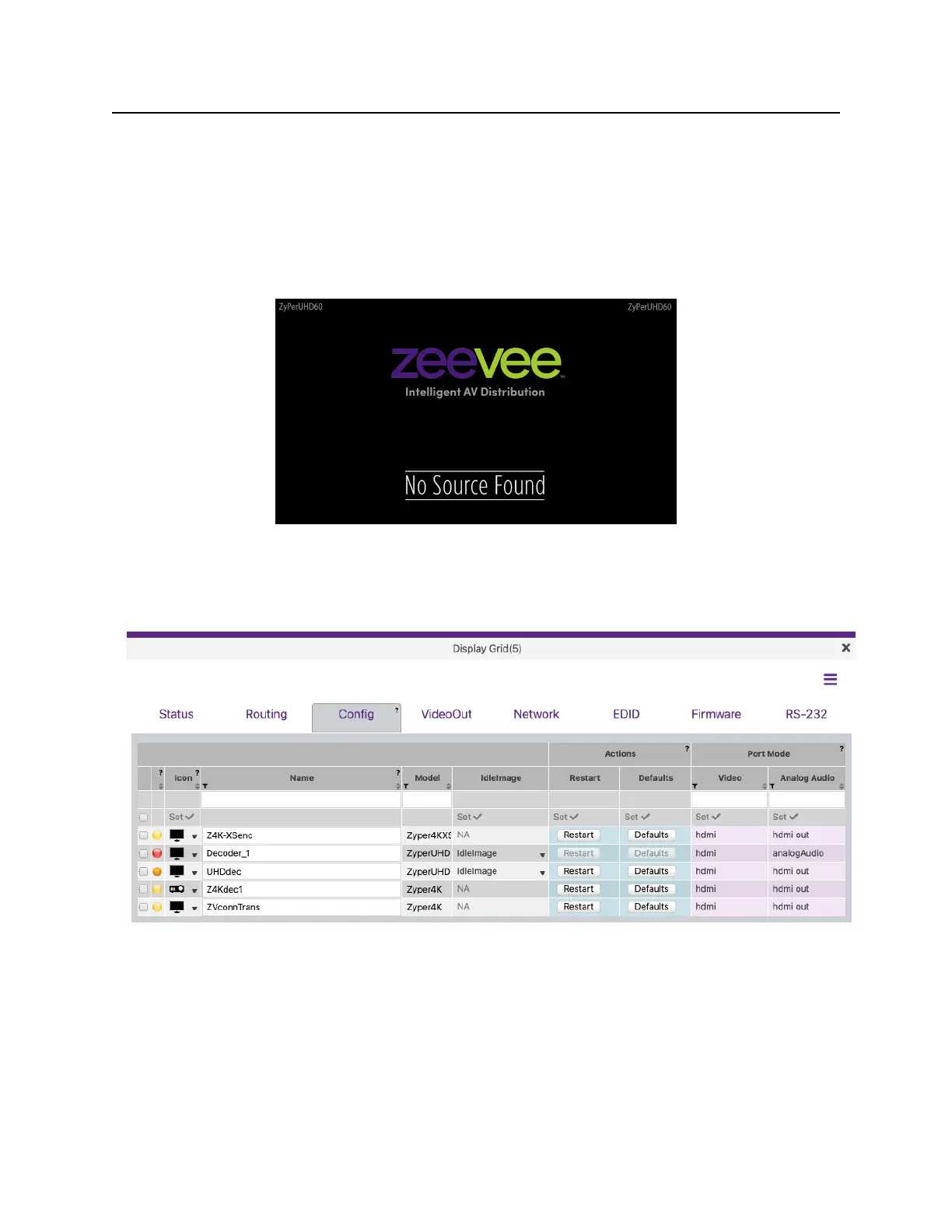
The default background looks something like this:
The default background can be changed from the ZyPer Management Platform GUI in the
Display Grid page Config tab.
For the desired decoder, select the “IdleImage” option. Here you can upload a new
background. The uploaded file must meet these requirements.
Size: 1280 x 720
Format: JPEG
Select IdleImage and you can upload a new file or select from a previously uploaded “saved”
file. Important note: The image file itself cannot have any spaces in the file name.


 To Next Page