Appendix 2
USB-C Charging
The ZyPerUHD60 Encoders with USB-C input are capable of charging devices over the
attached USB-C cable if the external 20V power supply is connected to the ZyPerUHD60
Encoder.
Charging level is controlled by the attached device such as a MacBook. This ensures that the
ZyPerUHD60 is not providing more power to the connected device than is called for.
Examples:
MacBook (2016) Power supplied while “charging” = Approximately 24-25W
Power supplied while fully charged in sleep mode: Less than 1W
MacBook Pro (2018) Power supplied while “charging” = Approximately 52W
Power supplied while fully charged in sleep mode: Less than 1W
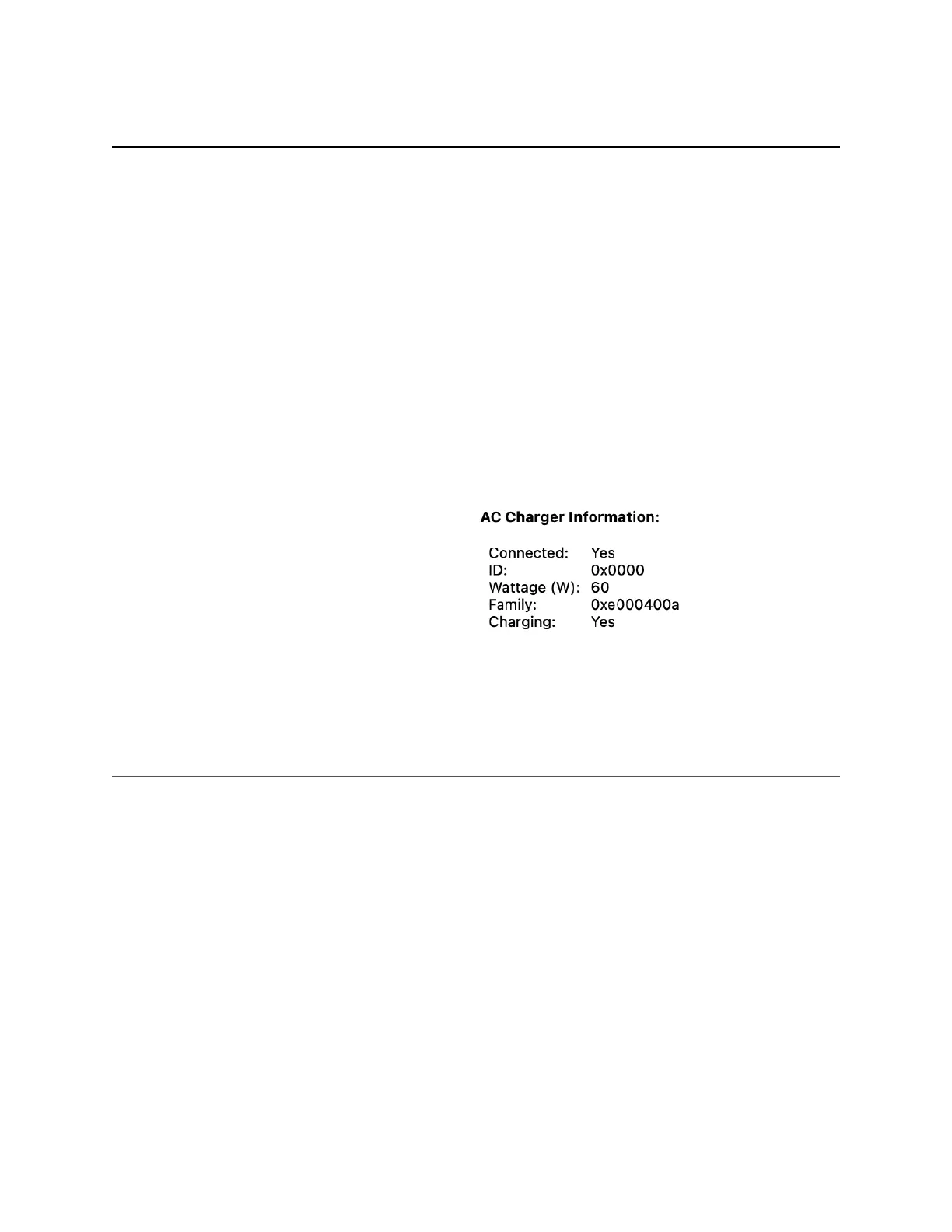
How seen by MacBook or MacBook Pro:
Important note: The USB-C cable must be capable of carrying the required current. Low
quality cables present a danger of possible cable fire. See Appendix 1 for recommended
cables.
USB-C Cable Requirements
1. Cable should be as short as possible
2. Must have USB-IF certification
3. Must be USB 3.2 Gen2 (2x1 or 2x2)
4. Current rating of 5A
5. Must support USB power delivery of 100W, 20V/5A
6. Video Data specs must be 20Gbps per lane (4K@60Hz) or above. (40Gbps cable)
7. USB Data specs must be 5Gbps (USB 3.0)
8. Must have built in E-Mark IC
ZeeVee is not responsible for damage to any equipment caused by poor or incorrect
USB-C cables."


 To Next Page