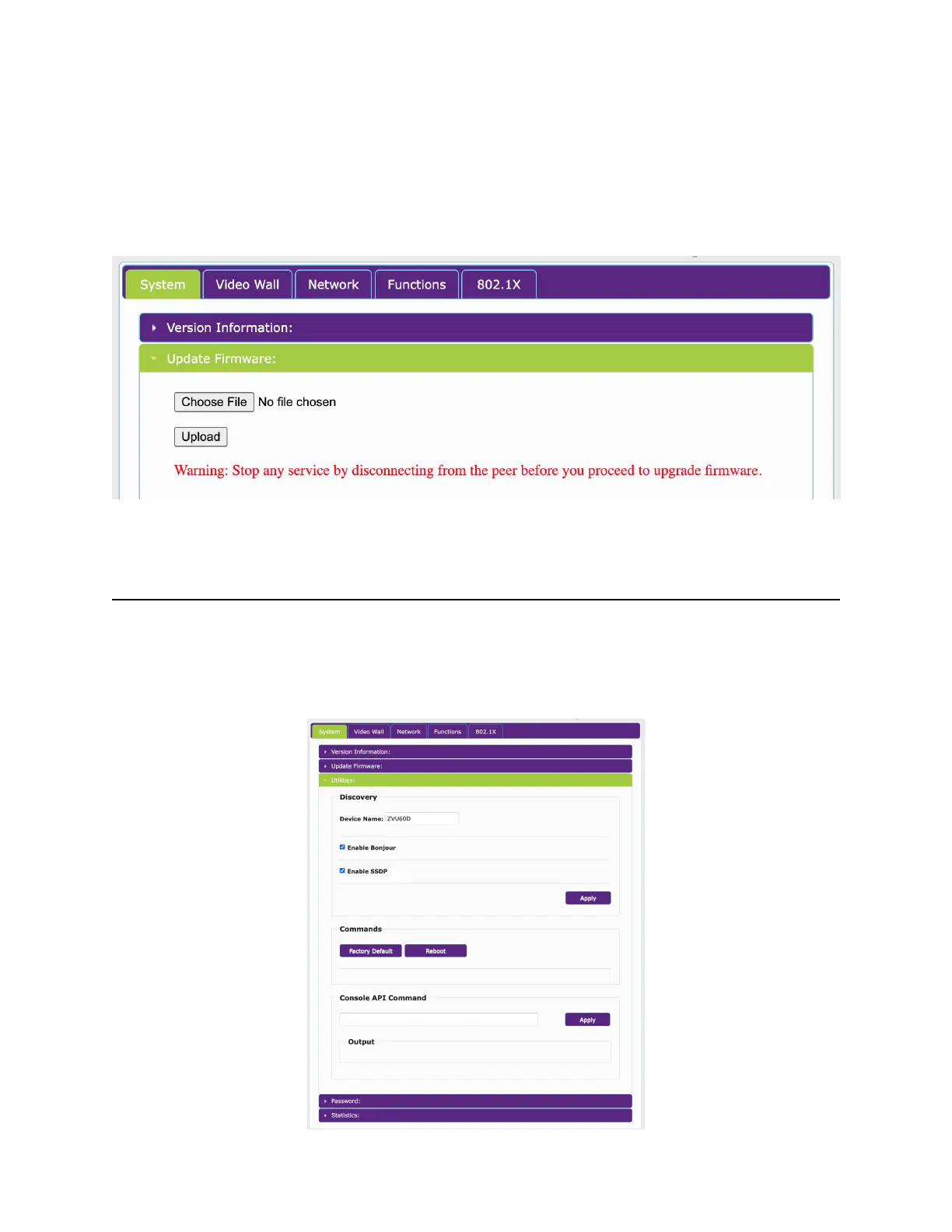
The System Tab will show Version Information by default. In the example above, the unit is a
ZUHD60-1D (Single LAN Decoder). Firmware version and date of firmware are also shown
here. (This version may not match the version number shown in the ZyPer Management
Platform)
The Update Firmware tabs allows you to update the firmware for the encoder or decoder.
Choose the appropriate firmware update file that you have obtained from ZeeVee and press the
Upload button. Note this process will force the encoder or decoder unit to reboot.
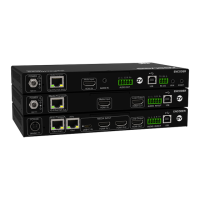
Utilities Tab
The Utilities Tab shows some basic information about the unit and allows to change the Device
name. You can Factory Default or Reboot of the unit. The Console API Command can be
used to adjust settings on Dante enabled units. See Dante section later in this document.


 To Next Page