PAGE 14
206-03890
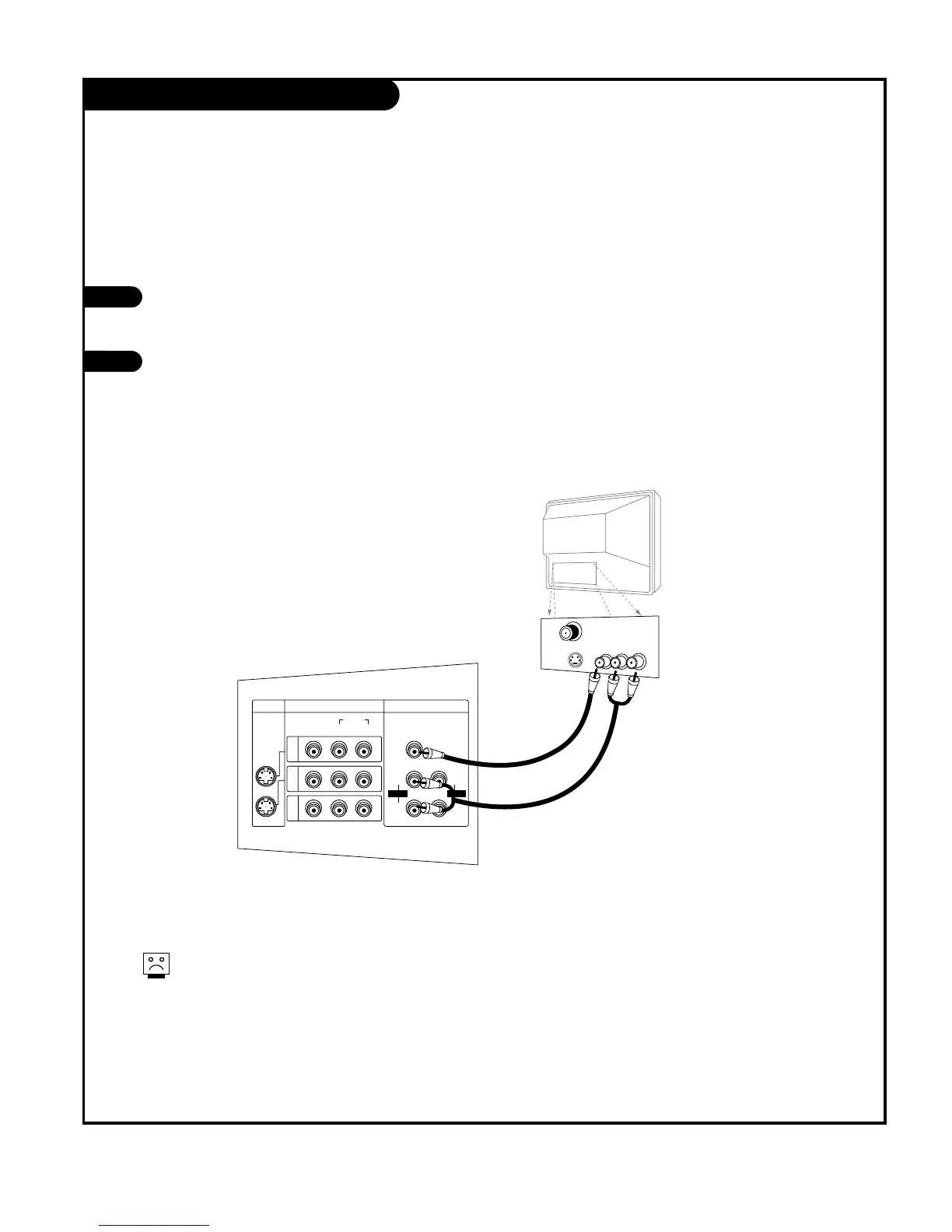
Monitor Out Setup
Your TV has a special signal output capa-
bility which allows you to hook up a sec-
ond TV or monitor.
Just connect the second TV or monitor to
the Monitor output Audio/Video jacks
located on the back of your TV. See the
Operating Manual of the second TV or
monitor for further details regarding that
device’s input settings.
1
2
A/V cables
not included
with TV
Second TV
DTV, Component 1 - 2 and DVI input sources
cannot be used for Monitor Out.



 To Next Page