PAGE 38
206-03890
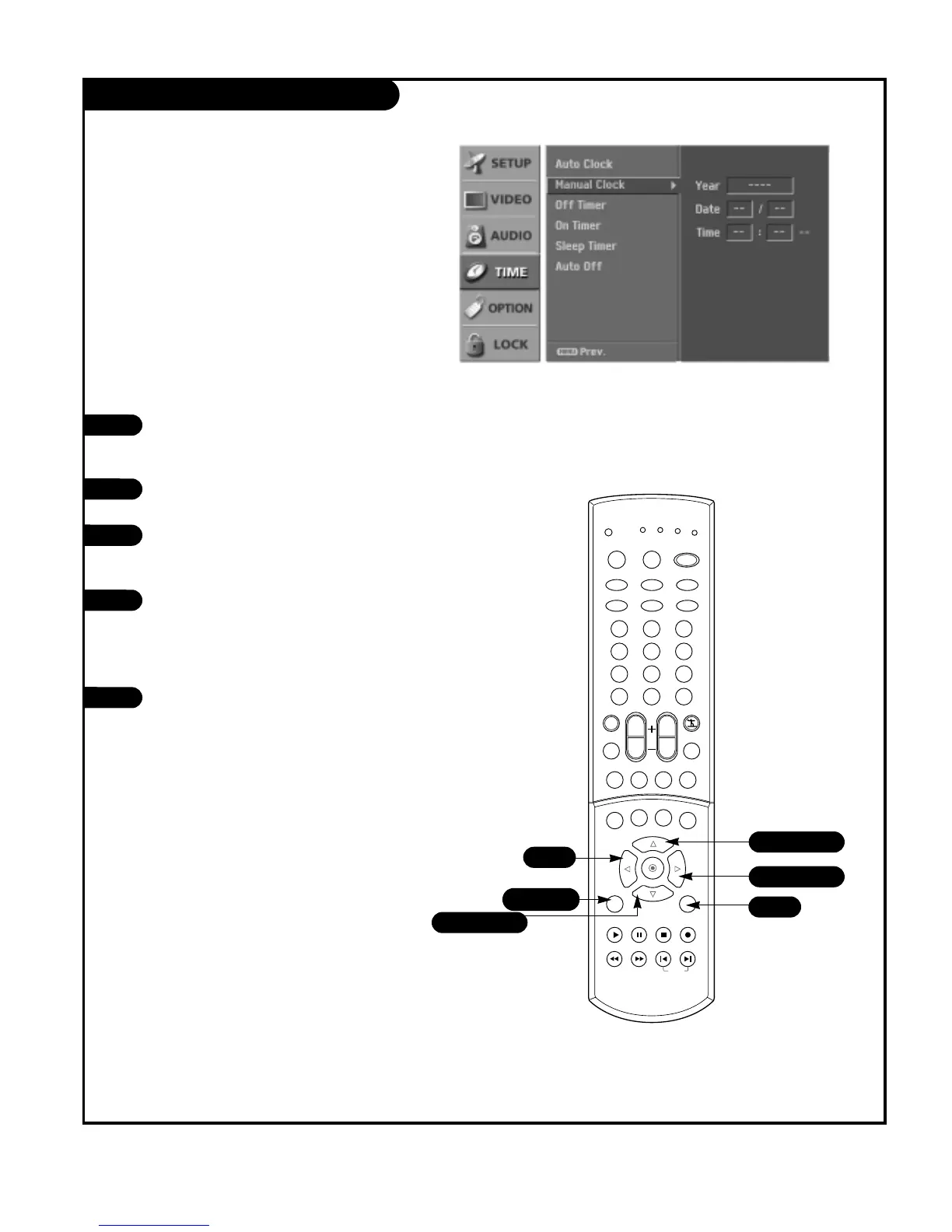
Manual Clock Setup
Press the MENU button on the remote
control, then use the UP/DOWN arrow
button to select the Time menu option.
Press the RIGHT arrow button to activate
the Time menu.
Use the UP/DOWN arrow button to choose
Manual Clock, then press the RIGHT arrow
button.
Use the LEFT/RIGHT arrow button to
select either the year, hour or minutes
option. Once selected, use the UP/DOWN
arrow button to set the year, hours or
minutes.
Press EXIT button to return to TV viewing
or press MENU button to return to the
previous menu.
1
2
3
4
5
If current time setting is erased by a power failure or if
TV is unplugged, reset the clock.



 To Next Page