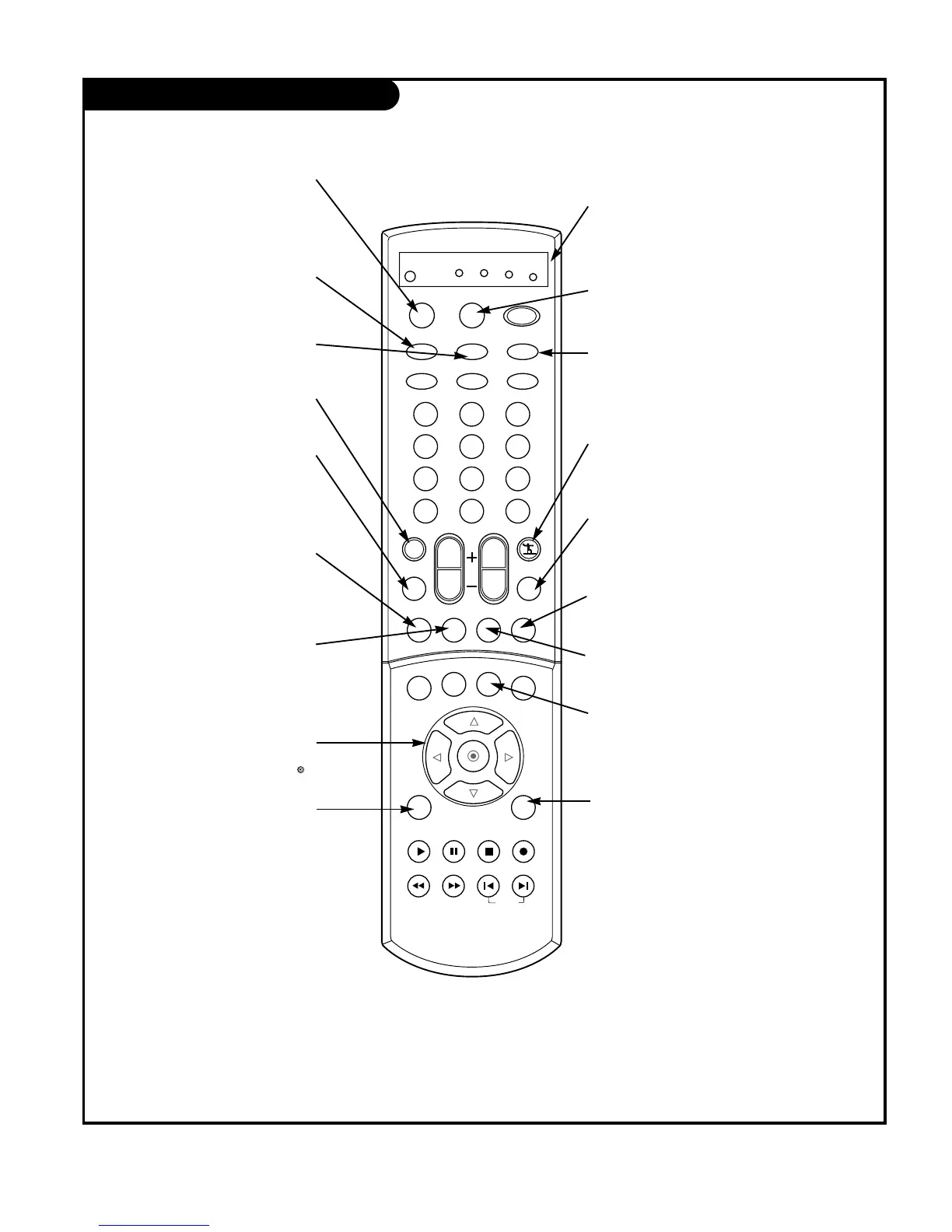
SURF
Use to scroll the Surf channel
list.
MENU
Brings up the main menu
to the screen.
EXIT
Clears all on-screen displays
and returns to TV viewing
from any menu.
CC
Lets you select a closed caption
mode for displaying captioning
information when provided for
DTV/Analog signal.
VIDEO
Adjusts the factory preset pic-
ture according to the room.
PIPCH+
Changes to next higher PIP
channel.
PIP INPUT
Selects the input source for
the sub picture.
MUTE
Switches the sound on or off
THUMBSTICK
Allows you to navigate the on-screen
menus and to adjust the system set-
tings and preferences, by moving to
an option with
F G
and selecting the
highlighted option with .
TV/VIDEO
Selects: DTV, Analog, Video1,
Video2, Video3, Front video,
Component 1-2, and DVI input
sources.
MODE
Selects the remote operating mode:
TV, VCR, Cable, DVD or Satellite.
Select other operating modes, for
the remote to operate external
devices.
FRONT
Selects the front video input
sources.
COMP/DVI
Selects: Component 1,
Component 2, and DVI input
sources.
AUDIO
Selects MTS sound: Mono,
Stereo, and SAP.
Change the audio language
in DTV mode.
PIPCH-
Changes to next lower
PIP channel
PIP
Switches between PIP, POP
(Picture-out-of-Picture) and
Twin picture mode.
LIGHT
Illuminates the remote control
buttons.
MODE INDICATOR
LIGHTS
Show active remote mode
every time any button is
pressed.
D
E



 To Next Page