PAGE 42
206-03890
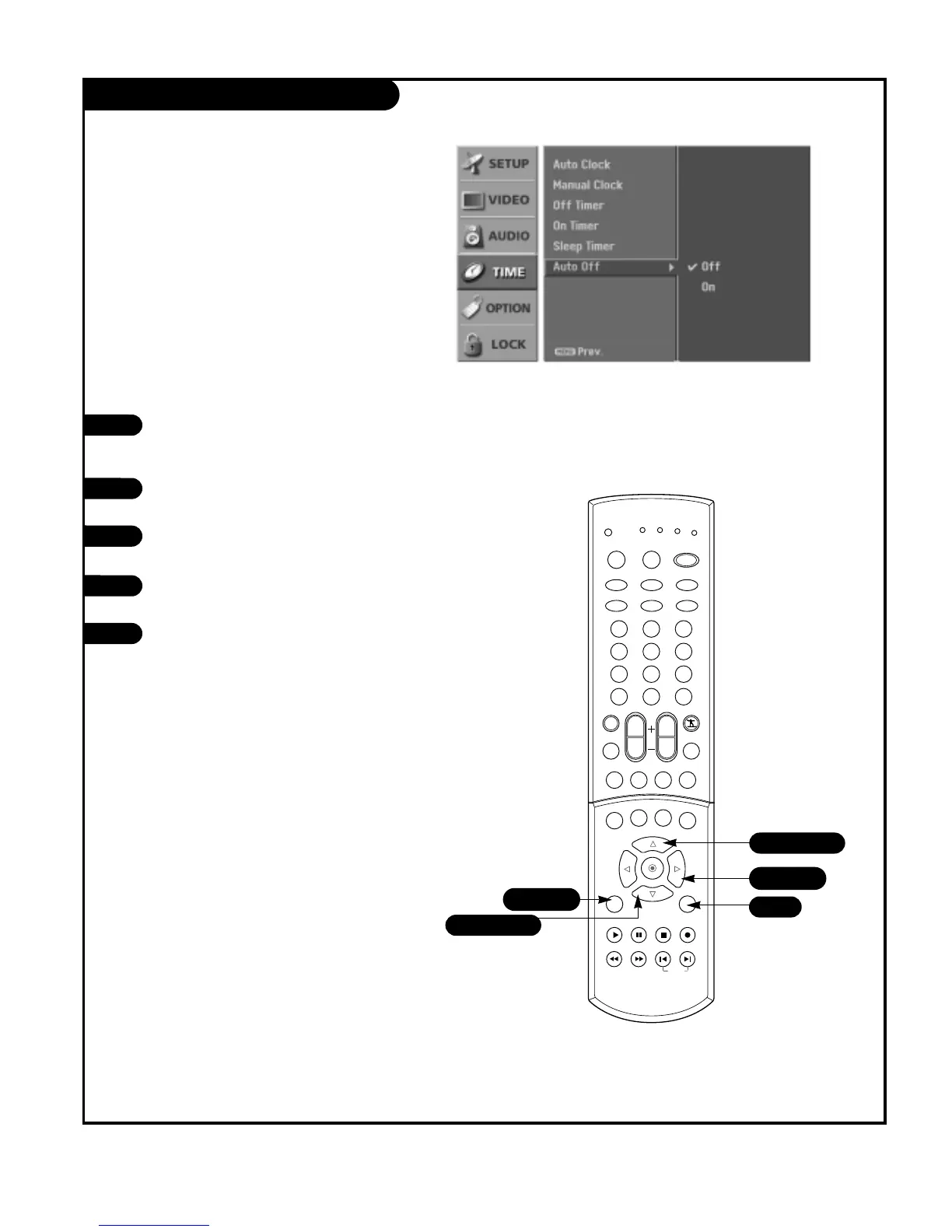
Auto Off
If there is no input signal, the TV can be set up to switch
to standby mode automatically after 10 minutes.
Press the MENU button on the remote
control, then use the UP/DOWN arrow
button to select the Time menu.
Press the RIGHT arrow button to go to
the Time menu.
Use the UP/DOWN arrow button to choose
Auto Off then press the RIGHT arrow.
Use the UP/DOWN arrows to choose On or
Off.
Press EXIT button to return to TV viewing
or press MENU button to return to the
previous menu.
1
2
3
4
5



 To Next Page