PAGE 31
206-03890
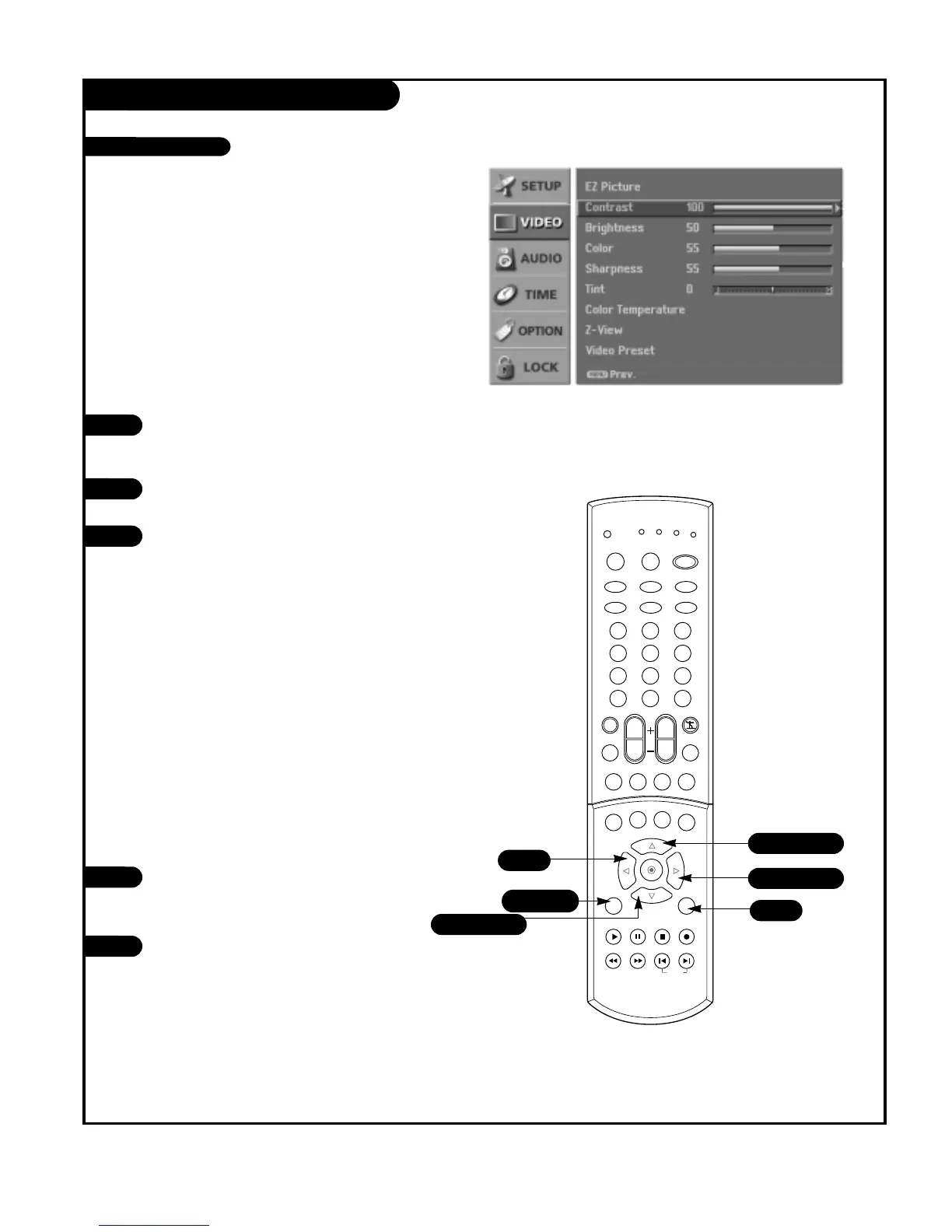
VIDEO Menu
Press the MENU button on the remote
control, then use the UP/DOWN arrow
button to select the Video menu.
Press the RIGHT arrow button to access
the Video menu.
Use the UP/DOWN arrow button to select
one of the following options: Contrast,
Brightness, Color, Sharpness, or Tint, then
press the RIGHT arrow button.
• Contrast: Adjusts the difference
between the light and dark levels of
the picture.
• Brightness: Adjusts the white or light
level of the overall picture.
• Color: Adjusts the intensity of all col-
ors.
• Sharpness: Adjusts the level of crisp-
ness in the edges between the light
and dark areas of the picture. The lower
the level, the softer the image.
• Tint: Adjusts the balance between the
red and green levels.
Use the LEFT/RIGHT arrow button to
adjust the option to your preference. Use
the UP/DOWN arrow button to select
another option.
Press EXIT button to return to TV viewing
or press MENU button to return to the
previous menu.
1
2
3
You can manually adjust the levels of picture quality settings,
such as Contrast, Brightness, Sharpness, etc.
Adjust the picture appearance to suit your preference and
viewing situations.
4
5



 To Next Page