PAGE 28
206-03890
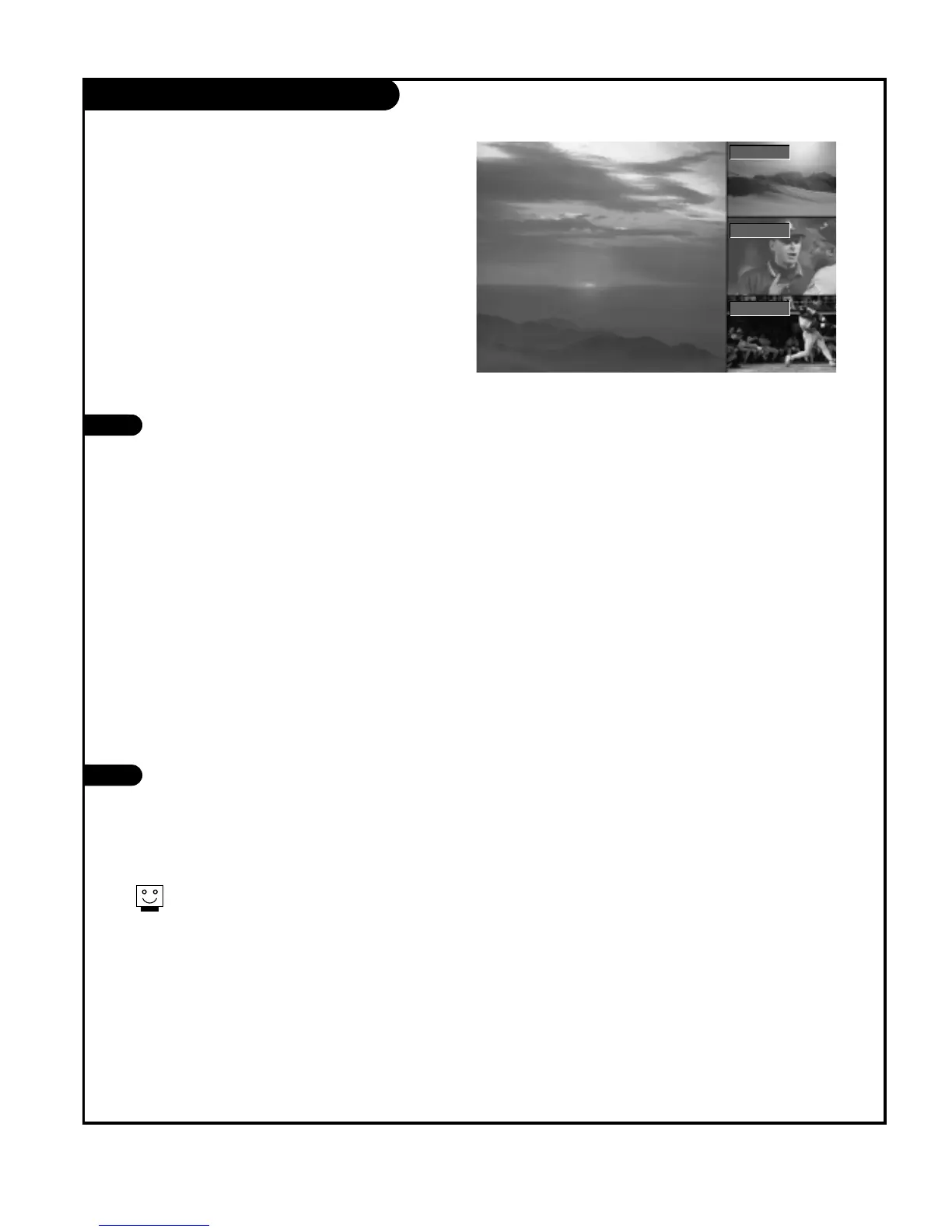
POP (Picture-Out-Of-Picture) Source
Press PIP on the remote control with the
PIP image on the screen to activate POP
(Picture-out-of-Picture) mode.
The pictures of all the programmed chan-
nels are searched with the 3 POP screen,
as shown to the right.
• Channel selection: Press LEFT arrow but-
ton to enlarge the selected channel
being searched on the PIP screen to
view it on the Main screen.
• PIP selection: Use UP/DOWN arrow but-
ton to select one of 3 PIP screen pic-
tures in POP mode.
• Input source selection for PIP: Use PIP
INPUT button or Sub input of Setup
menu to select input souce for sub pic-
ture (You can’t select DTV for main and
sub picture simultaneously).
Press the EXIT button to exit POP mode.
1
2
Use POP to search the pictures of all the programmed chan-
nels one-by-one on the 3 PIP screen display, while the main
screen remains the current channel.
Run EZ Scan channel search before using
POP mode.
F TV 13-0
EE
DD
TV 51-0
TV 63-0



 To Next Page