PAGE 23
206-03890
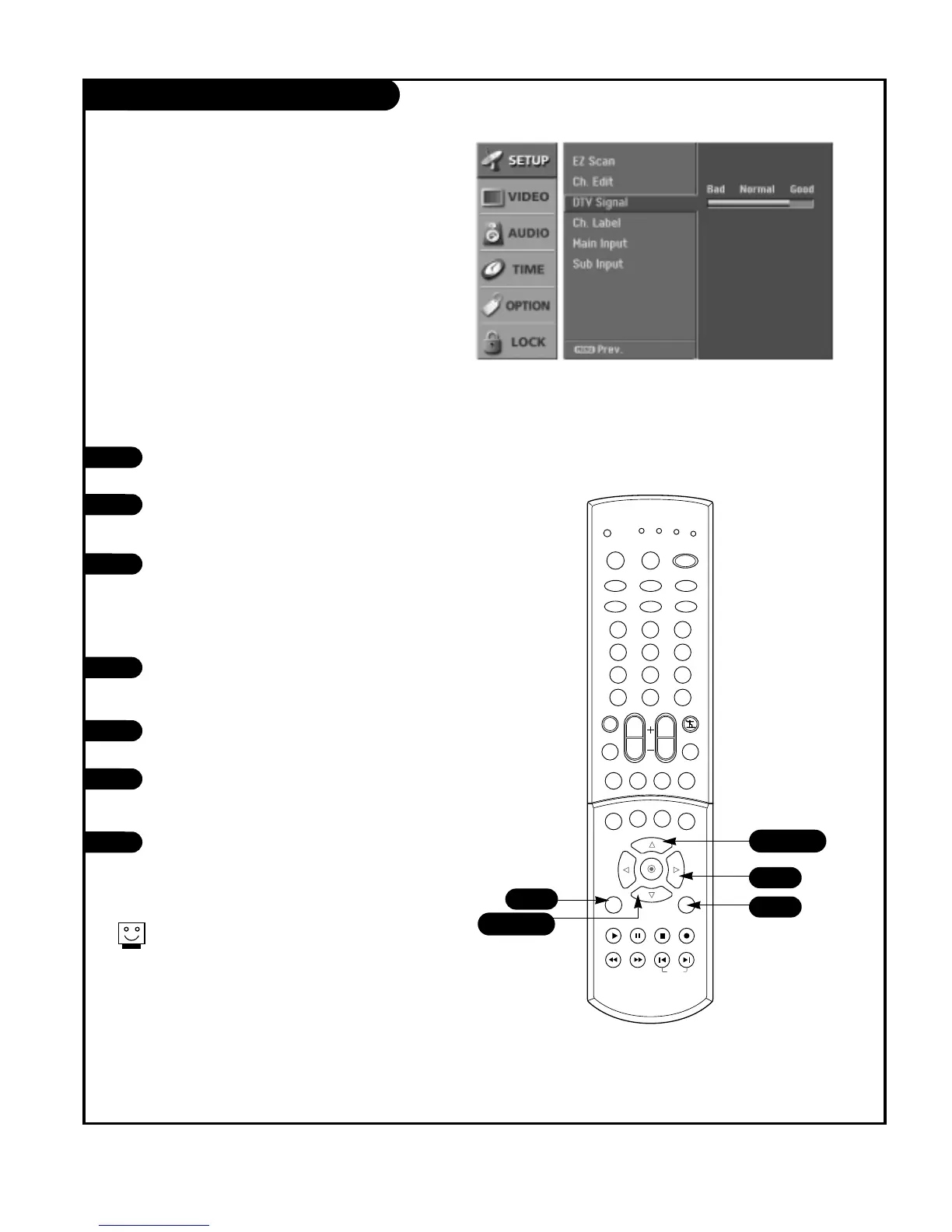
DTV Signal
1
2
Press the SIGNAL button on the remote
control.
View the on-screen signal strength moni-
tor to see the quality of the signal being
received.
Press EXIT button to return to TV viewing.
3
Lets you know how strong your DTV signal is and whether
you need to adjust your antenna or digital cable input.
The higher the signal strength, the less likely you are to
experience degradation.
NOT all areas or programs are currently
available with Digital DTV signals.
Select the DTV in Main Input on the menu,
to check the DTV signal.
Using the SIGNAL button
1
2
Press the MENU button on the remote
control, then use the UP/DOWN arrow
button to select the Setup menu.
Press the RIGHT arrow button to access
the Setup menu.
Use the UP/DOWN arrows to select the
DTV Signal. Current signal strength is
shown on menu.
Press EXIT button to return to TV viewing.
3
4
Using the menu



 To Next Page