PAGE 7
206-03890
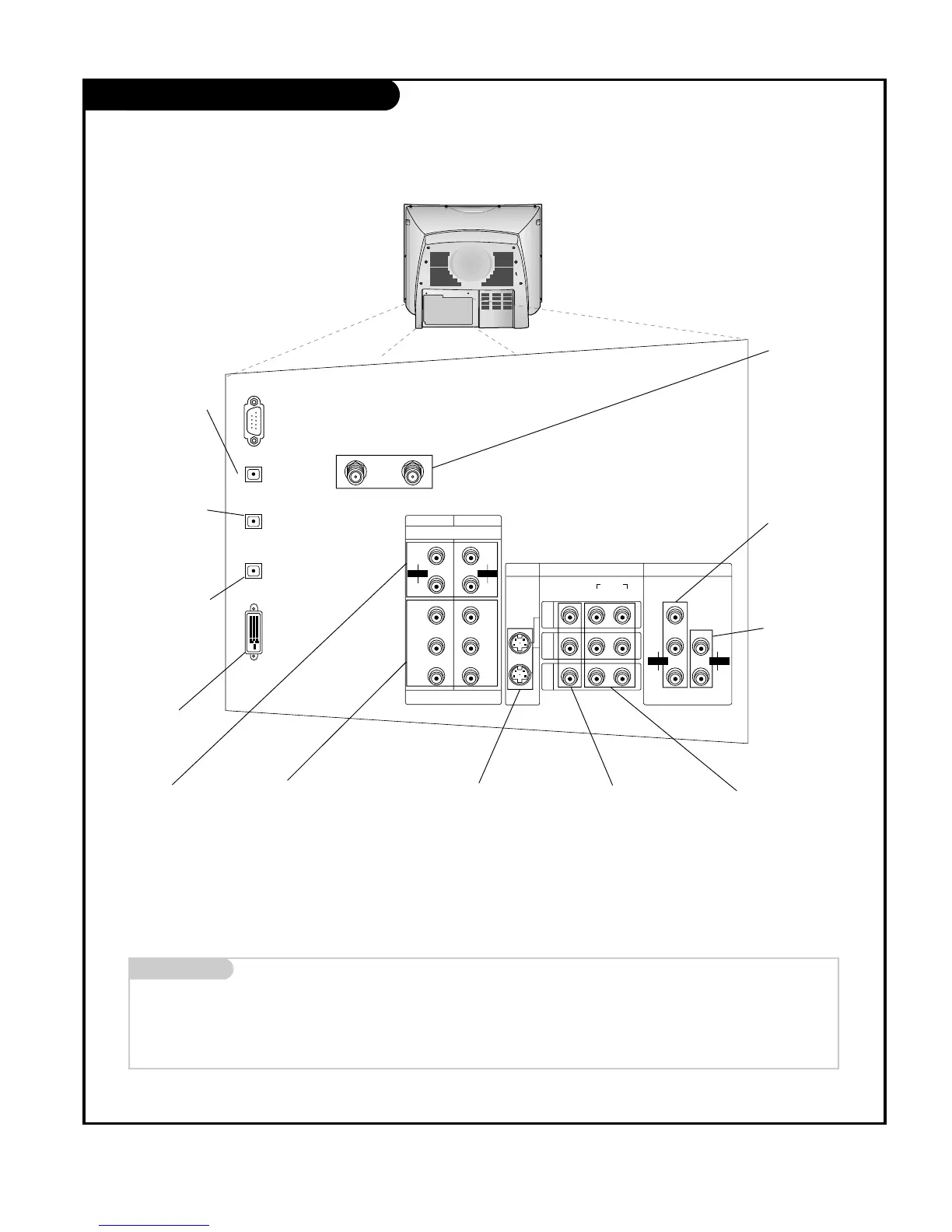
Rear Connections Panel
Mini glossary
JACK A connection on the back of a TV, VCR, or any other A/V device. This includes the RF jack and the Audio/Video jacks that are color-
coded.
SIGNAL Picture and sound traveling through cable, or over the air, to your television screen.
S-Video In
A connection available
with some high-end
equipment that provides
even better picture
quality for Video 1, 2.
RF Connectors:
Antenna 1 Input,
Antenna 2 Input
Used to connect
cable or antenna sig-
nals to the television,
either directly or
through your cable
box.
Video 1, 2 and 3 Inputs
Connects the video signals
from various types of
equipment.
Y, P
B, PR
DVD Component Video and HD
Component Video
Some top-of-the-line DVD players use
what is called “component video,” for
extremely accurate picture reproduc-
tion. Refer to your DVD manual for
further information.
Connecting external equipment to your TV.
Monitor Out
Connects to a second
TV or Monitor.
Left/Right Audio
Used for stereo sound
from various types of
equipment.
Component Left/Right
Audio
Used for stereo sound from
various types of equipment.
Variable Audio Out
Used to connect
either an external
amplifier, or add a
sub-woofer to your
surround sound system.
DVI-HDTV Input
Used to connect
from a DTV source.
Digital Audio
Output Optical
Connects to external
audio equipment
like a home theater
system.
Digital Audio
Input1 Optical
Connects to digital
audio from various
types of equipment.
Digital Audio
Input2 Optical
Used in audio
connection from a
DTV source.



 To Next Page