PAGE 49
206-03890
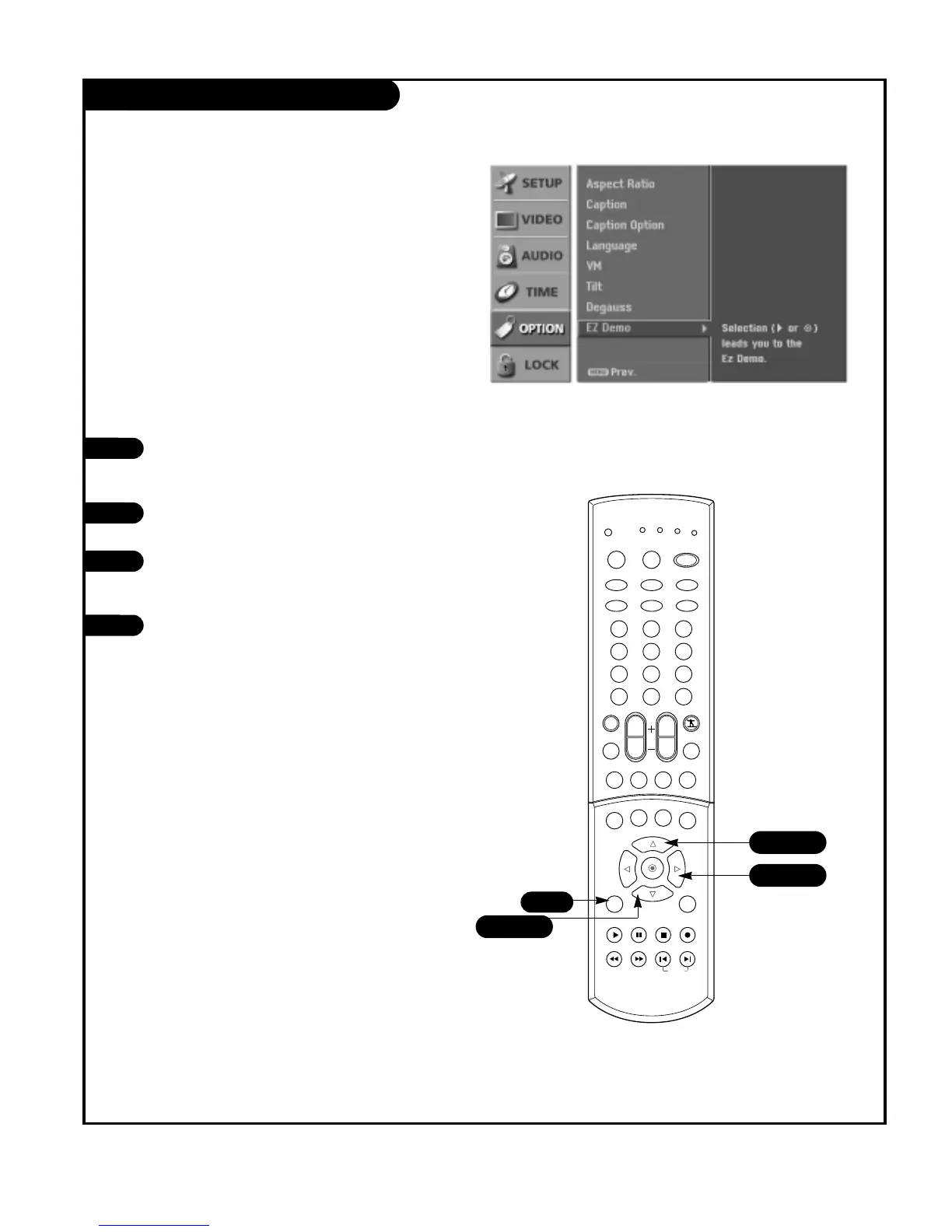
EZ Demo
Press the MENU button on the remote
control, then use the UP/DOWN arrow
button to select the Option menu.
Press the RIGHT arrow button to access
the Option menu.
Use the UP/DOWN arrow button to select
EZ Demo, then press the RIGHT arrow
button.
Press EXIT button on the remote to stop
EZ Demo.
1
2
3
4
Shows you how to navigate the TV's on-screen menus.



 To Next Page