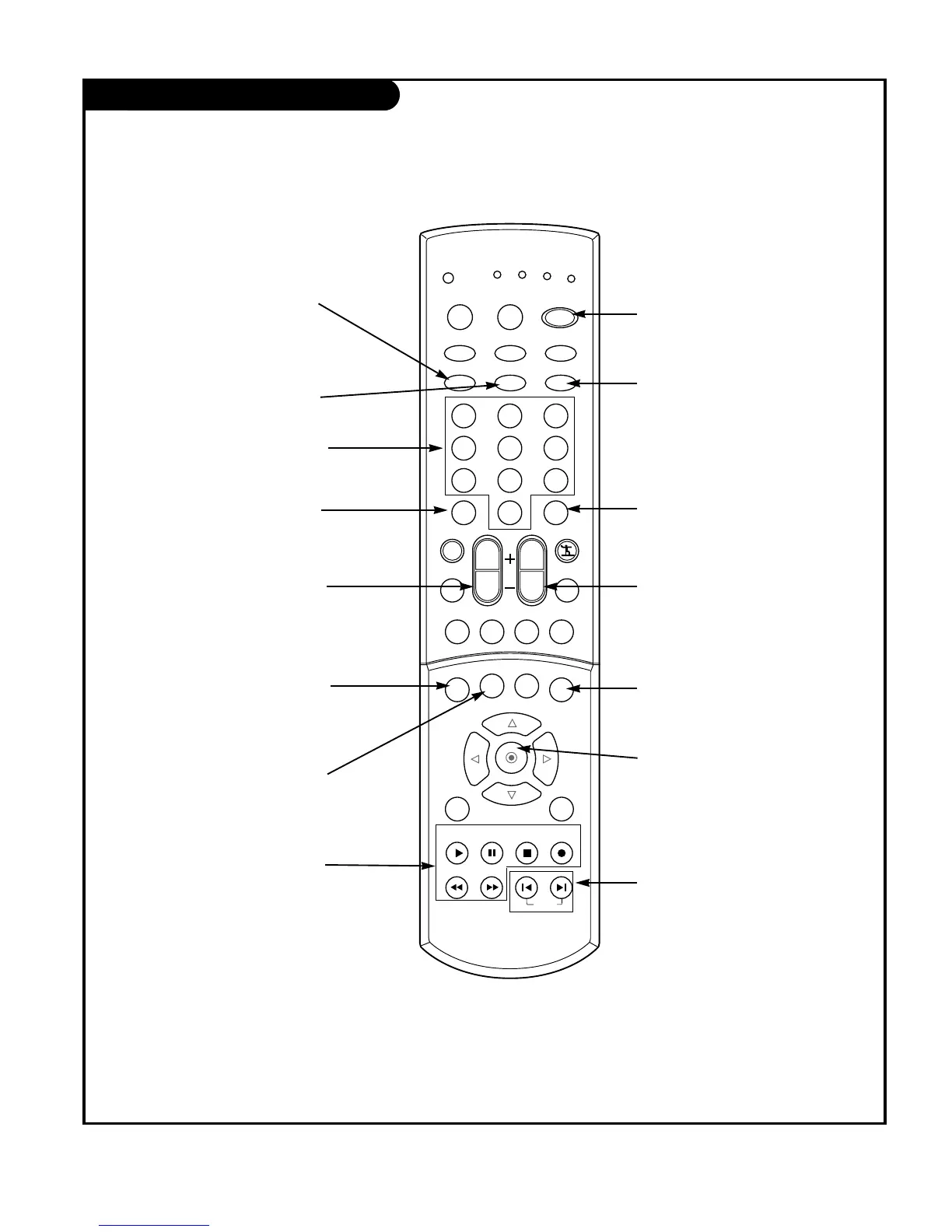
POWER
Turns your TV or any other
programmed equipment on or
off, depending on mode.
CHANNEL UP/DOWN
Scrolls through available channels
present in EZ Scan memory.
NUMBER KEYPAD
For direct channel selection and
programming functions.
ENTER
When in the menu system and
other on-screen displays,
selects highlighted options.
RECORD, PAUSE, REW, FFWD,
PLAY, STOP
Control the functions on your VCR.
VOLUME UP/DOWN
Increases/decreases the sound level.
INFO
When you watch the TV, dis-
plays information on top of the
screen. Not available in
Component 1-2 and DVI.
SKIP LEFT/RIGHT
Playing CDs: Selects songs.
Playing DVDs: Selects movie
chapters.
RATIO
Changes the aspect ratio.
SIGNAL
Displays the digital signal strength.
DASH
Is used to enter a program num-
ber for multiple program channels
such as 2—1,2—2,etc.
FLASHBK
Tunes to the last channel
viewed.
TIMER
Lets you select the amount of
time before your TV turns
itself off automatically.
SWAP
Swaps the signal from your PIP
window to the main screen.
FREEZE
Captures and freezes the
currently-viewed picture.
Main picture is frozen in
PIP or Twin picture mode.



 To Next Page