PAGE 45
206-03890
Closed Captions (Continued)
1
2
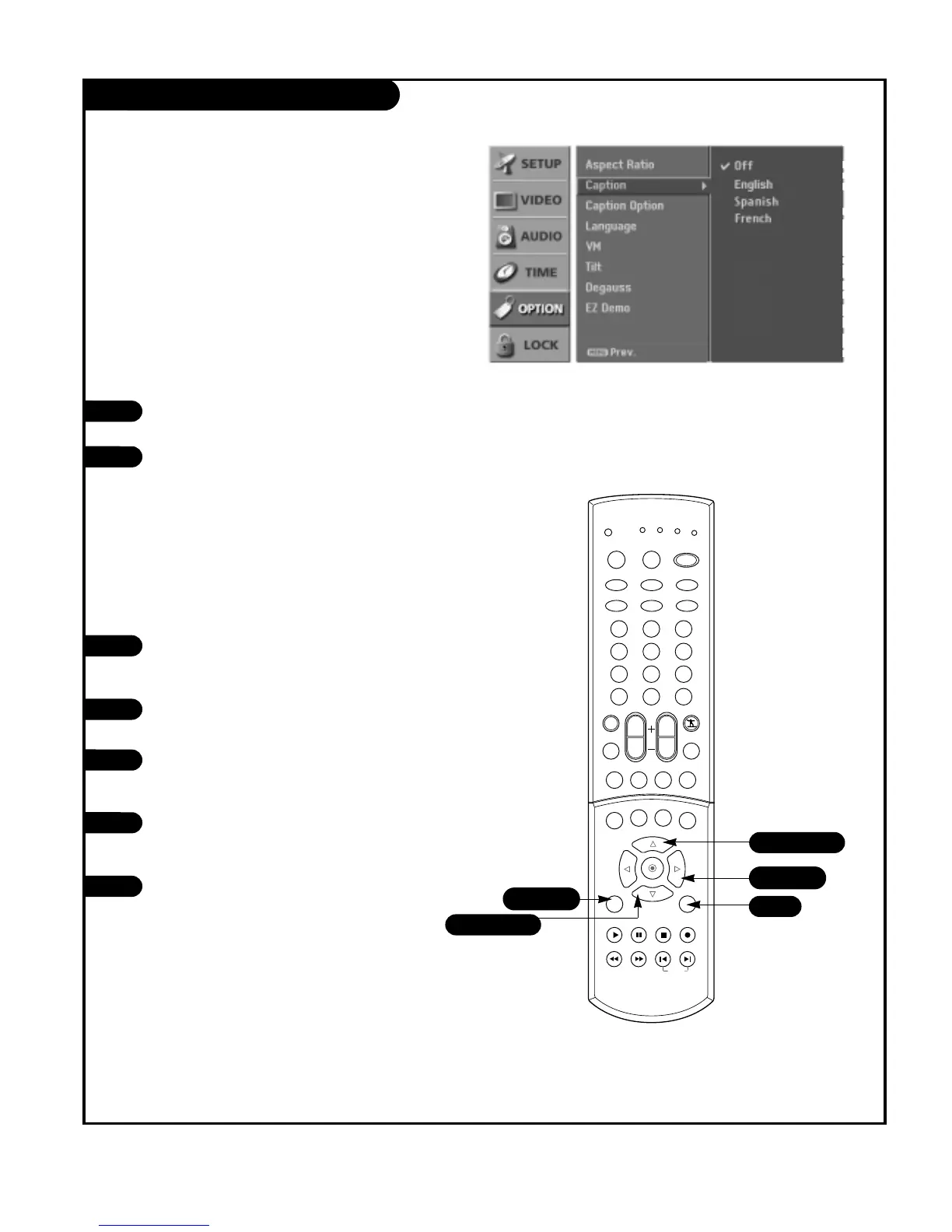
Press the MENU button on the remote
control, then use the UP/DOWN arrow
button to select the Option menu.
Press the RIGHT arrow button to access
the Option menu.
Use the UP/DOWN arrows to select the
Caption, then press the RIGHT arrow but-
ton.
Use the UP/DOWN arrow button to choose
any of the following options : Off,
English, Spanish, or French.
Press EXIT button to return to TV viewing
or press MENU button to return to the
previous menu.
1
2
Press the CC button repeatedly to scroll
and select available caption languages.
Press EXIT to save and return to TV view-
ing.
3
4
5
Choose the language you want the DTV/CADTV Captions
to appear in.
Languages can be chosen for digital sources only if they
are included on the program.



 To Next Page