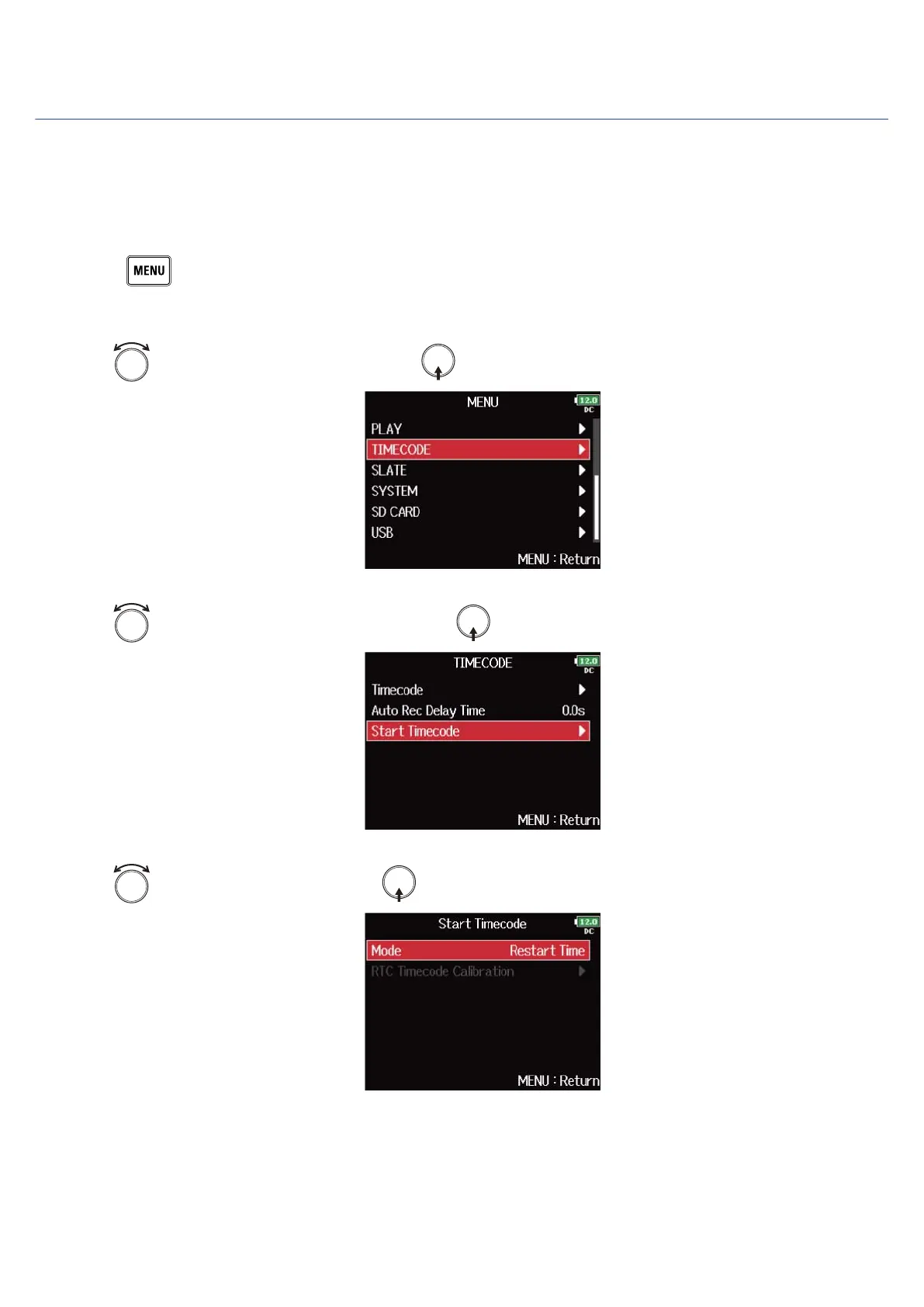
Setting timecode initialization used at startup (Start Timecode)
Since internal timecode stops when the F8n Pro is turned off, the timecode is automatically initialized
(jammed) during startup. You can set the value that is used for jamming at that time.
■ Setting how timecode is initialized at startup
1. Press .
This opens the Menu Screen.
2. Use to select “TIMECODE”, and press .
3. Use to select “Start Timecode”, and press .
4. Use to select “Mode”, and press .
153



 To Next Page