Editing folder (tape) names
1. Open the metadata editing screen. (→Displaying the metadata editing screen)
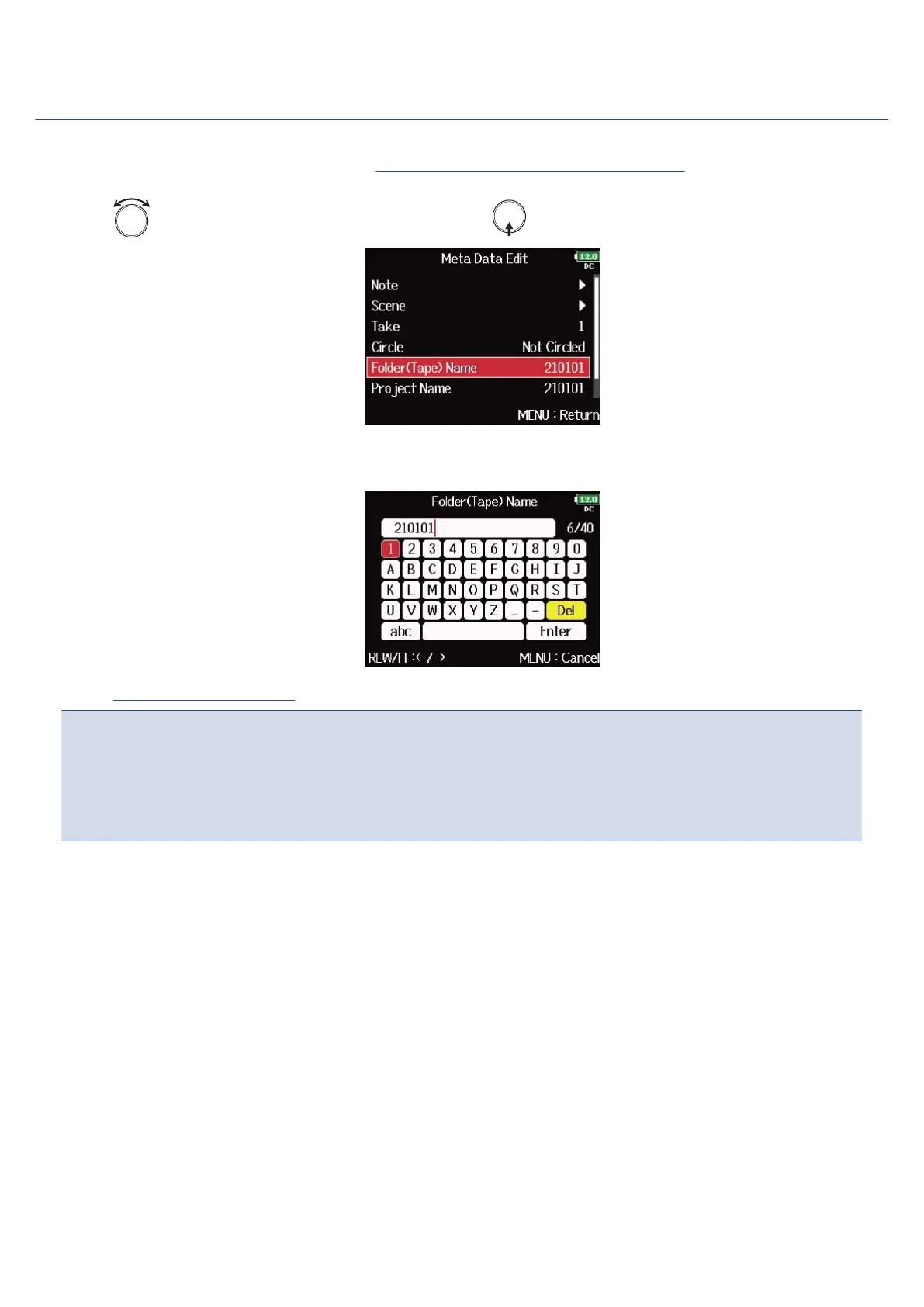
2. Use to select “Folder (Tape) Name”, and press .
3. Edit the folder (tape) name.
See “Character input screen” for how to input characters.
NOTE:
• The folder (tape) name is written to the <TAPE> metadata.
• The folder (tape) name used immediately after recording is the name of the folder in which the take was
recorded.
223



 To Next Page