Editing project names
1. Open the metadata editing screen. (→Displaying the metadata editing screen)
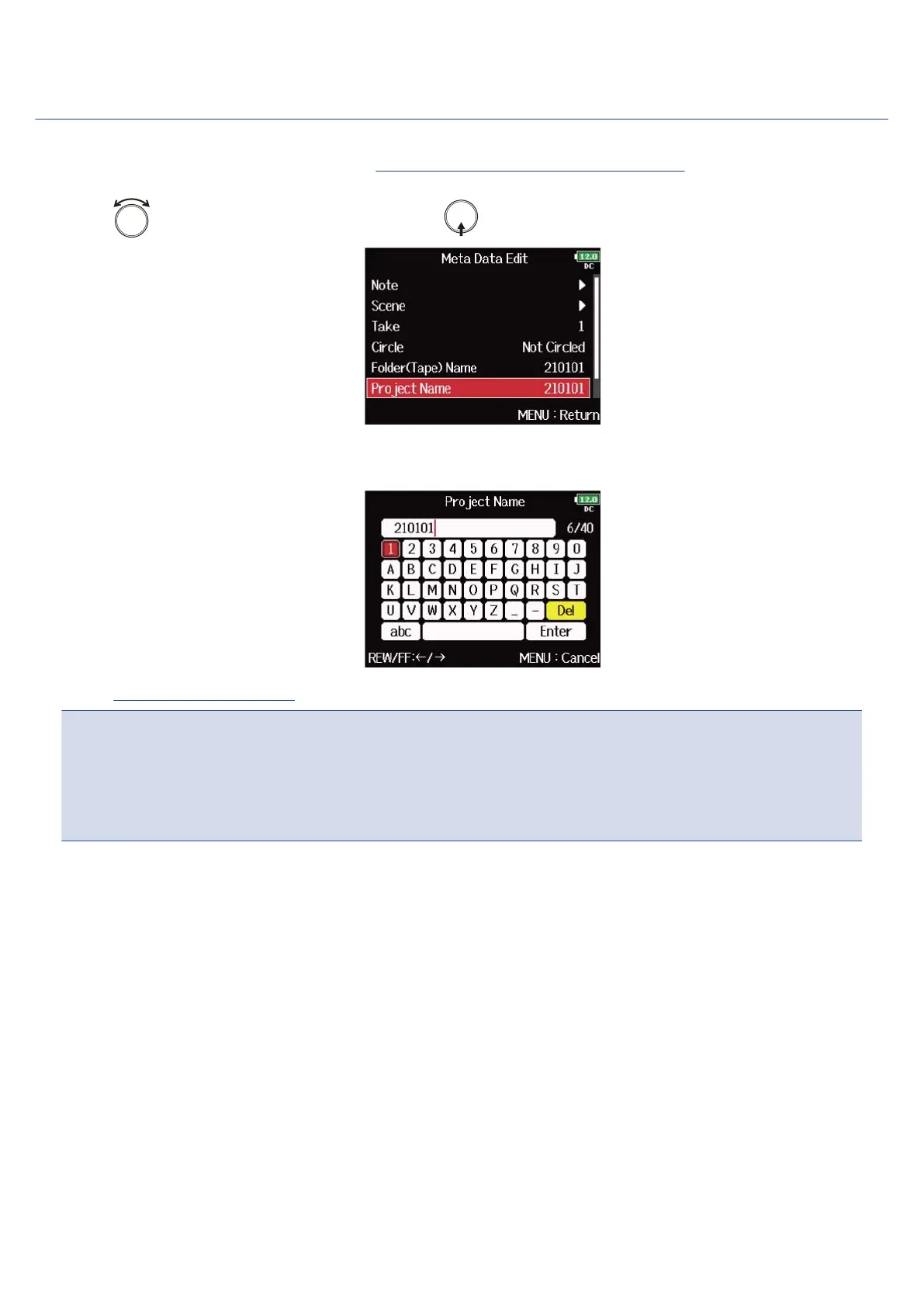
2. Use to select “Project Name”, and press .
3. Edit the project name.
See “Character input screen” for how to input characters.
NOTE:
• The project name is written to the <PROJECT> metadata.
• The project name used immediately after recording includes the name of the highest level folder (inside
the SD card root directory) that contains the folder in which the take was recorded.
224



 To Next Page