█
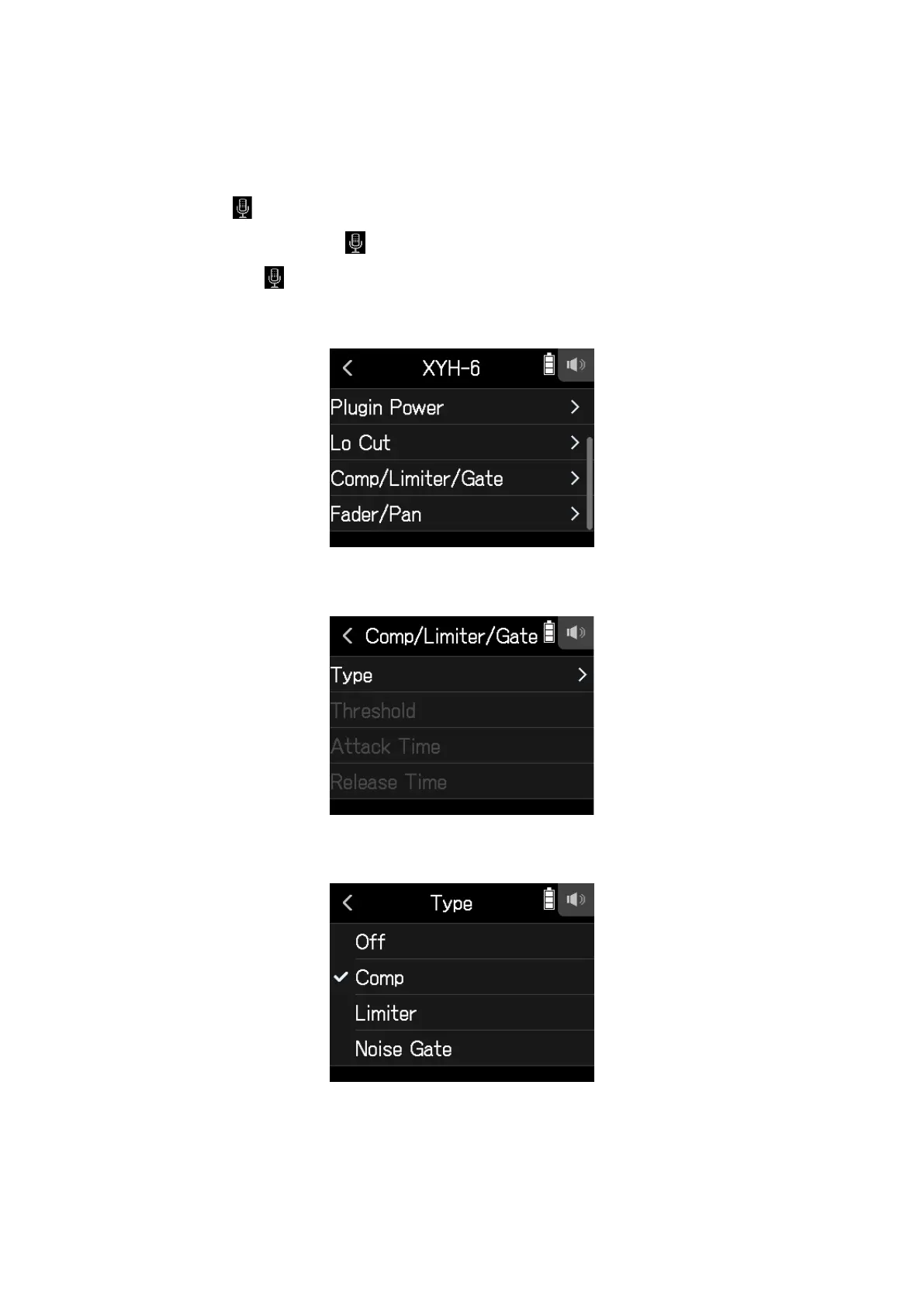
Selecting the compressor, limiter or noise gate
1.
Open the Track Setting Screen in the app.
Tap in the following order:
• FIELD app screen >
> select track
• MUSIC app screen > select track >
• PODCAST app screen > > select track
2.
Tap Comp/Limiter/Gate.
3.
Tap Type.
4.
Tap Comp, Limiter or Noise Gate.
• Comp: This selects the compressor and sets the ratio to 4:1.
• Limiter: This selects the Limiter and sets the ratio to 20:1.
• Noise Gate: This selects the noise gate.
• Off: This disables the compressor, limiter and noise gate.
33



 To Next Page