█
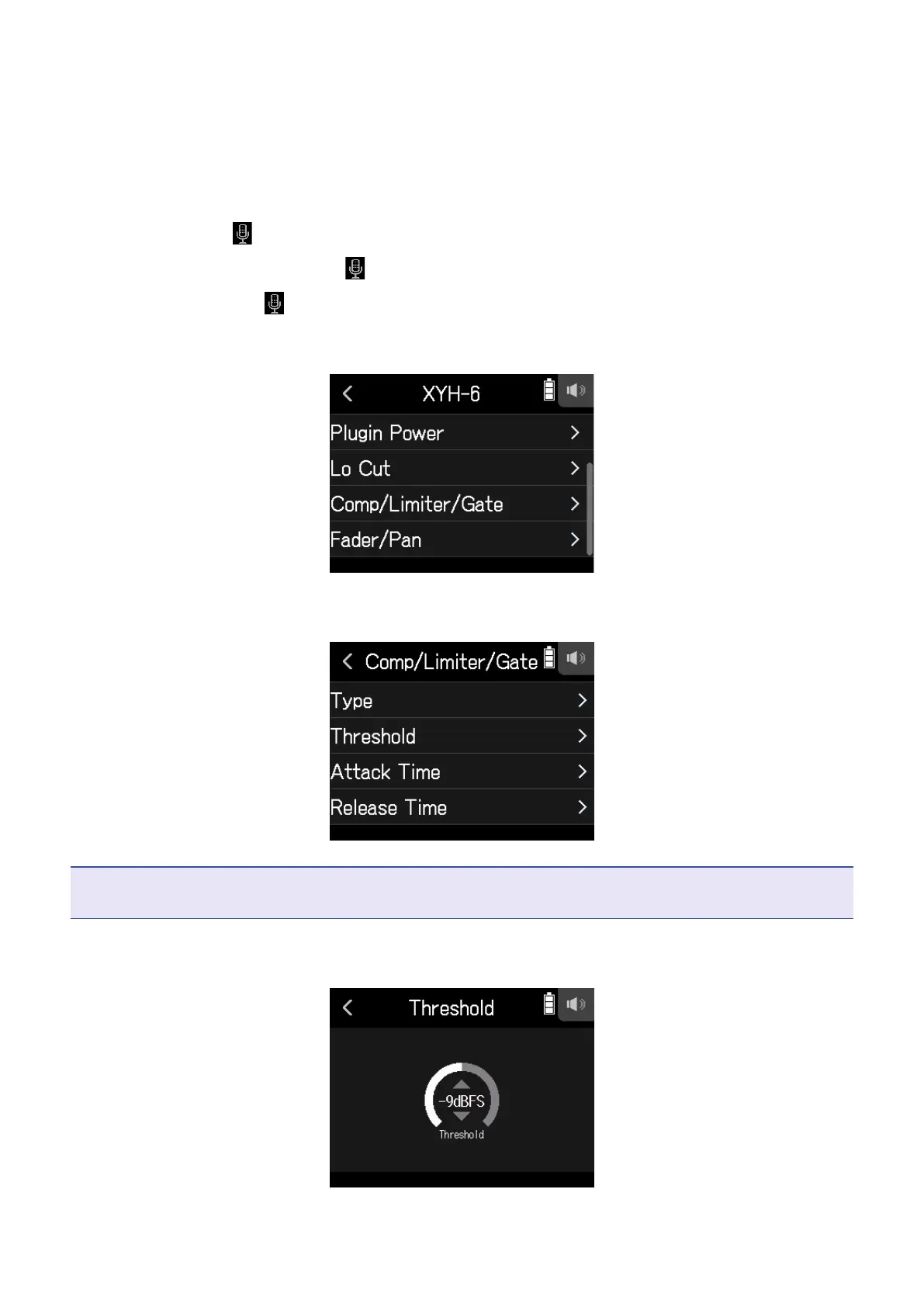
Setting the threshold
This sets the base level from which the limiter operates.
1.
Open the Track Setting Screen in the app.
Tap in the following order:
• FIELD app screen >
> select track
• MUSIC app screen > select track >
• PODCAST app screen > > select track
2.
Tap Comp/Limiter/Gate.
3.
Tap Threshold.
NOTE
Threshold cannot be set if Type is set to Off.
4.
Slide the slider to adjust.
34



 To Next Page